

AirPin PRO - AirPlay & DLNA








AirPin PRO - AirPlay & DLNA App Info
-
App Name
AirPin PRO - AirPlay & DLNA
-
Price
4.99
-
Developer
WaxRain Tech.
-
Category
Video Players & Editors -
Updated
2024-12-24
-
Version
5.6.1
AirPin PRO – Effortless无线多屏体验的强大助手
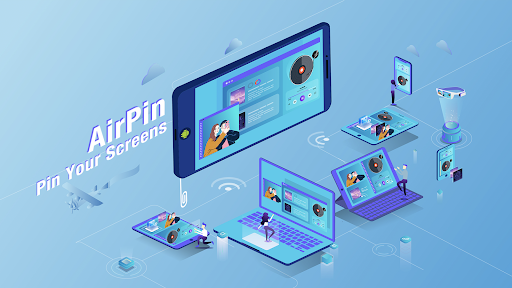
AirPin PRO is a versatile app designed to seamlessly stream and share content across devices via AirPlay and DLNA protocols, making your multimedia experience smoother and more integrated. Whether you're craving to mirror your iOS device onto a bigger screen or share media effortlessly within your home network, this app strives to bridge the gap with intuitive features and robust compatibility.
Developers behind the magic
Created by a dedicated team of developers focused on multimedia streaming solutions, AirPin PRO embodies a blend of technical expertise and user-centric design aimed at delivering reliable and versatile streaming capabilities.
Key Features That Make a Difference
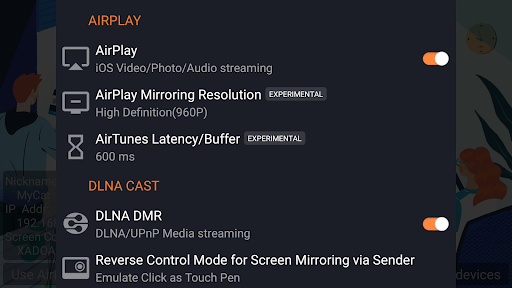
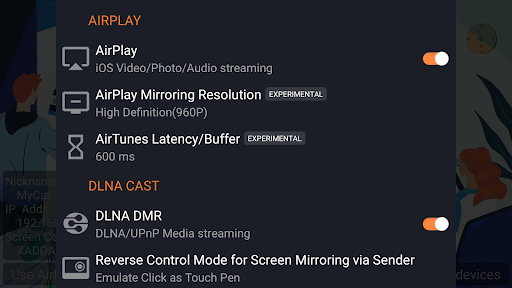
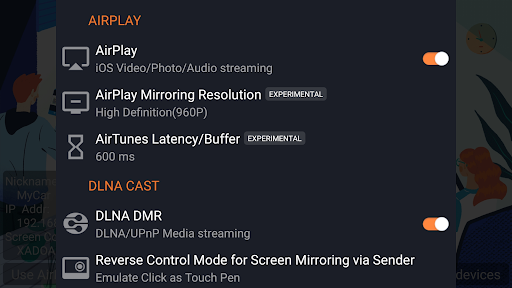
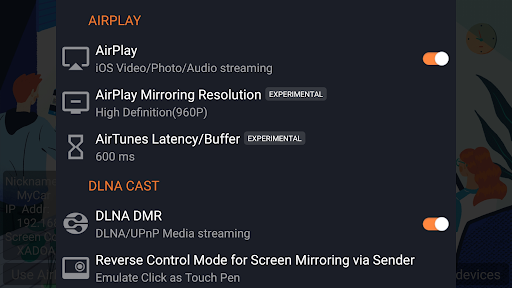
- Comprehensive Protocol Support: Seamlessly supports both AirPlay and DLNA, enabling broad device compatibility—be it Apple devices, Android devices, smart TVs, or media players.
- High-Quality Streaming & Mirror Casting: Delivers smooth, high-definition video and audio streaming with minimal latency, ensuring a near-native experience on any compatible device.
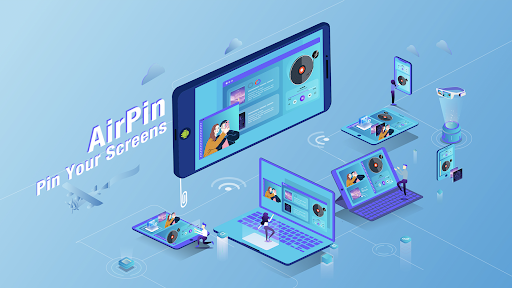
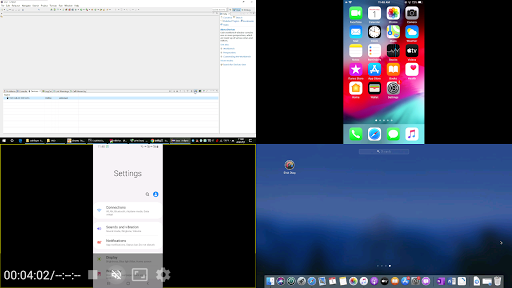
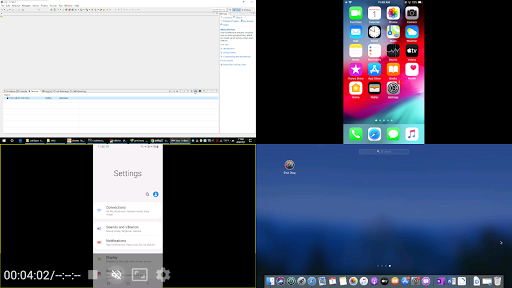
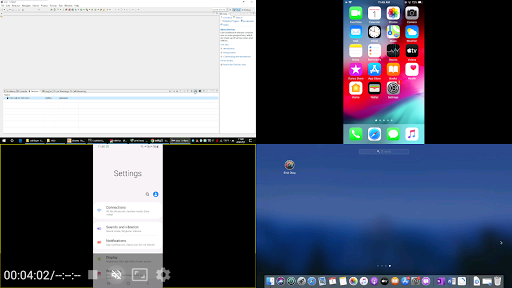
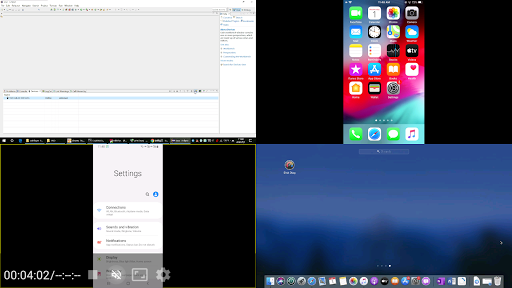
- Multi-Device & Multi-Stream Support: Allows multiple devices to connect and stream simultaneously, transforming your environment into a synchronized multimedia hub.
- Flexible Media Sharing: Supports various media formats, including 4K videos, music, and photos, making your media library universally accessible without format limitations.
Introducing a Fun and Functional User Experience
Imagine lounging on your sofa, iPhone in hand, ready to turn your living room into a personal cinema or a concert hall. That's the kind of experience AirPin PRO aims to deliver—fluid, intuitive, and almost effortless. The app's interface feels like sitting in the cockpit of a well-designed spaceship: sleek, straightforward, and packed with features that are just a tap away. Setting up a connection is as simple as selecting your target device from a clear list, and within seconds, your content streams flawlessly. The learning curve is gentle—beginners can start streaming within minutes, yet advanced users will appreciate customizable options and settings for a tailored experience.
Core Functionality: Streaming & Mirroring
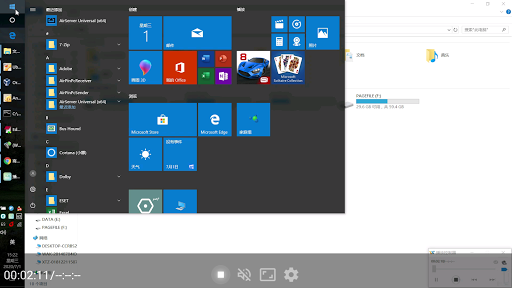
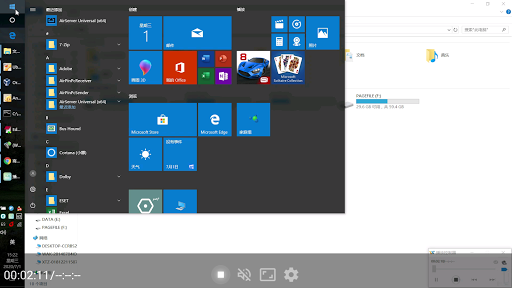
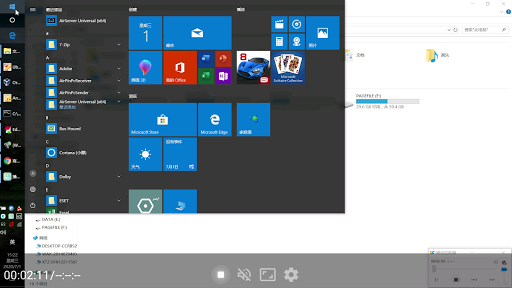
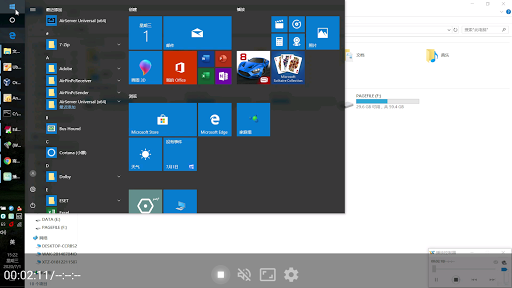
The heart of AirPin PRO lies in its ability to stream and mirror content. Its support for AirPlay allows iOS users to effortlessly mirror their devices onto larger screens, perfect for presentations, gaming, or sharing family moments. Meanwhile, DLNA support broadens the app's compatibility to include a wide array of Android and PC devices, making it a universal media conduit. The app manages to maintain crisp video quality and synchronized audio, even when handling 4K content, which is a significant plus for cinephiles and media enthusiasts.
User Interface & Performance
Designed with elegance and clarity, the interface guides users intuitively through device discovery and media selection. Operations are smooth, with rapid connection times and steady streaming even during prolonged sessions. The app runs seamlessly in the background, with minimal resource consumption, which means your device's performance remains unaffected. The minimalistic design ensures you're not overwhelmed by options; instead, you're equipped with just enough controls to customize your experience without confusion.
What Sets It Apart from Other Media Apps?
Unlike typical media players or editors that focus purely on local playback or editing workflows, AirPin PRO excels in cross-device media sharing—its particular strength being its harmonious support for both AirPlay and DLNA protocols. This dual compatibility is not just a technical duality but a real-world game-changer, allowing users to connect a broader ecosystem of devices without switching apps or formats. Additionally, its support for high-quality streams in various formats, including 4K, combined with the ability to mirror without lag, makes it stand out from simpler screen-sharing apps. While some apps may excel at AI-powered editing or format recognition, AirPin PRO's uniqueness lies in its stability and versatility as a multimedia bridge.
Should You Give It a Spin?
Considering its robust support for multiple protocols, ease of use, and high-quality streaming, AirPin PRO is highly recommended for users seeking a reliable media sharing tool within their smart home environment. It's particularly suitable for families, small teams, or tech enthusiasts who value versatility and straightforward operation without technical hassles. For those primarily looking for a simple screen mirroring solution or groundwork for a complex media setup, this app offers a balanced mix of power and simplicity.
In summary, AirPin PRO isn't just another streaming app; it's a practical, flexible, and stable hub that elevates your multimedia experience. Whether you're hosting a movie night, giving a presentation, or sharing photos, this app gets the job done with efficiency and grace—definitely worth a spot in your digital toolkit.
Pros
Excellent compatibility with AirPlay and DLNA devices
Allows seamless streaming from iOS, macOS, and Android devices to various smart TVs and speakers.
High-quality video and audio streaming
Supports 4K video and lossless audio for a premium playback experience.
User-friendly interface
Intuitive design makes setup and navigation straightforward for most users.
Stable connection and smooth streaming
Ensures minimal buffering and interruptions during playback.
Supports multiple device connections simultaneously
Allows streaming to several devices at once, ideal for multi-room setups.
Cons
Limited free trial period (impact: medium)
Users may find the trial duration short before needing to purchase; official plans may offer longer free options in future updates.
Occasional lag during high-resolution streaming (impact: medium)
Depending on network conditions, 4K content can sometimes buffer; lowering resolution or improving Wi-Fi can help.
Some devices may experience connectivity issues (impact: low)
Compatibility issues can arise with older TVs or network setups; restarting devices often resolves this temporarily.
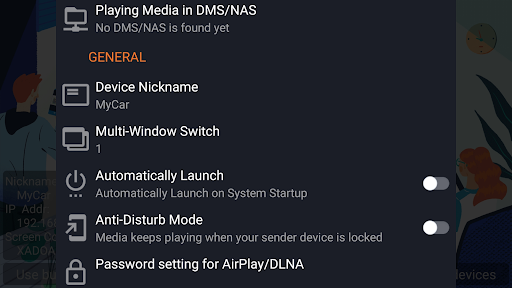
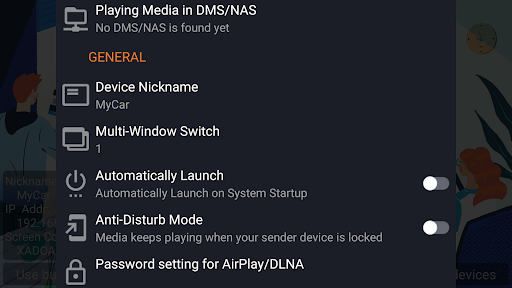
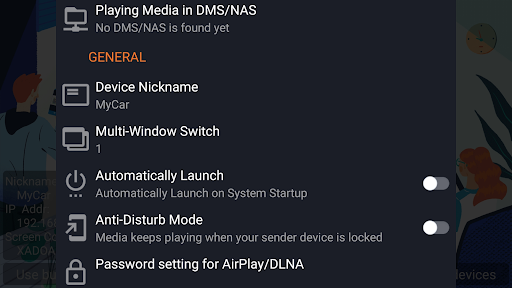
Limited customization options in settings (impact: low)
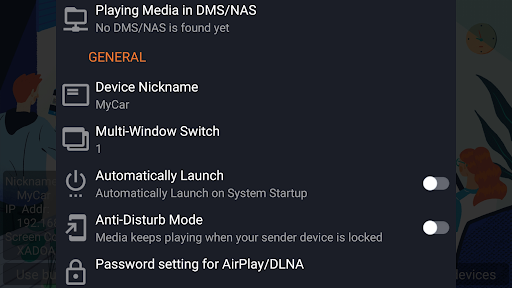
Advanced users may find the app lacking in granular controls but future updates could address this.
Requires a stable Wi-Fi connection (impact: high)
Streaming quality depends heavily on network stability; using a dedicated 5GHz network can improve performance.
AirPin PRO - AirPlay & DLNA
Version 5.6.1 Updated 2024-12-24



















