

AirReceiver AirPlay Cast DLNA
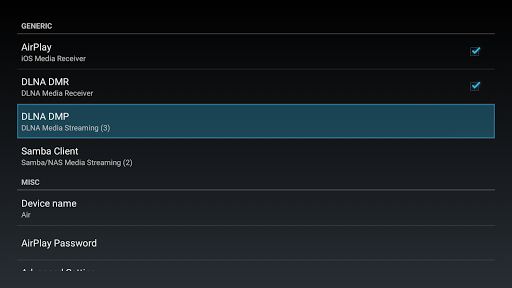
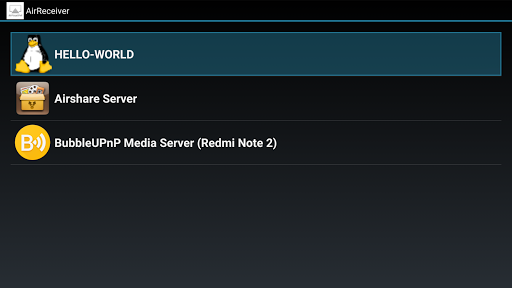
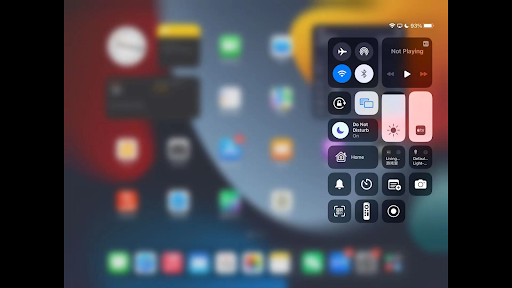
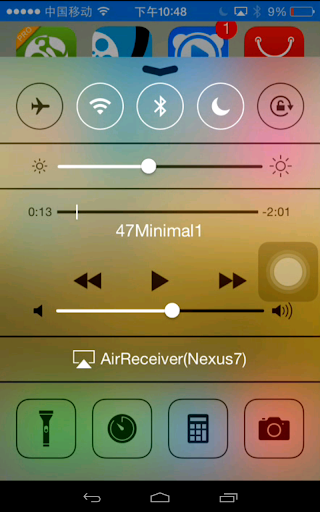
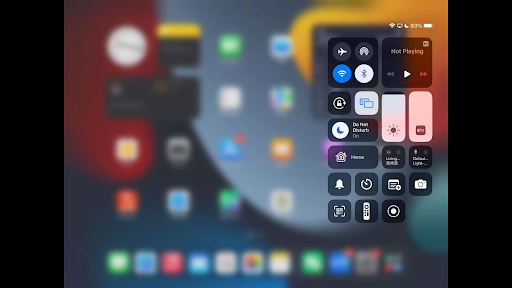
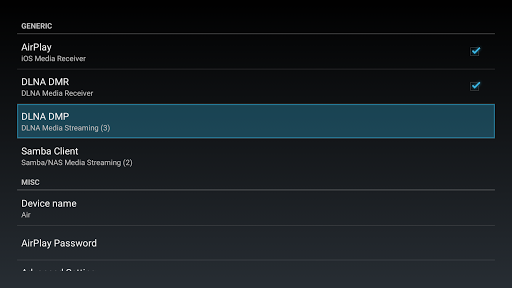
AirReceiver AirPlay Cast DLNA App Info
-
App Name
AirReceiver AirPlay Cast DLNA
-
Price
2.99
-
Developer
softmedia
-
Category
Video Players & Editors -
Updated
2025-10-10
-
Version
5.1.7
Introducing AirReceiver AirPlay Cast DLNA: Turning Your Device into a Media Hub
Designed to seamlessly bridge your devices with your favorite media sources, AirReceiver AirPlay Cast DLNA positions itself as a versatile and reliable multimedia receiver application—empowering users to effortlessly stream audio and video content across various platforms with minimal fuss.
Developed by a Dedicated Team of Connectivity Enthusiasts
Crafted by a team specializing in multimedia streaming solutions, AirReceiver's developers are committed to creating stable, user-friendly apps that enhance home entertainment experiences without overwhelming the user with technical complexity.
Key Features That Make It Stand Out
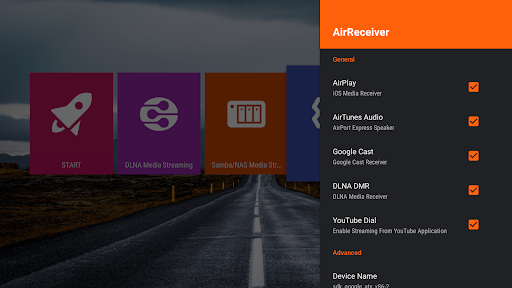
- Supports multiple streaming protocols including AirPlay, DLNA, and Google Cast—all in one app
- Flexible device compatibility, turning any compatible device into a streaming receiver
- Intuitive interface with easy setup and management, suitable for both novices and tech-savvy users
- Advanced buffering and streaming algorithms to ensure smooth, interruption-free playback
Target Audience: Who Will Find This App Most Useful?
This app is ideal for home entertainment enthusiasts, tech-savvy users who love customizing their media setups, and anyone seeking a straightforward way to cast content across multiple devices. It's especially beneficial for those who own a mixture of Apple, Android, and smart TV devices, looking for a centralized solution.
Engaging and User-Friendly: A Media Streaming Companion
Ever imagined transforming your humble tablet or smartphone into a powerful media receiver, capable of acting as your personal media hub? That's precisely what AirReceiver offers—think of it as your digital Swiss Army knife for streaming, blending the charm of simplicity with the sophistication of multi-protocol support. Setting it up is akin to unlocking a new level of home entertainment, where all your devices can dance to the same media tune without missing a beat.
Core Functionality: Seamless Streaming Protocol Integration
The standout feature of AirReceiver is its broad protocol support, enabling it to handle AirPlay, DLNA, and Google Cast. This means whether you're Apple-centric or Android-oriented, the app bridges the gap with a universal language. Imagine hosting a party where guests arrive with different devices—this app ensures they all connect smoothly, displaying their content on your big screen or speakers, creating a harmonious multimedia symphony. The implementation feels natural, with minimal latency and fuss—just tap, connect, and enjoy.
Core Functionality: Turning Devices into Streaming Receivers
Beyond being a receiver, AirReceiver also transforms your device into a fly-on-the-wall for media sharing. Need to cast a playlist from your phone to your smart TV? Done. Want to stream a movie from your tablet directly to your home audio setup? Easy. This dual role elevates the app from a simple receiver to a flexible media central, making it ideal for multi-device households or multi-purpose spaces.
Design and User Experience: Intuitive, Light, and Functional
The interface of AirReceiver is clean and minimalistic, much like a well-organized workspace that invites exploration rather than intimidation. Navigating through settings and device lists feels fluid, thanks to well-thought-out gestures and clear icons. Even newcomers can get up and running within minutes—think of it as learning a new game; with just a few taps, you're already winning by enjoying your media seamlessly. The app's responsiveness is commendable, with little to no lag, making the entire experience smooth and enjoyable. While some advanced options might require a brief glance at the manual, overall, the learning curve remains gentle.
Smart Differentiators: Why It Stands Apart
Compared with other media players or editors, AirReceiver's true magic lies in its multi-protocol support and stability. While many apps specialize in one or two streaming types, this app's ability to handle multiple protocols simultaneously ensures you don't need different tools for different tasks. Additionally, its buffering algorithms significantly reduce playback interruptions, even on slower networks, making it more reliable than many competitors. Unlike some solutions that focus purely on multimedia editing or format compatibility, AirReceiver emphasizes seamless, network-based streaming—it's more about connectivity clarity than editing finesse. This focus makes it a crucial component for users who want a hassle-free media sharing hub.
Final Verdict & Usage Recommendations
Overall, I'd rate AirReceiver as a highly recommended tool for users seeking a flexible, stable, and easy-to-configure media streaming receiver. It's particularly suited for households with diverse device ecosystems, where one app can unify the entertainment experience. For casual users, its straightforward setup and reliable performance make it an excellent choice. Advanced users will appreciate its support for multiple protocols and its ability to become part of a smarter home setup.
While it isn't a comprehensive media editing tool or a dedicated media player, its core strength—reliable, multi-protocol casting—makes it a must-have companion for enriching your home entertainment environment. If seamless, multi-device streaming is what you're after, give AirReceiver a shot—you might find it transforms your media experience more than you anticipated.
Pros
Smooth AirPlay streaming
Supports seamless streaming from iOS devices with minimal lag, ideal for high-quality media playback.
Wide device compatibility
Works with various smart TVs, speakers, and media players via DLNA and Cast protocols.
User-friendly interface
Easy to navigate and set up, suitable for users without technical expertise.
Multiple protocol support
Enables media casting through AirPlay, Cast, and DLNA, providing versatile options.
Reliable connection stability
Maintains stable streaming sessions with minimal disconnections during typical use.
Cons
Limited advanced customization (impact: Low)
Lacks extensive settings for tuning streaming quality or network preferences.
Occasional buffering delays (impact: Medium)
Some users experience minor buffering on unstable networks; restarting the app often helps.
Device discovery speed varies (impact: Low)
Device detection might take a few seconds, which can be slightly inconvenient; future updates may optimize this.
Limited free features (impact: Low)
Certain functionalities require a paid upgrade; a free trial version could improve user experience.
Compatibility issues with some smart TVs (impact: Medium)
Not all smart TV brands are fully supported; checking device compatibility beforehand is recommended.
AirReceiver AirPlay Cast DLNA
Version 5.1.7 Updated 2025-10-10



















