
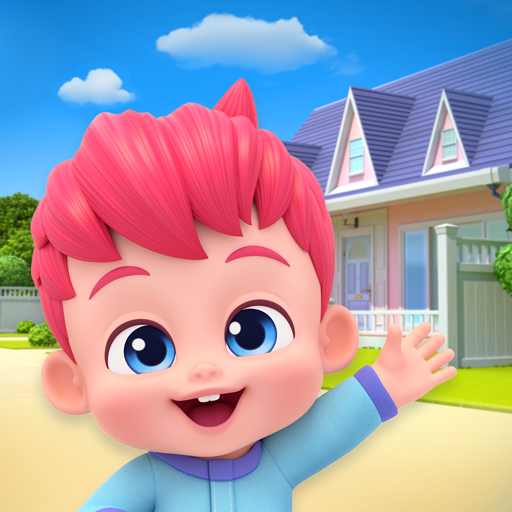
Bebefinn Town: Kids House Game
Bebefinn Town: Kids House Game App Info
-
App Name
Bebefinn Town: Kids House Game
-
Price
Free
-
Developer
The Pinkfong Company
-
Category
Educational -
Updated
2026-02-11
-
Version
1.7
Frequently Asked Questions
How do I start playing Bebefinn Town with my child?
Download the app from your device's app store, open it, and follow the on-screen tutorial to create an account and set up your child's profile.
Is Bebefinn Town suitable for preschoolers?
Yes, Bebefinn Town is designed specifically for babies, toddlers, and preschoolers, offering safe and age-appropriate educational activities.
How do I navigate to the core features of Bebefinn Town?
Open the app, go to the main menu, and select different rooms or activities to explore core features like cooking, chores, and mini-games.
Can my child explore all the interactive objects in the game?
Yes, children can discover over 100 interactive objects across various house areas by tapping and exploring freely within the app.
How do I access the videos and songs in Bebefinn Town?
Go to the media section from the main menu where you can find 48 videos and songs, including seasonal content and Bebefinn series episodes.
What are the subscription options for Bebefinn Town?
You can subscribe via Pinkfong Plus in the app under Settings > Subscription to access unlimited content and premium features.
Is Bebefinn Town free to use?
The app offers free basic features and a trial period for Pinkfong Plus subscription; additional content requires a subscription fee.
How do I cancel or manage my Pinkfong Plus subscription?
Go to your device's Settings > Subscriptions, find Pinkfong Plus, and select 'Cancel' or manage your subscription preferences.
What should I do if the app crashes or isn't working properly?
Try restarting the device, ensure your app is updated to the latest version, or contact support through the Help section in Settings.



















