
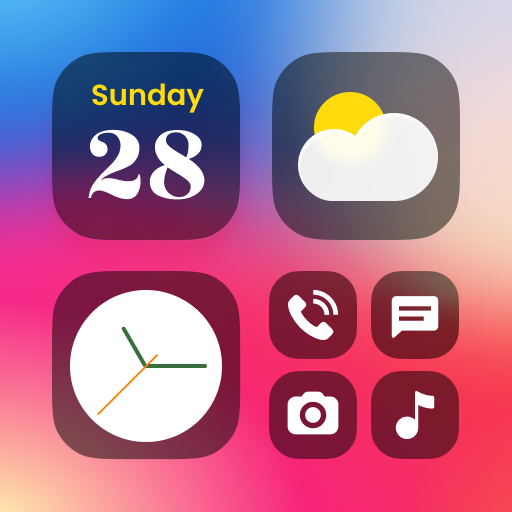
Color Widgets, Theme: iWidgets
Color Widgets, Theme: iWidgets App Info
-
App Name
Color Widgets, Theme: iWidgets
-
Price
Free
-
Developer
AI Photo Team
-
Category
Lifestyle -
Updated
2025-09-02
-
Version
1.0.3
Frequently Asked Questions
How do I install and start using Color Widgets?
Download from Google Play, open the app, and follow the on-screen prompts to select and add widgets to your home screen easily.
Can I customize my widgets' appearance for free?
Yes, basic customization options are free. Premium themes and features may require a subscription, which you can manage in Settings > Account > Subscriptions.
How do I add a widget to my home screen?
Press and hold your home screen, select 'Widgets,' then choose Color Widgets and drag your desired widget size onto the screen.
What are the main types of widgets I can customize?
You can customize clock, weather, photo, calendar, and the new To Do List and Notes widgets for increased productivity and personalization.
How can I change themes and app icons to match my style?
Go to the app's Theme section, select your preferred preset theme, and customize app icons and wallpapers from settings for a cohesive look.
Are there any premium features that require payment?
Yes, unlocking additional themes, advanced customization options, and future widget types like To Do and Notes may require a subscription or in-app purchase through Settings > Payments.
How do I subscribe or upgrade to a premium plan?
Navigate to Settings > Account > Subscriptions, select your preferred plan, and complete the payment process within the app.
What should I do if widgets are not updating correctly?
Try refreshing widget data by reopening the app or restarting your device. Ensure notification permissions are enabled in Settings > Apps > Color Widgets.
Can I change the position and size of my widgets easily?
Yes, after adding a widget, press and hold it to move or resize as needed directly on your home screen.
Is Color Widgets compatible with all Android devices?
Yes, the app supports all Android devices running Android 5.0 or higher, with full customization features available across models.



















