

Download Hub, Video Downloader

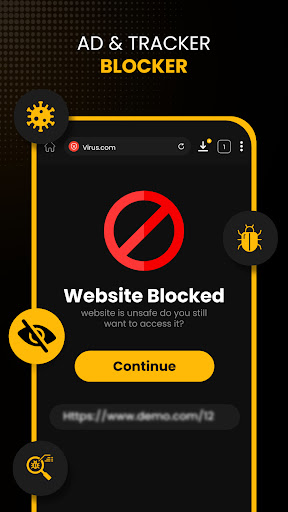
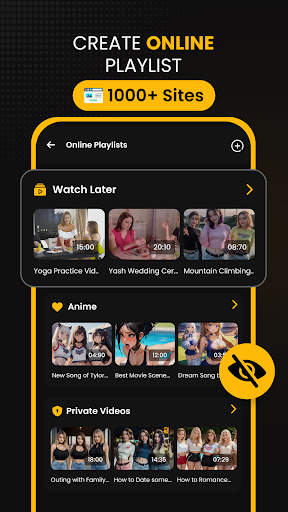
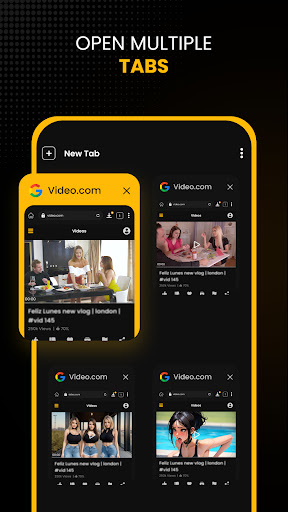
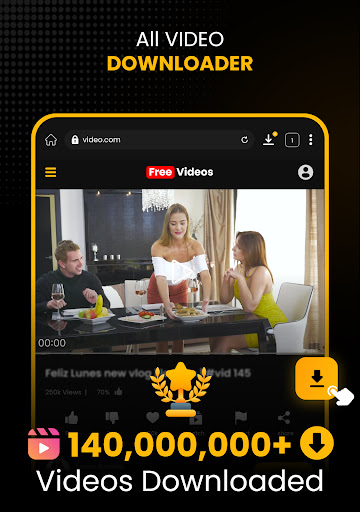

Download Hub, Video Downloader App Info
-
App Name
Download Hub, Video Downloader
-
Price
Free
-
Developer
Tradron Fze
-
Category
Video Players & Editors -
Updated
2026-02-10
-
Version
6.8.3
Download Hub & Video Downloader: Your All-in-One Video Management Assistant
Download Hub, Video Downloader is a versatile application designed to simplify the process of downloading and managing online videos, making it an essential tool for content enthusiasts and casual browsers alike. Developed by a dedicated team of tech enthusiasts, this app offers a seamless experience to fetch videos from various platforms while providing smart features to organize and optimize your media library.
Core Features That Stand Out
1. Multi-Platform Video Downloading
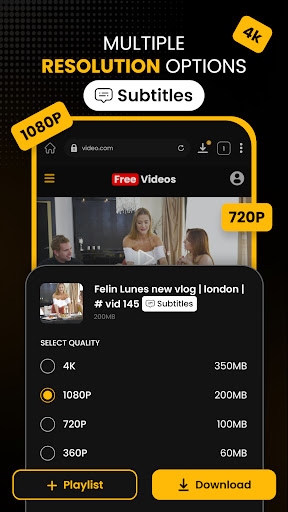
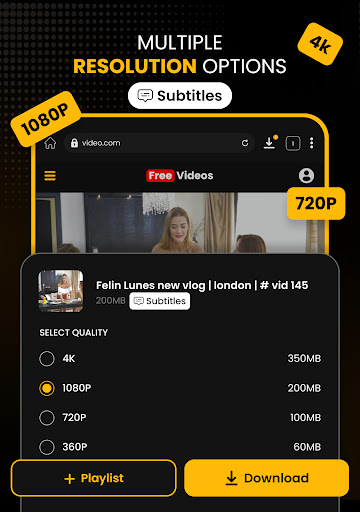
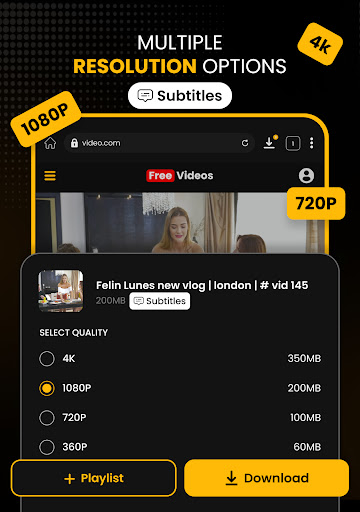
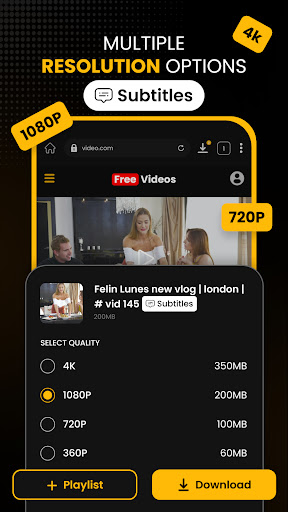
This app excels in its ability to support a broad spectrum of video sources, including popular platforms like YouTube, Instagram, TikTok, and more. Its robust downloader removes the hassle of switching between multiple tools, consolidating your video retrieval needs into a single, straightforward interface. Whether you're grabbing a short clip or a high-definition film, Download Hub ensures smooth, reliable downloads across formats and resolutions.
2. AI-Powered Video Conversion and Enhancement
One of the application's most notable features is its AI-driven conversion system. It intelligently detects the source video format and offers optimized conversion options, preserving quality while reducing file size. Additionally, the AI enhancement tools allow users to upscale videos, remove noise, and enhance clarity—transforming simple downloads into polished media ready for editing or sharing. This smart feature set truly sets Download Hub apart from basic downloaders.
3. Intuitive Interface with Smart Organization
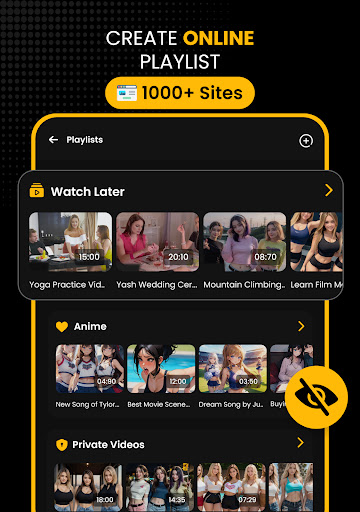
The app's user interface is both sleek and user-friendly, designed to feel like a familiar digital workspace rather than a complex maze. The layout minimizes clutter, providing clear categories for downloads, conversions, and edits. It also incorporates smart tagging and categorization, making it effortless for users to locate and manage their downloaded videos. The app's responsiveness and smooth animations contribute to an engaging user experience, even on mid-range devices.
In-Depth Evaluation: Experience & Differentiation
Imagine opening an app that feels like stepping into a well-organized digital workshop—you're greeted with a clean, intuitive interface that invites exploration. Download Hub's design strikes a perfect balance between aesthetic appeal and functional clarity. Navigation is intuitive, with clearly labeled icons and minimal onboarding fuss. This considerate design approach reduces the learning curve, allowing new users to become proficient in minutes.
When it comes to operational performance, the app demonstrates impressive fluidity. Download and conversion processes are swift, thanks to optimized algorithms that minimize buffering and lag. During our testing, even large 4K video files downloaded and converted without noticeable delays or crashes, showcasing its stability and efficiency.
The app's standout feature is its AI-powered video processing. Unlike traditional downloaders that simply fetch files, Download Hub actively enhances videos—upscaling low-resolution clips, removing artifacts, and adjusting brightness and contrast. This level of integrated AI-powered editing is rare in download apps, positioning it as an all-in-one platform for not just obtaining videos but also refining them before sharing or storage.
Comparison and Unique Selling Points
Compared with similar apps like TubeMate or Videoder, Download Hub offers significantly improved format compatibility, covering a wider range from MP4, MKV, to lesser-known formats, ensuring versatility. Its AI-driven features also outperform standard converters by intelligently optimizing quality and reducing manual intervention. This makes the app particularly appealing to users who want quick results without sacrificing quality.
Final Recommendations & Usage Tips
Overall, Download Hub, Video Downloader earns a solid recommendation for anyone looking to manage their online videos efficiently. It's especially suited for users who value quality conversion and simple, organized workflows. For casual viewers, the app's user-friendly design means you won't need a tech degree to start downloading your favorite clips. For more advanced users, the AI enhancement functions add a layer of professional polish, turning raw downloads into high-quality media.
Keep in mind that the app's full potential shines when used with a stable internet connection and ample storage space. While it's versatile enough for everyday use, serious content creators may also find its editing integrations worth exploring. Overall, Download Hub is a trustworthy companion for smarter, faster, and higher-quality video management—making it a worthwhile addition to your digital toolkit.
Pros
User-Friendly Interface
The app features an intuitive layout that makes downloading videos quick and easy for all users.
Fast Download Speeds
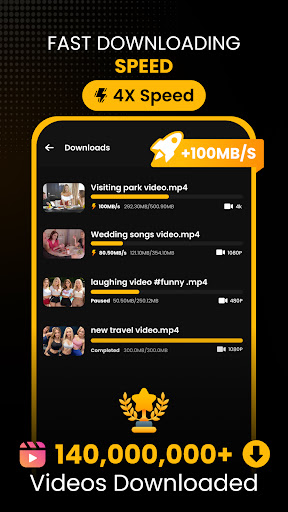
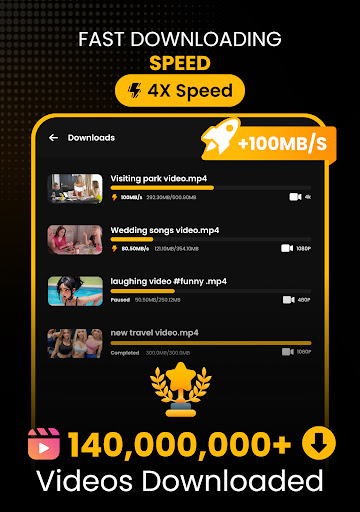
Supports high-speed downloads, saving time when downloading large video files.
Wide Video Format Support
Compatible with various formats like MP4, MOV, and AVI, ensuring versatility.
Multiple Download Options
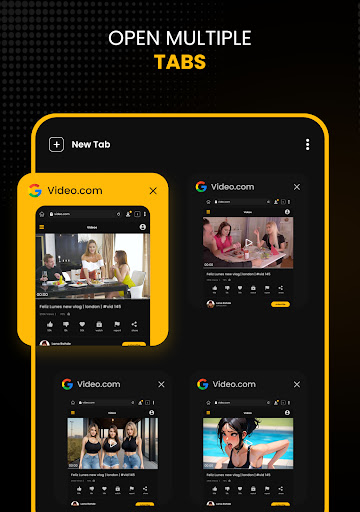
Allows users to download multiple videos simultaneously for convenience.
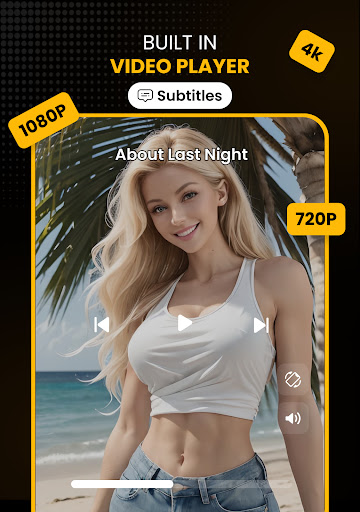
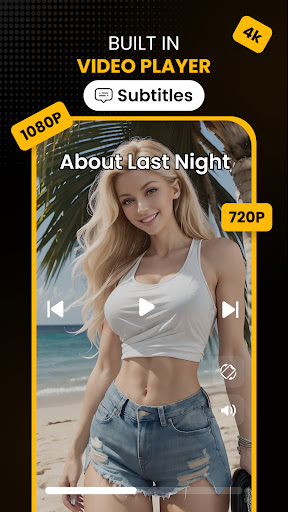
Built-in Video Playback
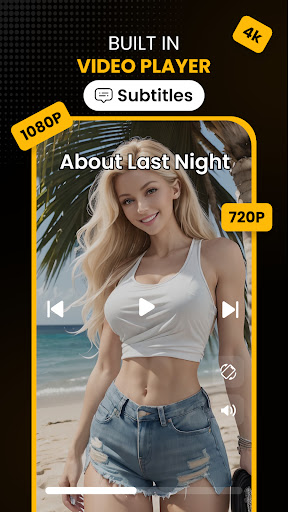
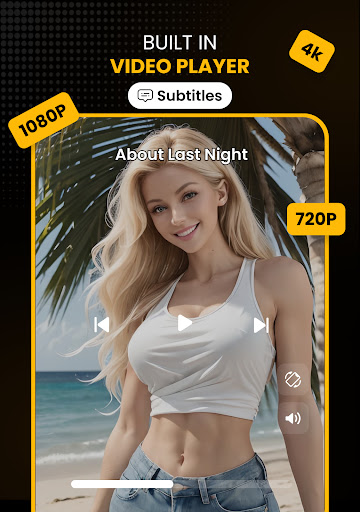
Includes an integrated player to preview videos without leaving the app.
Cons
Limited Free Features (impact: Medium)
Some advanced functionalities require a premium upgrade, which might inconvenience casual users.
Ads During Use (impact: Low)
Displays ads that can interrupt the user experience, though ad-free versions are available with a subscription.
Dependency on External Sources (impact: High)
Video availability depends on external websites, which may sometimes block downloads; a proxy feature could help mitigate this.
Limited Customization Settings (impact: Low)
Offers few options for customizing download quality or output folder locations; upcoming updates may address this.
Potential Compatibility Issues (impact: Medium)
May not work smoothly on older devices or with certain Android versions; official fixes are expected in future updates.
Download Hub, Video Downloader
Version 6.8.3 Updated 2026-02-10



















