

Firefox Focus: No Fuss Browser





Firefox Focus: No Fuss Browser App Info
-
App Name
Firefox Focus: No Fuss Browser
-
Price
Free
-
Developer
Mozilla
-
Category
Communication -
Updated
2026-02-03
-
Version
147.0.3
A Minimalist Marvel: Introducing Firefox Focus - No Fuss Browser
In a digital landscape cluttered with distractions and invasive ads, Firefox Focus emerges as a sleek, privacy-centric browser designed for users who crave simplicity and speed. Developed by Mozilla, a renowned organization committed to open-source principles and user privacy, this app strips away the excess to deliver a straightforward browsing experience. Its key features include rapid ad blocking, seamless private viewing, and minimalistic interface design—crafted specifically for individuals who value efficiency and privacy above all else.
Streamlined and Speedy Loading for the Impatient User
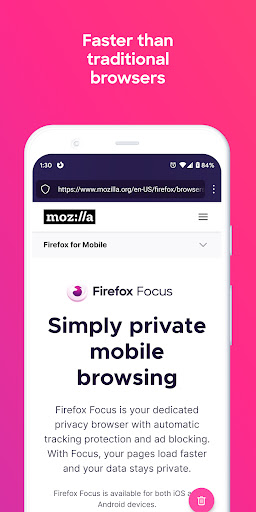
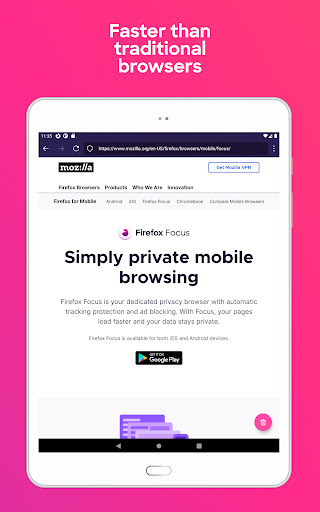
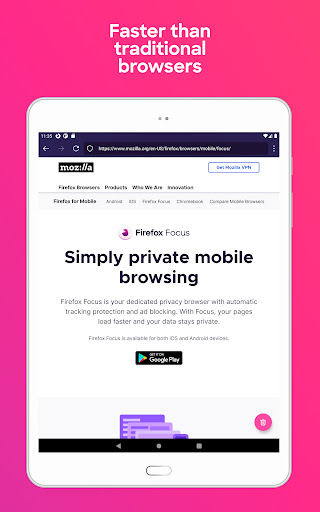
Imagine being in a bustling city where every street is filled with noise and billboards vying for your attention. Now picture slipping into a quiet alley, where your journey can be swift and disturbance-free—that's the essence Firefox Focus offers. This browser is optimized to load pages faster than traditional browsers by proactively blocking ads and trackers, turning what could be a chaotic web experience into a smooth, distraction-free ride. Its lightweight architecture ensures that even on older devices, the browsing remains snappy and responsive, making it ideal for users who want quick access without preamble.
Privacy First: Your Personal Gatekeeper
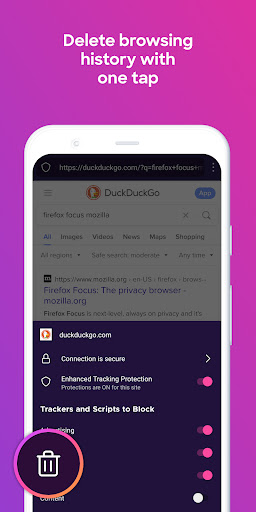
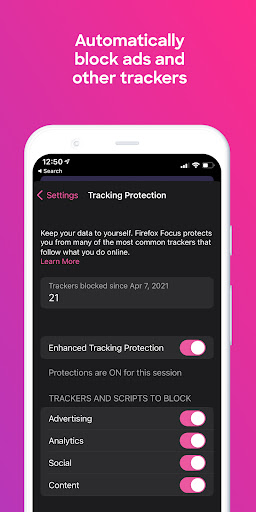
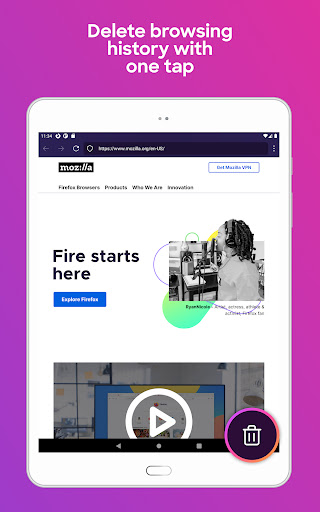
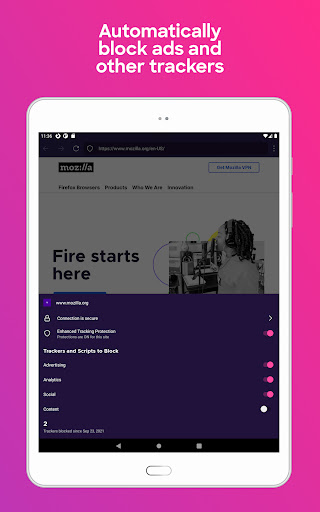
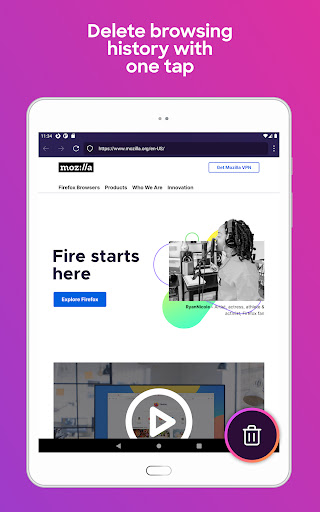
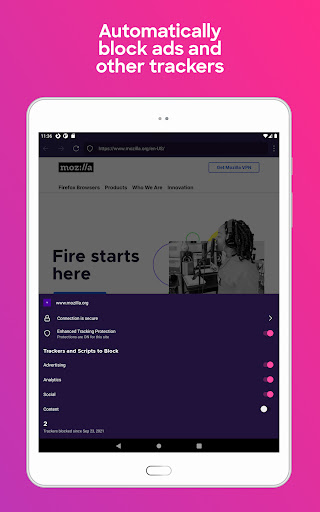
Say goodbye to the days of feeling watched or tracked online. Firefox Focus's hallmark feature is its robust privacy protection. It automatically blocks a broad range of malicious trackers, including analytics sites, social media buttons, and ad networks. This means that your browsing habits are less likely to be monitored or sold, aligning with the needs of privacy-conscious users. Additionally, with a single tap, users can quickly clear all browsing history, cookies, and trackers—like disappearing into a safe, private nook after a busy day. This safeguard makes the app particularly appealing to users who prioritize data privacy without the hassle of layered settings.
Simplicity in Design, Ease of Use
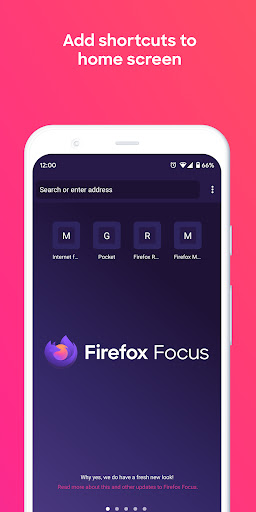
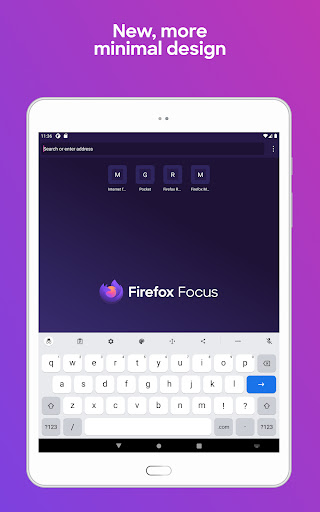
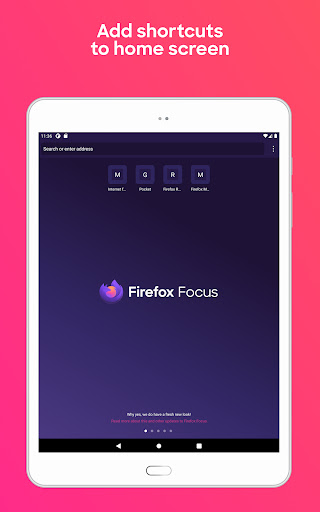
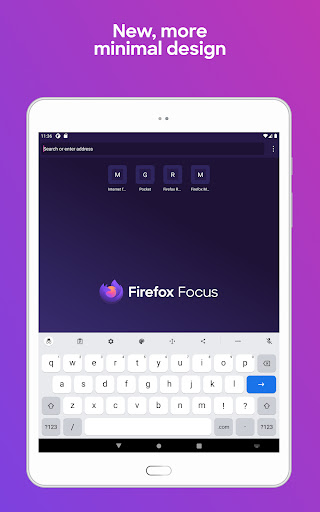
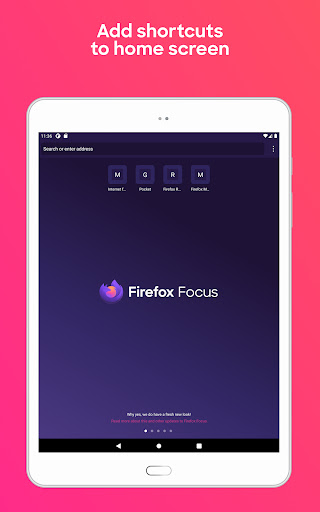
The interface of Firefox Focus resembles a minimalist art piece—you won't find cluttered menus or confusing options. Instead, it offers a clean, intuitive layout that even tech novices can navigate effortlessly. The homepage presents only essential elements, emphasizing a search bar and a large ‘Erase' button, which clears session data instantly. Swiping between pages feels fluid, akin to flipping through a well-bound notebook, with no lag or hiccups. Its straightforward operation reduces the learning curve significantly, allowing users to dive into browsing without the need for tutorials.
Differentiation in the Communication App Arena
Compared to other privacy-focused browsers or communication apps, Firefox Focus excels with its combination of speed, simplicity, and reliable privacy features. While many apps claim to protect your data, few manage to keep the user experience seamless, especially in real-time browsing scenarios. Its proactive ad-blocking and tracker removal not only make pages load faster but also ensure a more secure browsing environment—an aspect that stands out when matched against competitors that merely provide toggles or settings. Additionally, while social media sharing support is minimal, this intentional design choice underscores its focus—delivering an uncluttered, no-nonsense portable browser perfect for quick searches or anonymous sessions.
Final Verdict: A Clear Choice for the Privacy-Minimalist
I'd recommend Firefox Focus to anyone seeking a hassle-free, speedy, and private browsing experience. Whether you're a casual user wary of invasive ads or someone who values digital privacy as part of their daily routine, this app is a trustworthy companion. Its standout features—particularly the effortless ad blocking and one-touch session clearing—make it a compelling choice for quick, private browsing. However, bear in mind that its minimalist approach might limit advanced features found in mainstream browsers, so for more extensive browsing needs or multimedia sharing, a different app might serve better. Overall, Firefox Focus strikes a balanced chord, making it a smart pick for those who prefer a clean, focused, and privacy-respecting browser experience."
Pros
Privacy-focused browsing
Firefox Focus blocks ads and trackers by default, enhancing user privacy and reducing targeted ads.
Simple and clutter-free interface
The app's minimal design makes browsing quick and intuitive without unnecessary features.
One-tap erasure of browsing data
Easily wipe browsing history, cookies, and cache with a single tap for quick privacy protection.
Fast page loading
Optimized for speed, it loads web pages quickly even on slower connections.
Lightweight app size
The app takes up minimal storage space, making it suitable for devices with limited capacity.
Cons
Limited features compared to full browsers (impact: medium)
It lacks many advanced features like tab management and extensions, which may inconvenience power users.
No customized settings for privacy control (impact: low)
Users cannot fine-tune tracker blocking or disable certain privacy features, limiting flexibility.
No sync across devices (impact: high)
Browsing data cannot be synchronized, forcing users to manually transfer bookmarks or history.
Limited browsing capabilities (impact: medium)
Some websites may not function properly due to aggressive blocking or simplified rendering.
Lack of password management (impact: low)
The app does not offer built-in password storage, requiring alternative solutions for login credentials.
Firefox Focus: No Fuss Browser
Version 147.0.3 Updated 2026-02-03



















