

Grammarly-AI Writing Assistant

Grammarly-AI Writing Assistant App Info
-
App Name
Grammarly-AI Writing Assistant
-
Price
Free
-
Developer
Grammarly, Inc.
-
Category
Productivity -
Updated
2025-12-09
-
Version
8.1.1
Grammarly AI Writing Assistant: Your Intelligent Writing Companion
Imagine having a diligent editor by your side whenever you put pen to paper — or fingers to keyboard. Grammarly AI Writing Assistant is precisely that, offering a comprehensive helper that not only polishes your grammar but elevates your entire writing process through advanced AI capabilities.
Meet the Minds Behind the Magic
Developed by Grammarly Inc., a renowned leader in writing enhancement technology, this tool harnesses cutting-edge AI and natural language processing to deliver real-time feedback. With a legacy of meticulous language analysis and user-centric design, Grammarly's team consistently pushes the boundaries of effective digital writing aid.
Key Features That Make a Difference
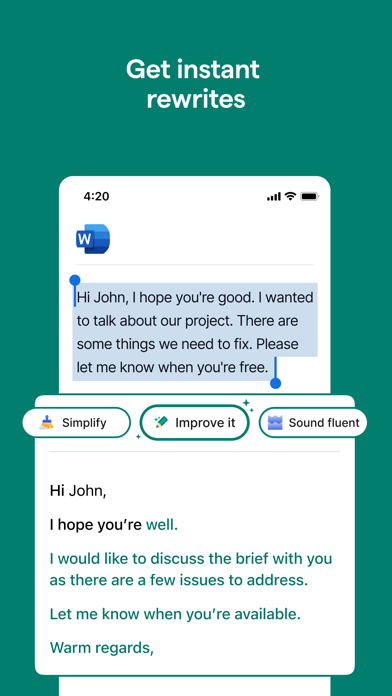
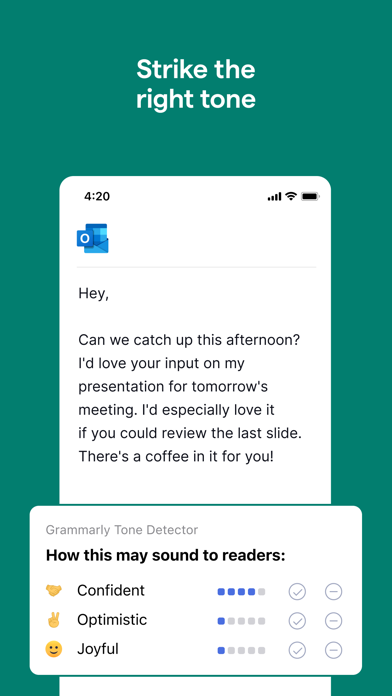
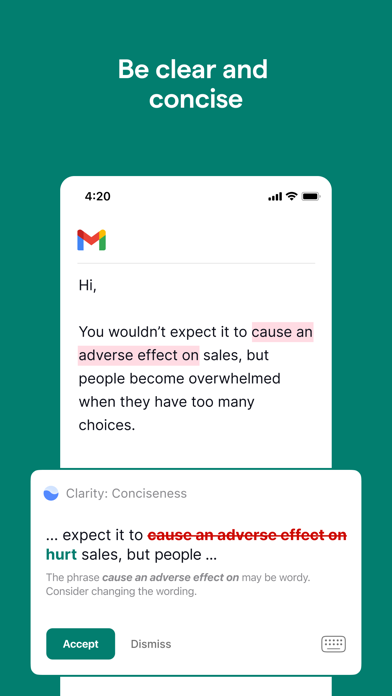
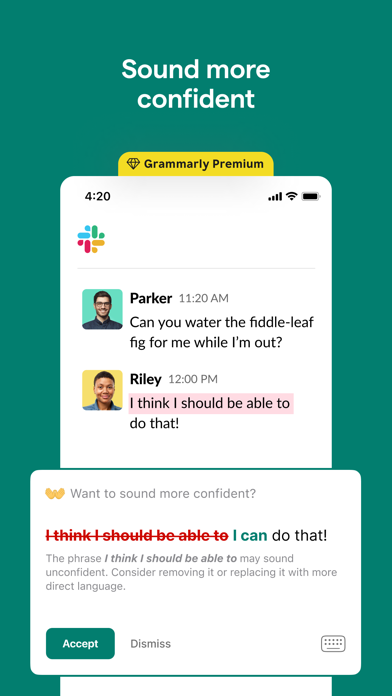
- Context-Aware Writing Suggestions: The AI evaluates your entire sentence or paragraph context, offering nuanced corrections that go beyond simple grammar fixes, including tone adjustments and clarity improvements.
- Enhanced Vocabulary and Style Recommendations: Beyond fixing mistakes, it suggests more suitable word choices and stylistic changes, helping users develop a polished and personalized voice.
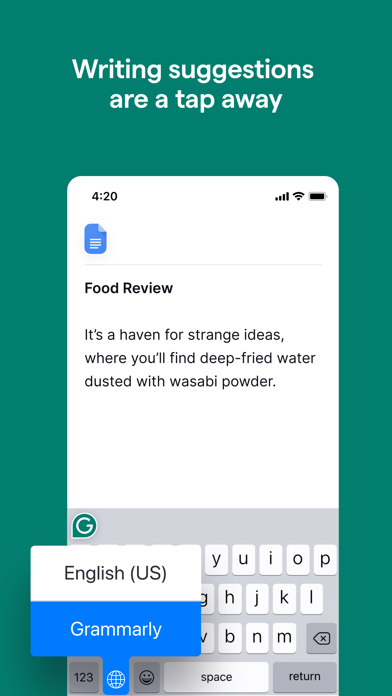
- Seamless Workflow Integration: Grammarly works smoothly across various platforms—browser, desktop app, and integrations with tools like MS Word and Google Docs—making editing effortless within your existing workflow.
- Plagiarism Detection: For academic and professional writers, the built-in plagiarism checker ensures originality and integrity of your content.
An Engaging Dive into Its Core Functionalities
1. Intelligent Contextual Corrections
One of Grammarly's standout features is its capacity to understand context. Unlike traditional spell checkers that merely catch typos, Grammarly analyzes entire sentences to suggest refinements that align with your intended tone and style. For instance, it can differentiate between a formal email and a casual blog post, tailoring its suggestions accordingly. This makes your writing all the more authentic and compelling, as if you had a seasoned editor whispering ideas into your ear.
2. Vocabulary Enrichment and Style Guidance
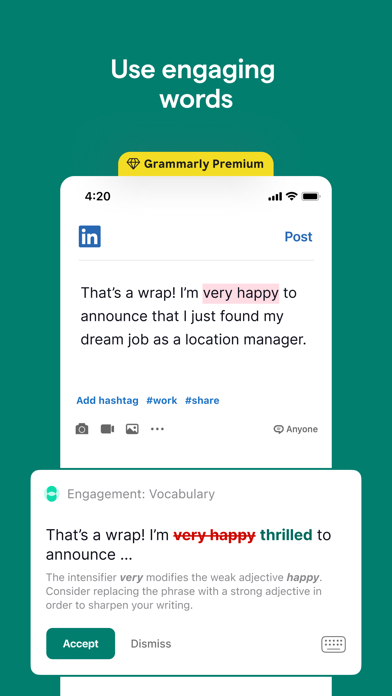
Ever wondered if your words could sound sharper? Grammarly provides real-time suggestions to elevate your language, recommending synonyms and clearer expressions. For example, turning "very big" into "enormous" or "significant" with just a click. It also tracks your writing style, gradually coaching you towards consistency and professionalism, making it especially useful for users aiming to craft distinctive voices without getting bogged down by complex options.
3. Effortless Workflow and Cross-Platform Support
What truly sets Grammarly apart is its seamless integration. Whether you're drafting an email in Gmail, composing a report in MS Word, or jotting down notes on your smartphone, Grammarly operates invisibly in the background. Its mobile app and browser extensions mean no matter where inspiration strikes, your writing stays polished. This focus on workflow efficiency reduces cognitive load—users don't need to switch between multiple tools or learn complicated interfaces, empowering them to write confidently and swiftly.
User Experience: Simplicity Meets Power
Interface-wise, Grammarly strikes a fine balance. Its clean, uncluttered design resembles a friendly workspace—organized but not overwhelming. When you write, suggestions pop up smoothly without interrupting your flow, functioning akin to a helpful co-pilot rather than a looming supervisor. The learning curve is gentle; beginners grasp its capabilities quickly, while seasoned writers appreciate its depth and adaptability. The real-time feedback encourages learning and self-improvement, making it a true partner in crafting better writing over time.
What Makes Grammarly Unique in the Productivity Landscape?
While many writing tools focus solely on grammar correction, Grammarly's true strength lies in its workflow integration and cognitive load reduction. Unlike feature-heavy apps that demand a steep learning curve, Grammarly emphasizes an unobtrusive, intelligent assistance that adapts to your style. Its AI-driven context understanding minimizes unnecessary corrections—think of it as a culinary blend that enhances rather than overpowers your original flavors. This focus on reducing mental fatigue while maintaining high-quality output gives it a competitive edge over more cluttered solutions, turning it from a mere grammar checker into a writing productivity facilitator.
Final Thoughts: Is Grammarly Worth Your Time?
Absolutely, especially if you prioritize clarity, style, and efficiency in your writing. Its core features, especially the contextual correction and seamless workflow integration, make it a smart choice for students, professionals, and writers alike. While it's not a magic wand—don't expect it to catch every nuance—its intelligent suggestions genuinely help improve your writing over time. For anyone looking to streamline their editing process and produce more polished content with less effort, Grammarly stands out as a reliable, user-friendly partner.
Pros
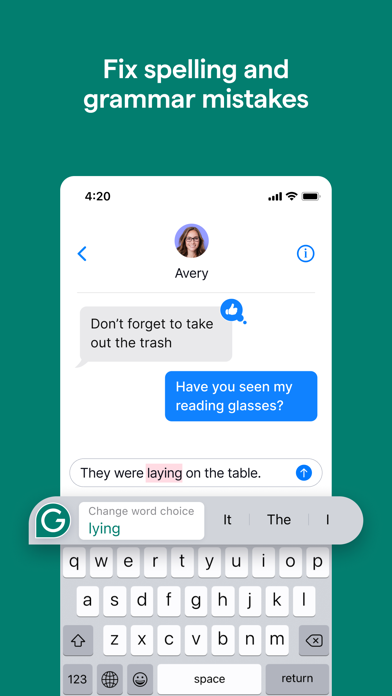
Accurate Grammar and Spelling Checks
Grammarly effectively identifies and corrects a wide range of grammatical and spelling errors, improving writing quality.
Contextual Suggestion Capabilities
The AI provides context-aware suggestions that enhance clarity and style, making writing more professional.
User-Friendly Interface
Its intuitive design allows users of all levels to easily navigate and utilize its features.
Plagiarism Detection Feature
Built-in plagiarism checker ensures originality by comparing content against numerous sources, useful for academic and professional writing.
Customization and Personalization
Users can set writing goals and tone preferences, allowing the AI to tailor suggestions accordingly.
Cons
Limited Context Understanding for Complex Texts (impact: medium)
Sometimes the AI struggles with interpreting nuanced or highly technical content, leading to less accurate suggestions.
Occasional Over-Correction (impact: low)
At times, Grammarly may suggest changes that are unnecessary or reduce the original style, which can be mitigated by reviewing suggestions before applying.
High Subscription Cost (impact: medium)
The premium plan can be expensive for some users; a free tier with core features or discounts might improve accessibility.
Limited Support for Non-English Languages (impact: low)
Primarily designed for English, users working with other languages may find the tool less helpful; future updates are expected to enhance multilingual support.
Delayed Privacy Policy Updates (impact: low)
Privacy policies are occasionally updated, which may cause concerns; official documentation clarifies data usage and provides suggestions for secure use.
Grammarly-AI Writing Assistant
Version 8.1.1 Updated 2025-12-09

















