

HD Camera for Android
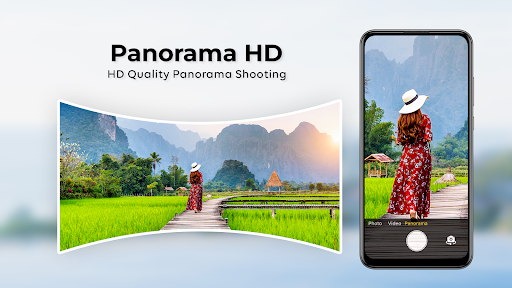
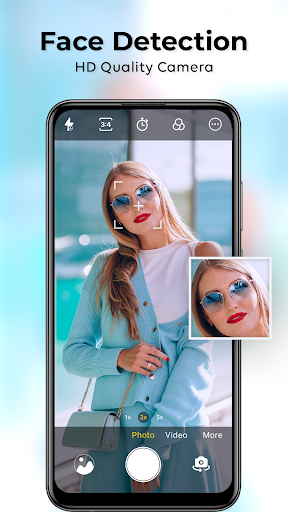
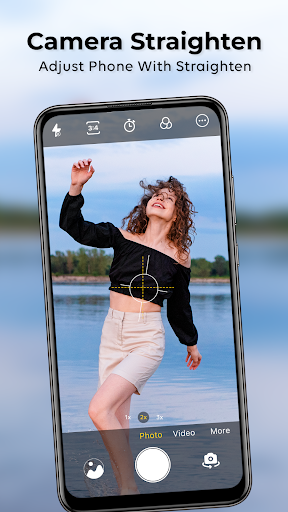
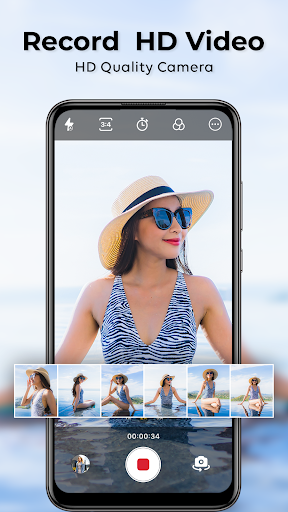


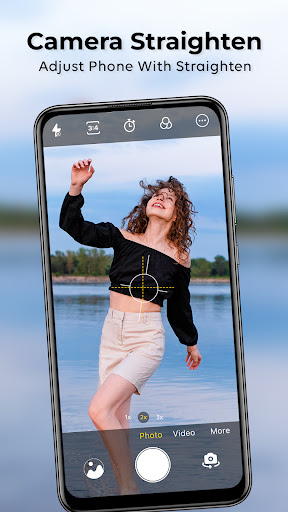
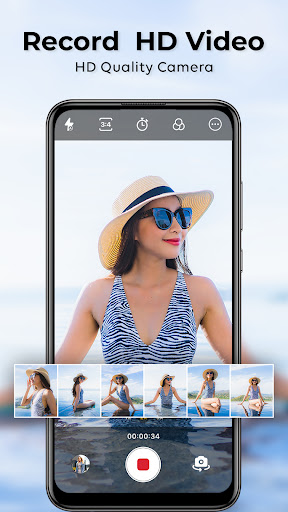
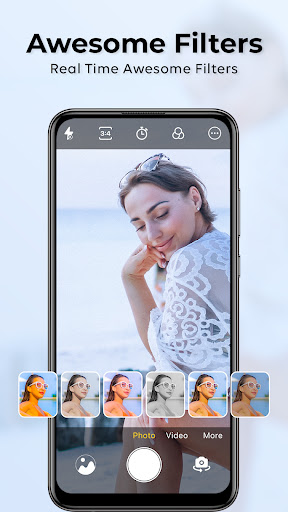
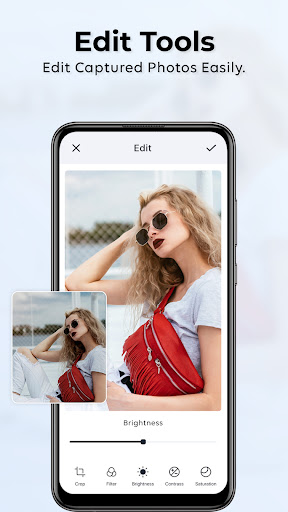


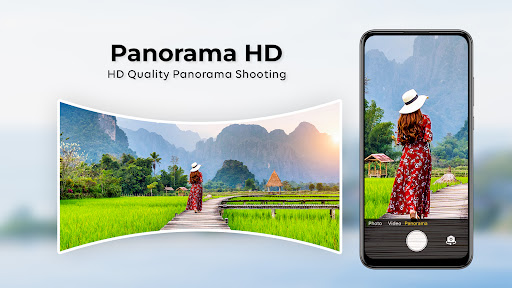
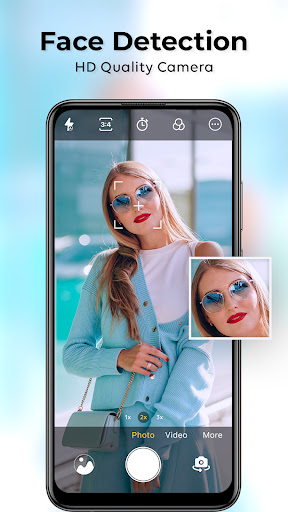
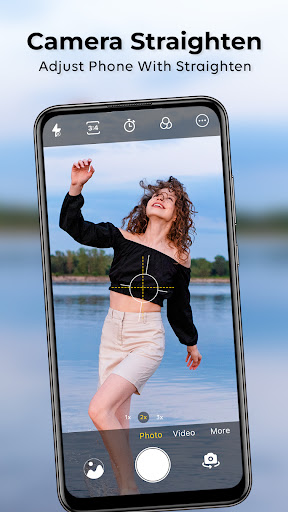
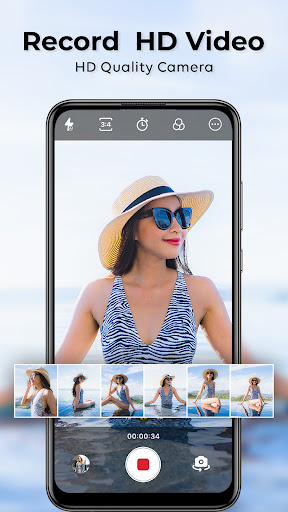


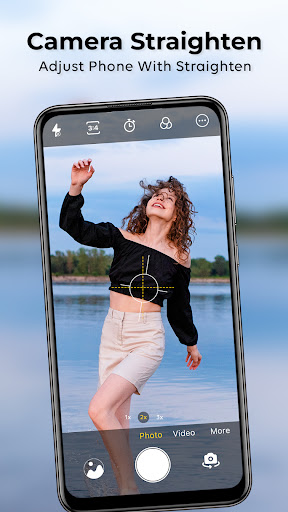
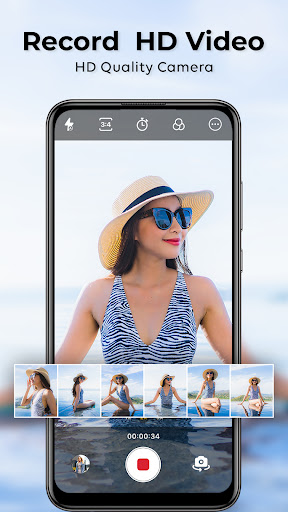
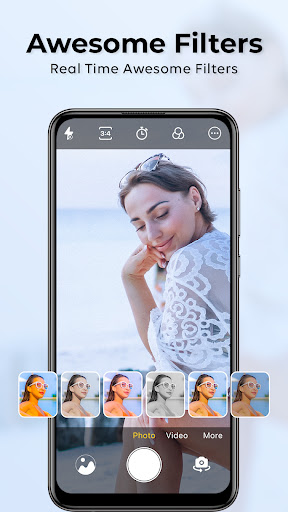
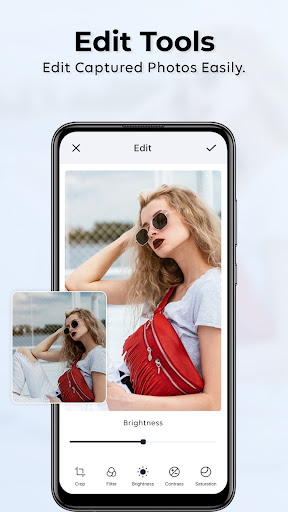


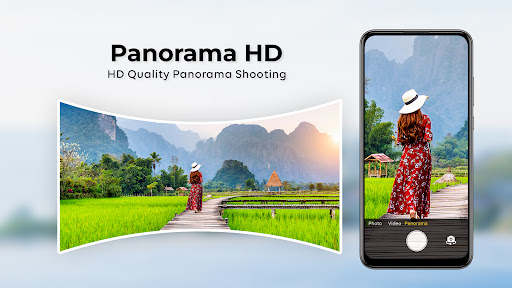
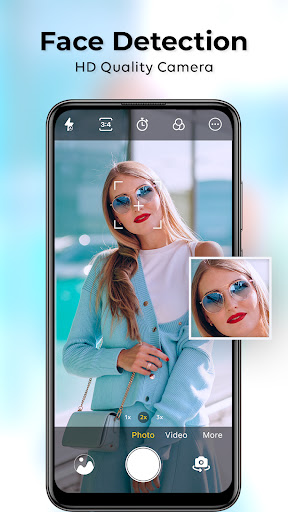
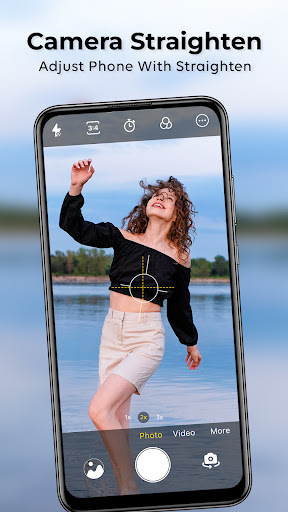
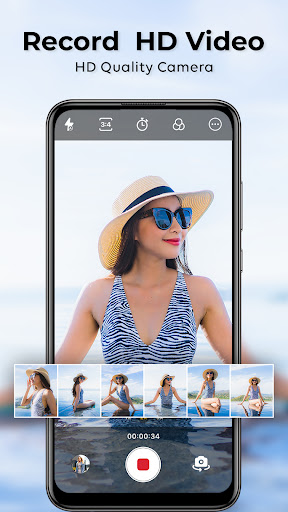


HD Camera for Android App Info
-
App Name
HD Camera for Android
-
Price
Free
-
Developer
One Music Player
-
Category
Beauty -
Updated
2025-05-11
-
Version
1.46
Unveiling the Potential: HD Camera for Android Review
In an era where smartphone photography is increasingly integral to our daily lives, having a reliable and feature-rich camera app can make all the difference. HD Camera for Android stands out as a versatile tool designed to elevate your mobile photography experience with a suite of advanced functionalities, all wrapped in an intuitive interface.
Fundamental Info: What Is HD Camera for Android?
Positioned as a professional-grade camera app for everyday users, HD Camera for Android empowers you to capture stunning, high-definition images directly from your smartphone. Developed by a dedicated team of tech enthusiasts with a passion for photography and user-centered design, this app aims to bridge the gap between casual snapshots and professional photography standards.
Key Highlights:
- High-Resolution Capture: Supports up to 4K image quality, ensuring crisp, detailed photos.
- Advanced Manual Controls: Offers comprehensive settings like ISO, shutter speed, focus, and white balance for personalized shooting experiences.
- Ease of Use with Custom Presets: Includes preset modes for quick adjustments tailored for different scenarios, such as low light or portrait photography.
- Dedicated Video Functions: Supports 4K recording with stabilization features for smooth, professional-looking videos.
Target Audience: Amateur photographers seeking a professional touch, social media enthusiasts wanting high-quality content, and anyone interested in exploring more creative control over their mobile camera.
Capturing Moments with Clarity and Control
Imagine holding a pocket-sized studio that transforms your ordinary photos into gallery-worthy shots—HD Camera for Android claims to be just that. Its voice is a blend of practicality and creativity, providing tools that not only enhance image quality but also give you the reins to craft your unique visual stories.
Rich Core Features: The Heart of Your Photography Journey
The standout aspect of HD Camera is its dual focus on image quality and user control. Its high-resolution capture mode employs a sophisticated processing algorithm that retains the natural feel of the scene while sharpening details, making your photos pop without the need for extensive editing.
Complementing this is its manual control suite. Think of it as having a mini DSLR right in your phone: adjusting ISO for perfect exposure in dim environments, tweaking shutter speed to freeze motion or create artistic blur, and setting focus points precisely—these features turn your smartphone into a versatile photographic tool. Plus, the app's intuitive interface makes these adjustments accessible even to beginners, smoothing the learning curve for new users.
User Interface: Seamless Experience and Learning Curve
From the moment you launch HD Camera, it feels like opening a sleek, organized workspace. The minimalistic design avoids clutter, offering large, responsive buttons and clearly labeled controls that decrease the stress of fiddling with settings. Transitioning from shooting to framing your shot is smooth and swift, ensuring you don't miss fleeting moments.
For newcomers, the app's preset modes act as friendly guides, simplifying complex adjustments into single-tap options. Advanced users can dive into detailed manual controls, making the app a comprehensive platform suitable for a broad skill spectrum. Overall, its responsiveness and logical layout contribute to a satisfying user experience, minimizing barriers to creating professional-looking images.
Distinctive Features That Set It Apart
While many camera apps aim to provide high-quality imaging, HD Camera for Android's standout qualities lie in its deep product database and precise personalization. Unlike generic apps that offer limited scene modes and one-size-fits-all filters, this app meticulously catalogs various shooting scenarios and offers tailored presets optimized for each. Whether you're shooting indoors, landscapes, or portraits, there's a predefined setup that gets you optimal results quickly.
Furthermore, its personalization accuracy is notable. The app learns from your shooting habits, gradually suggesting custom adjustments based on your preferences. This means that over time, it becomes not just a tool, but a personalized assistant, guiding you to capture better images aligned with your style and typical conditions.
Final Thoughts: Is It Worth Your Click?
For anyone passionate about mobile photography or simply eager to enhance their snapshots, HD Camera for Android is a solid choice. Its highest virtue lies in its comprehensive manual controls combined with user-friendly presets, making it both accessible and powerful. The app excels at delivering clear, high-resolution images with a level of finesse that's often reserved for dedicated camera gear.
I'd recommend this app to amateur to intermediate photographers who crave more control without the complexity of traditional DSLR gear. If you frequently find yourself struggling with lighting conditions or wish to add a creative touch to your photos, HD Camera offers enough depth to satisfy, all whilst maintaining an approachable interface.
In conclusion, consider this app a reliable partner for your mobile photography adventures, helping you turn everyday moments into lasting impressions with clarity and control. Whether capturing the bustling city streets or calm nature scenes, HD Camera for Android proves to be a noteworthy addition to your photography toolkit.
Pros
High-Quality Camera Output
The app provides clear, high-resolution photos suitable for detailed editing and professional use.
User-Friendly Interface
Intuitive layout makes it easy for users to quickly access essential camera controls.
Manual Settings Control
Allows adjustments of focus, ISO, and shutter speed for more creative photography.
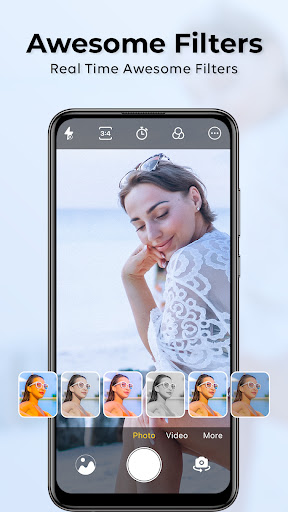
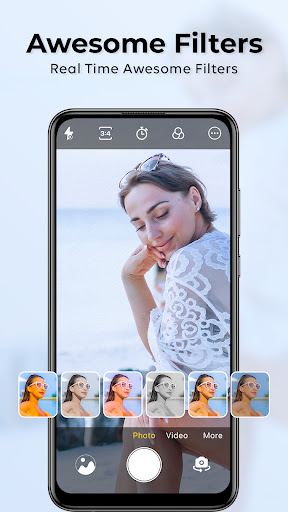
Real-Time Filters and Effects
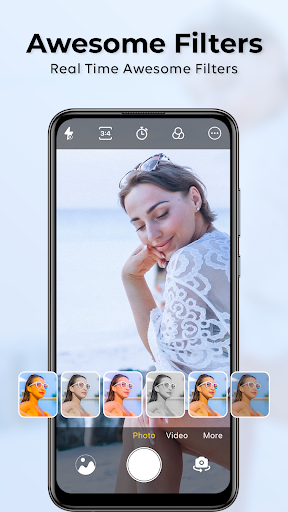
Offers a variety of filters that enhance photos immediately during capture.
Supports External Microphones
Enables better audio quality for videos by connecting external microphones.
Cons
Limited Video Stabilization (impact: medium)
Video footage may be shaky without additional stabilization tools; users can try stabilizing in post-production.
Battery Consumption (impact: high)
Extended use can drain device battery rapidly; recommends charging or short recording sessions.
Slow App Launch Time (impact: low)
The app can take a few seconds to start, especially on older devices; updates may improve startup speed.
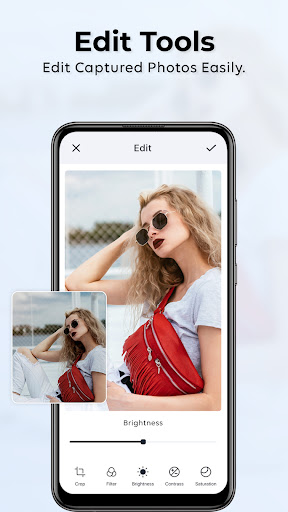
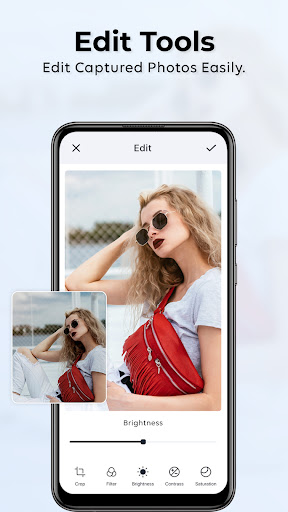
Limited Editing Features (impact: low)
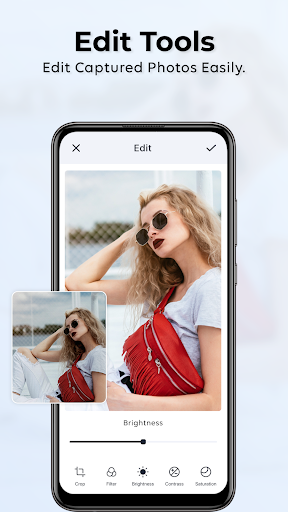
In-app editing tools are basic; can integrate with third-party editing apps for more advanced features.
Occasional Crashes on Certain Devices (impact: medium)
Some users report crashes; keeping the app updated or reinstalling may resolve stability issues temporarily.
HD Camera for Android
Version 1.46 Updated 2025-05-11


















