

IFTTT - Automate work and home




IFTTT - Automate work and home App Info
-
App Name
IFTTT - Automate work and home
-
Price
Free
-
Developer
IFTTT, Inc
-
Category
Productivity -
Updated
2026-02-02
-
Version
Varies with device
Empowering Automation at Your Fingertips: An In-Depth Look at IFTTT - Automate Work and Home
In today's fast-paced digital world, managing routines efficiently has become essential. IFTTT - Automate Work and Home positions itself as a versatile bridge, seamlessly connecting your devices and services to streamline daily tasks. Crafted by the innovative team at IFTTT Inc., this application aims to turn your scattered digital ecosystem into a harmonized symphony of automated workflows.
What Makes IFTTT Stand Out?
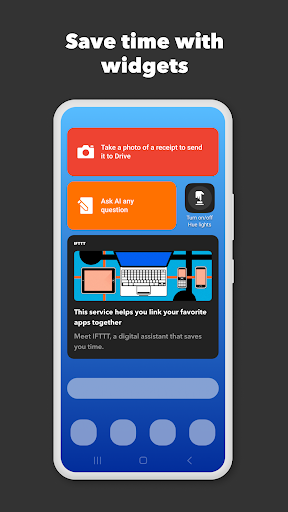
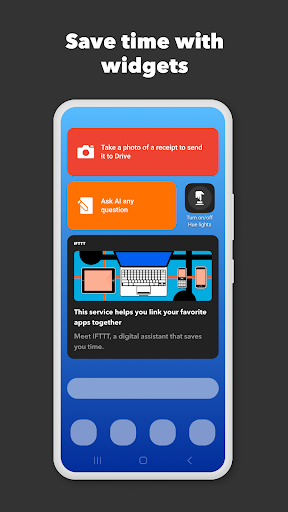
This platform's core strength lies in its ability to convert simple logic into powerful automations—think of it as teaching your smart devices to talk to each other in a way that saves you time and mental effort. Its main features include the creation of custom “applets,” deep integration with a vast array of services, and easy configuration tailored to both personal and professional environments. Targeting tech enthusiasts, busy professionals, and smart home aficionados alike, IFTTT crafts a user-friendly experience for anyone eager to enhance their digital lifestyle.
Intro: Turning Your Devices Into a Chamber Orchestra
Imagine waking up in the morning, and without lifting a finger, your coffee machine starts brewing, your smart blinds lift to greet the sunlight, and your playlist begins to play—sounds like magic, right? Well, this is precisely what IFTTT aims to orchestrate—transforming the cacophony of individual devices into a harmonious, automated symphony. Its no-nonsense approach makes automation accessible to all, whether you're a seasoned smart home user or just taking your first steps into device integrations.
Core Functionality 1: Custom Applets That Do The Heavy Lifting
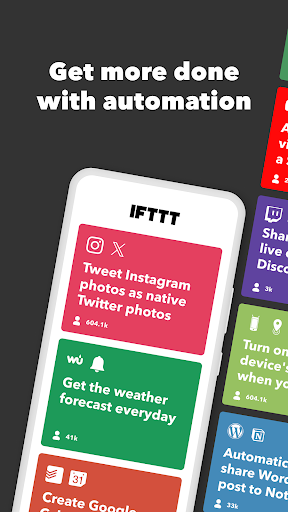
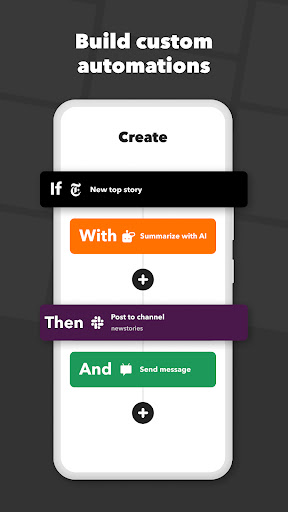
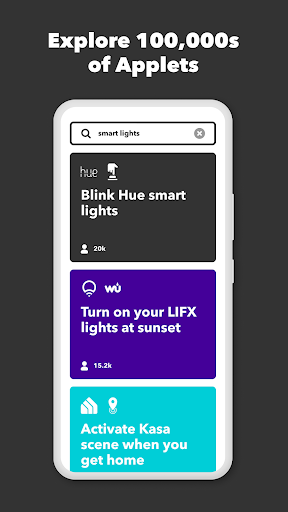
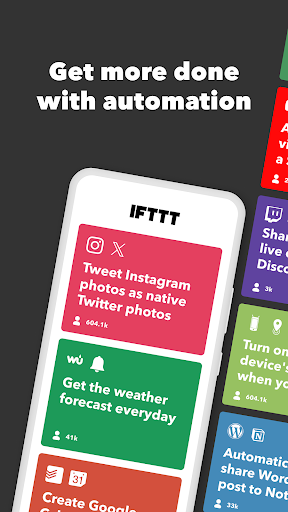
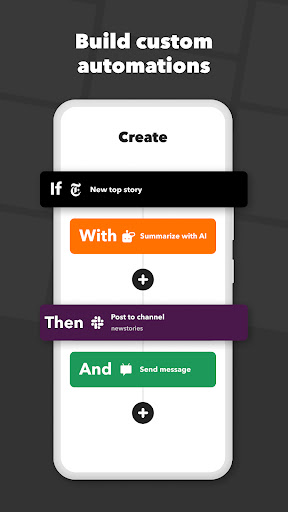
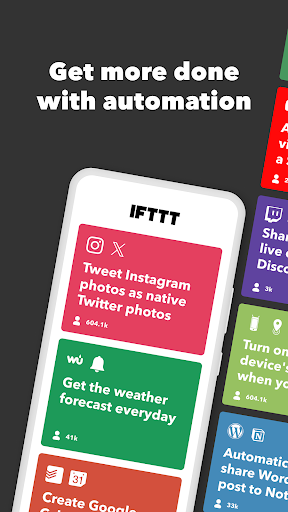
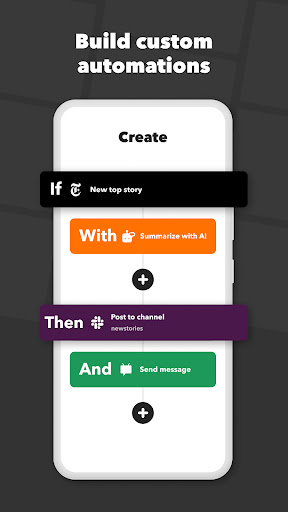
At the heart of IFTTT lies the concept of “applets,” small snippets of logic that connect different services via simple trigger-and-action setups. Creating an applet is akin to wiring your devices together—when the trigger triggers, the action follows automatically. For example, you could set an applet to save your Snapchat photos directly to Dropbox without lifting a finger. The intuitive interface guides users through creating these automations with minimal fuss, making complex workflows feel like a breeze. The ability to craft personalized applets tailored to your routines is what elevates IFTTT beyond basic automation apps.
Core Functionality 2: Extensive Service Integration for Seamless Workflow
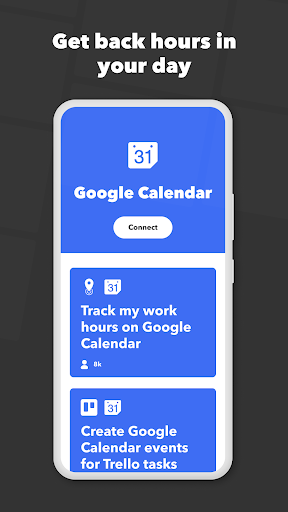
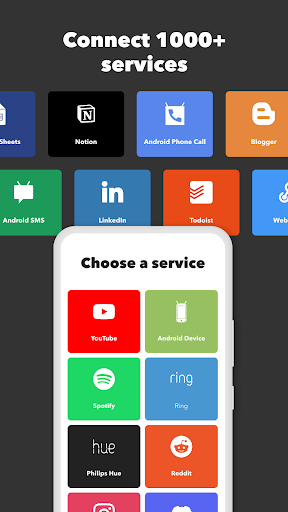
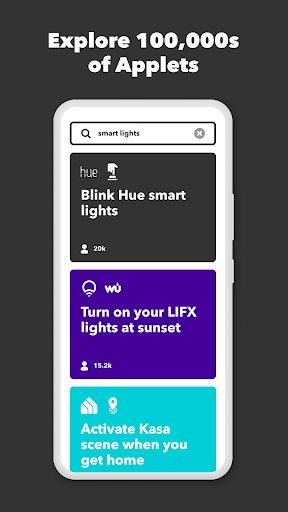
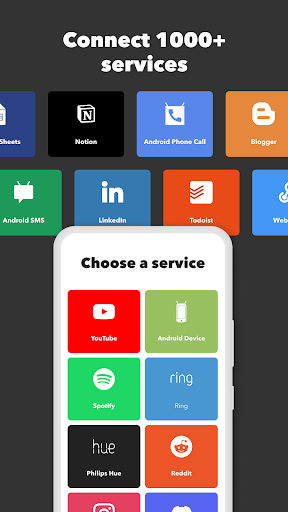
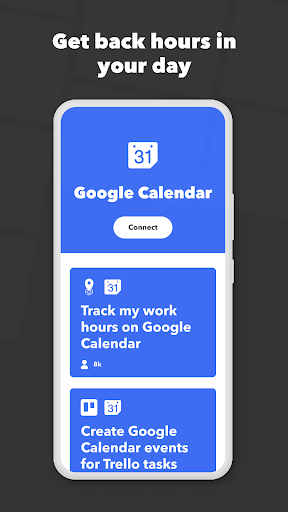
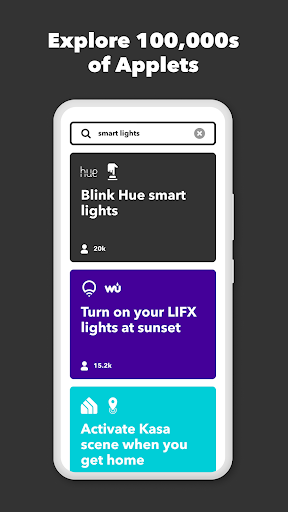
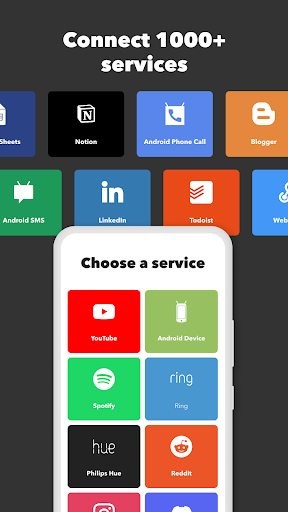
The true power of IFTTT lies in its expansive ecosystem of supported services—over 600—and a continuously growing list. Whether your smart home devices, cloud services, social media, or productivity tools, chances are IFTTT can weave them into your daily routines. For instance, automatically turning on your smart lights when your calendar indicates a meeting, or syncing your fitness tracker data with Google Sheets for analysis. This extensive integration reduces the cognitive load of managing disparate apps and devices, essentially acting as a translator and coordinator across your digital universe.
User Experience: Clean Design Meets User-Friendly Functionality
One of IFTTT's noteworthy strengths is its simple, clean interface. Navigating through the app feels akin to flipping through a well-organized desk—everything's in its place, and finding your way around is a smooth journey. Setting up workflows involves straightforward steps, with guided prompts that minimize the learning curve. The streamlined design minimizes cognitive overload, allowing users to focus on crafting automations rather than deciphering complex menus. Plus, the app's responsiveness and fluid transitions contribute to an overall feeling of reliability and ease of use. It's like having a friendly assistant who understands your needs without making things complicated.
Distinctive Advantages: Workflow Efficiency and Cognitive Load Reduction
Compared to other productivity or automation tools, IFTTT's standout feature is how it emphasizes workflow integration without overwhelming the user with arcane features. Unlike some platforms crammed with customization options—sometimes at the expense of simplicity—IFTTT keeps the core task automation clear and accessible. Its “if this, then that” logic acts as a cognitive unload—by externalizing tasks to automations, your mental bandwidth is preserved. This focus on reducing cognitive load, coupled with the extensive ecosystem, makes IFTTT a genuinely efficient productivity booster rather than a feature-dense, overwhelming toolbox.
Final Verdict: A Thoughtful Companion for Daily Automation
Overall, IFTTT - Automate Work and Home is highly recommended for users seeking practical automation solutions without the steep learning curve. Its standout features—particularly the ease of creating personalized applets and its broad service integration—set it apart from similar tools. Whether you want to automate routine chores or create sophisticated interconnected workflows, IFTTT's design prioritizes efficiency and simplicity.
If you're ready to turn your digital ecosystem into a smart, cohesive environment, this app is a reliable companion. It's especially suited for users who value not just automation, but also ease of use and minimal cognitive strain, helping you spend less time managing devices and more time enjoying the benefits of a smarter life.
Pros
User-friendly interface
The app offers an intuitive and simple layout, making it easy for beginners to create automation workflows.
Wide range of app integrations
Supports numerous popular apps like Gmail, Philips Hue, and Twitter, enabling versatile automation options.
Customizable automation routines
Allows users to tailor workflows with conditional logic, enhancing personalized productivity.
Cloud-based service
Enables access and control of automations from various devices without needing local setup.
Free tier available
Users can start automating basic tasks without any initial cost, making it accessible for new users.
Cons
Limited advanced customization options (impact: low)
Complex workflows may require more sophisticated triggers and actions, which are not supported yet.
Reliance on internet connectivity (impact: medium)
Automations depend heavily on stable internet; disruptions can cause delays or failures.
Some integrations are slow or unreliable (impact: medium)
Certain app connections may experience latency, affecting real-time automation performance.
Limited offline capabilities (impact: low)
Automation workflows cannot run without an internet connection, which might inconvenience some users.
Subscription plans can be confusing (impact: low)
Pricing tiers and feature access are not always clear; official website is working on improving transparency.
IFTTT - Automate work and home
Version Varies with device Updated 2026-02-02

















