
Learn Drawing





Learn Drawing App Info
-
App Name
Learn Drawing
-
Price
Free
-
Developer
Rstream Labs
-
Category
Art & Design -
Updated
2025-12-27
-
Version
Varies with device
Discovering Creativity in Your Hands: An In-Depth Look at Learn Drawing
Imagine transforming blank pages into vibrant artworks with just a few taps—Learn Drawing promises to be that friendly guide for aspiring artists and seasoned hobbyists alike. Developed by a passionate team dedicated to art education and digital innovation, this app blends educational content with intuitive design, making drawing accessible and engaging for everyone. Its core strengths lie in its comprehensive tutorials, innovative features like live sketching assistance, and a user-friendly interface, all tailored toward learners eager to sharpen their skills or explore new creative avenues.
A Brief Introduction to Learn Drawing
Learn Drawing is an educational app designed to facilitate drawing learning through step-by-step tutorials, interactive tools, and dynamic features. Whether you're just dabbling in pencil sketches or aiming to master digital illustrations, this app aims to be your go-to digital art classroom. Founded by a team of professionals passionate about art and technology, Learn Drawing focuses on demystifying the artistic process and providing an approachable platform for all age groups. Its main features include guided tutorials, a built-in drawing canvas, and adaptive learning progressions—creating a comprehensive environment for cultivating your artistic skills.
Engaging and User-Friendly Interface
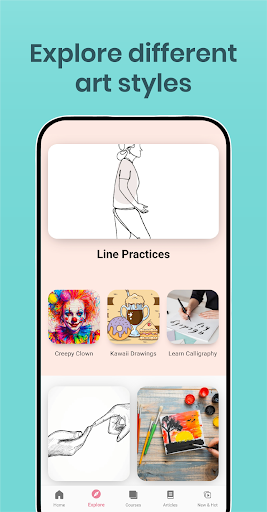
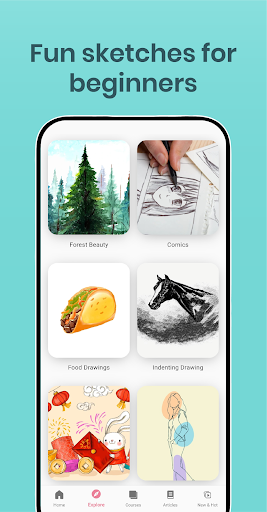
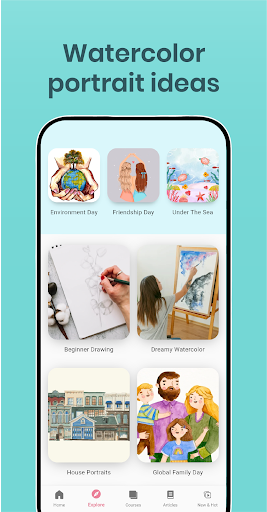
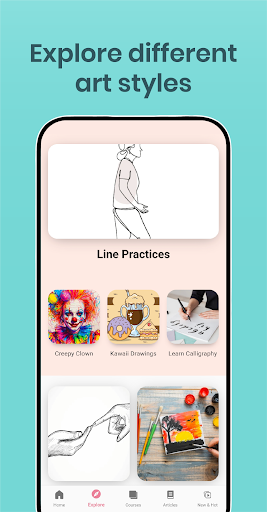
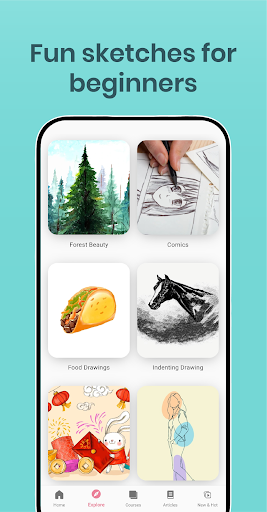
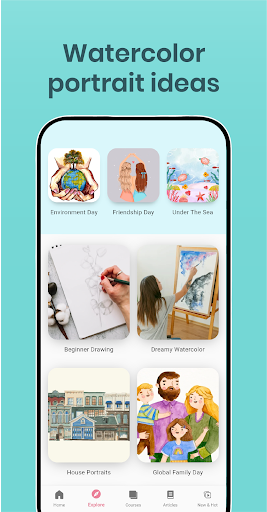
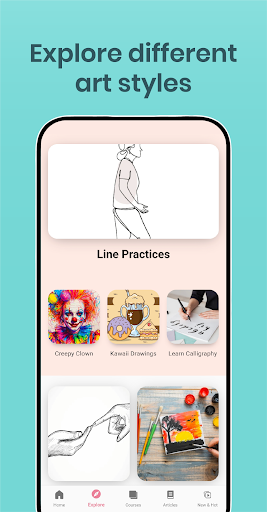
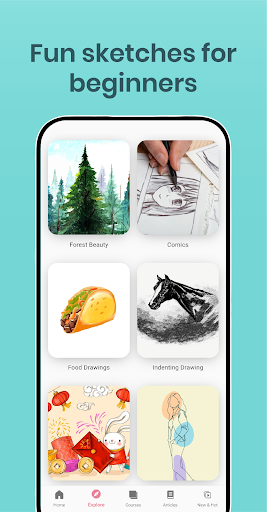
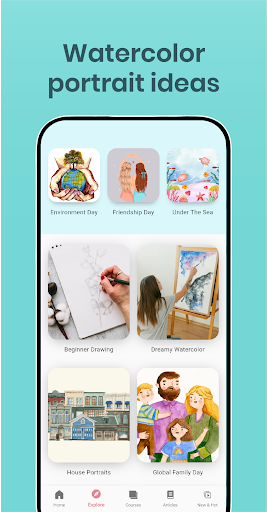
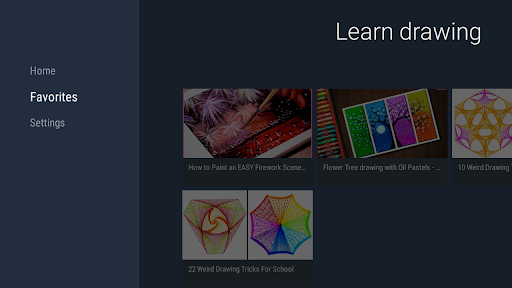
Once you launch Learn Drawing, it's like stepping into a well-organized artist's studio—clean, inviting, and full of potential. The app boasts a sleek, minimalistic design that emphasizes ease of navigation. Key functions are intuitively located, with clear labels and visual cues guiding you seamlessly through different sections. The drawing interface itself is fluid, with responsive touch controls that feel natural, whether you're sketching, erasing, or selecting tools. The learning curve is gentle; even newcomers will find it straightforward to start sketching within minutes. The app also offers customizable workspace layouts, allowing users to tailor their environment to suit their preferences, making the creative process all the more effortless and enjoyable.
Core Functionalities that Spark Creativity
1. Step-by-Step Guided Tutorials
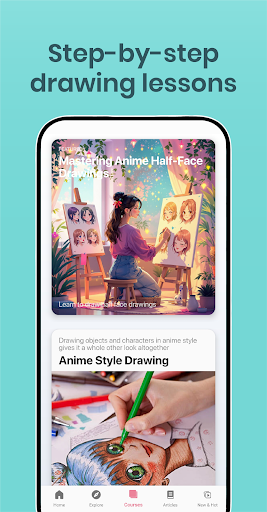
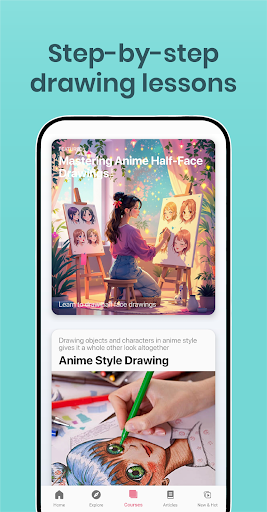
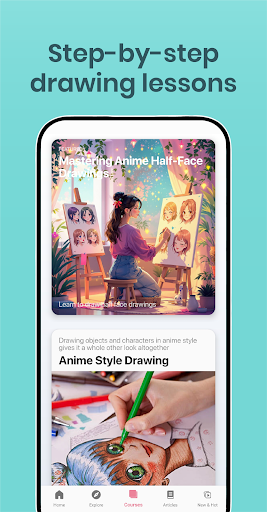
This feature stands out as Learn Drawing's cornerstone, transforming complex art techniques into bite-sized, manageable lessons. From basic shapes to advanced shading, these tutorials are crafted by professional artists, complete with vivid demonstrations and clear instructions. The step-by-step approach helps users understand the logic behind each stroke, building confidence and competence simultaneously. Imagine having a seasoned artist sitting beside you, patiently guiding each line—you'll find your skills gradually sharpening, even if you're a total beginner.
2. Interactive Drawing Assistance
What makes Learn Drawing particularly unique is its live sketching aid powered by intelligent algorithms. As you draw, the app provides real-time feedback, hints, and corrective suggestions, much like having a virtual mentor. For instance, if you're trying to learn how to render realistic eyes or proportioned figures, the app can digitally overlay guidelines, suggest adjustments, or highlight areas for improvement. This feature effectively reduces the trial-and-error frustration often faced by learners, transforming practice into a more constructive and encouraging experience.
3. Progress Tracking and Customizable Practice
The app recognizes that mastery takes time, so it offers a robust system to monitor your progress. You can set goals, revisit previous lessons, and track your improvements visually through progress charts. Additionally, learners can customize their practice sessions, selecting specific skills they wish to focus on, such as shading, anatomy, or landscape sketches. This tailored approach keeps motivation high and helps users systematically develop their drawing abilities over time.
Unpacking the User Experience
Navigate through Learn Drawing is akin to wandering through an artist's gallery—every corner thoughtfully designed. The interface's simplicity ensures that even those new to tech need not feel overwhelmed. Loading times are minimal, and the app remains responsive, making the drawing experience smooth as butter on a warm skillet. The learning curve is gentle, with tutorials progressively increasing in complexity, which means users do not get daunted early on. The combination of visual clarity and functional efficiency creates an environment where focus stays on creating, not struggling with the tool.
What Sets Learn Drawing Apart?
Compared to other art and design apps, Learn Drawing's emphasis on guided learning differentiates it significantly. While many apps offer blank canvases or general tools without context, Learn Drawing provides a structured pathway—from basic shapes to detailed illustrations. Its standout feature, the real-time interactive assistance, acts like a personal coach, providing immediate corrective feedback that accelerates learning—something that many peers lack. Moreover, the app's thoughtful design ensures that users of varying skill levels find value, making it a versatile platform suitable for children, students, or even adult hobbyists seeking to improve their skills.
Recommendation and Usage Suggestions
In all honesty, I'd recommend Learn Drawing to anyone curious about art—not just those with prior experience or natural talent. It's especially beneficial for beginners needing structured guidance and for self-motivated learners who thrive with interactive feedback. For experienced artists, the app can serve as an excellent warm-up tool or a way to practice specific techniques.
To get the most out of Learn Drawing, dedicate regular sessions and follow the structured tutorials step by step. Use the interactive tools actively to understand your mistakes and refine your skills progressively. Its user-friendly design ensures that you don't need to be technically savvy; instead, focus on your creativity and watch your drawing abilities flourish.
Overall, Learn Drawing is a well-crafted, thoughtfully designed app that effectively combines education and technology to foster artistic growth. Whether you're just starting or want to sharpen your skills further, it offers a promising digital studio with features that genuinely support your creative journey.
Pros
Intuitive Drawing Interface
Learn Drawing offers a user-friendly layout that makes starting new projects easy for beginners and experienced artists alike.
Comprehensive Tutorials
The app provides detailed step-by-step lessons covering various drawing techniques and styles, aiding skill development.
Wide Range of Tools
Includes diverse brushes, colors, and layers that allow users to experiment and create intricate artwork.
Offline Accessibility
Most features are available offline, enabling users to draw anytime without needing an internet connection.
Regular Content Updates
Frequent updates introduce new tutorials and tools, keeping the app fresh and engaging for users.
Cons
Limited Advanced Features (impact: medium)
Professional artists might find the app lacks some advanced features like custom brushes or vector editing, but updates are planned.
Performance Issues on Older Devices (impact: high)
Lag or crashes may occur on older smartphones or tablets; users are advised to close background apps to improve stability.
In-App Purchases for Full Features (impact: medium)
Some advanced tools are locked behind subscriptions or one-time purchases; official plans include offering more free content.
Limited Export Formats (impact: low)
Currently, export options are basic (JPEG, PNG), but future releases may include SVG and PSD support.
Learning Curve for Complex Techniques (impact: low)
While tutorials are helpful, mastering advanced methods may require additional outside resources; the app plans to add more in-depth lessons soon.
Learn Drawing
Version Varies with device Updated 2025-12-27



















