

LEGO® Builder: 3D Instructions






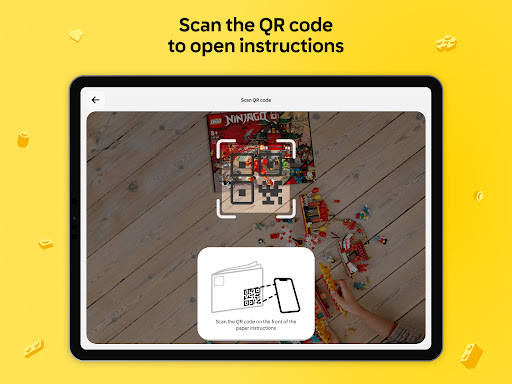


LEGO® Builder: 3D Instructions App Info
-
App Name
LEGO® Builder: 3D Instructions
-
Price
Free
-
Developer
LEGO System A/S
-
Category
Entertainment -
Updated
2026-02-07
-
Version
4.2.13
Introducing LEGO® Builder: 3D Instructions — Your Digital LEGO Building Companion
LEGO® Builder: 3D Instructions is a specialized app designed to revolutionize the way LEGO enthusiasts approach building projects, offering detailed, interactive 3D assembly guides to enhance the experience of constructing LEGO sets.
Developed by the LEGO Group
Created by the renowned LEGO Group, this app leverages their decades of expertise in play and education, aiming to streamline and enrich the building process for fans of all ages.
Key Features That Stand Out
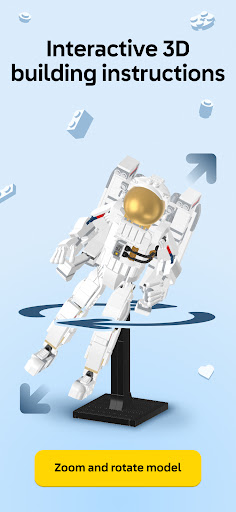
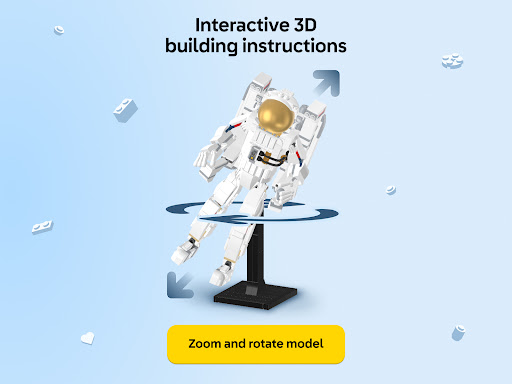
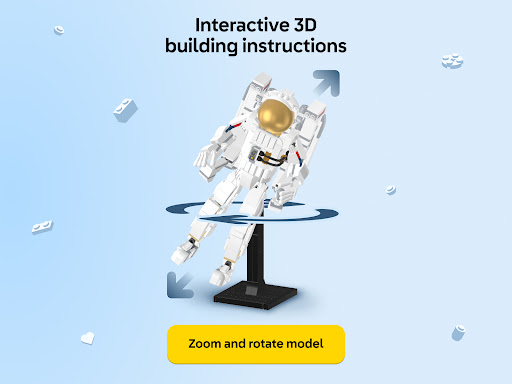
- Interactive 3D Instructions: Users can view LEGO models from every angle, zoom in and out, and even manipulate parts to better understand each step.
- Enhanced Visualization with AR: The augmented reality feature allows users to overlay digital instructions onto physical space, making assembly more intuitive.
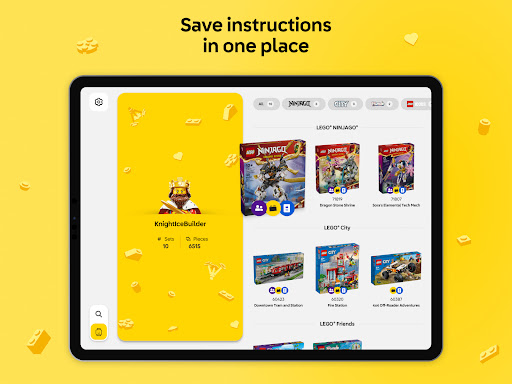
- Customizable Building Guides: Offers the ability to create and share personalized instructions, ideal for custom builds or modified sets.
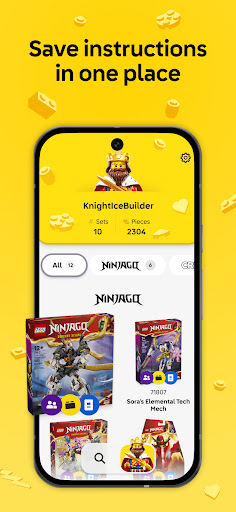
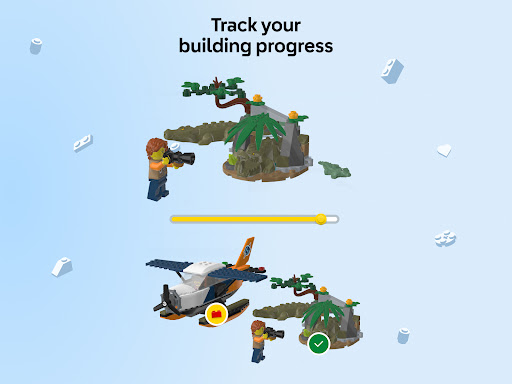
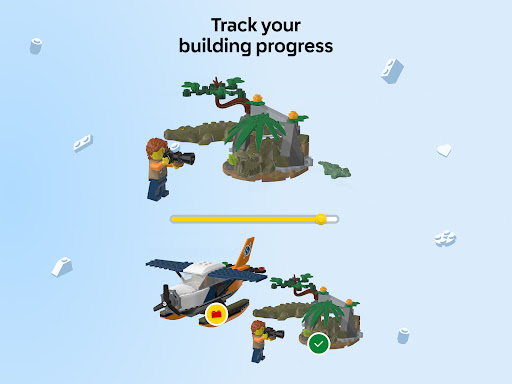
- Intelligent Progress Tracking: Keeps track of which steps have been completed, providing a seamless building flow without losing track of progress.
The app is primarily targeted at LEGO enthusiasts who are looking for a more interactive, visually engaging way to build, including beginners seeking guidance and experienced builders wanting more control over their assembly process.
An Enjoyable Journey into LEGO's Digital Realm
Imagine holding a favorite LEGO set in your hands, but instead of sifting through flat pages, you're transported into a vibrant three-dimensional world of bricks—they turn, tilt, and come alive at your fingertips. LEGO® Builder: 3D Instructions isn't just a step-by-step guide; it's like having a friendly building mentor guiding your every move, turning what might seem like a daunting puzzle into an immersive, almost playful adventure. The app captures that classic LEGO magic—imagination, creativity, and the satisfaction of seeing tiny bricks click perfectly into place—while adding a modern technological twist that makes the entire process smoother and more engaging.
Core Functionality 1: Immersive 3D Assembly Guides
The star feature of LEGO® Builder: 3D Instructions is its interactive 3D visualization capability. As you follow along with the building steps, you can rotate models to view them from any angle. The zoom function helps you get a closer look at tricky components, much like holding the model in your hand and examining it from every side. This feature is especially helpful when dealing with complex builds, as it clarifies the orientation and placement of bricks that might otherwise be ambiguous in flat diagrams. The smooth responsiveness and intuitive touch controls make exploring these 3D models a delight rather than a chore, helping minimize frustration and maximize understanding.
Core Functionality 2: Augmented Reality (AR) Assistance
One of the app's most innovative features is its AR overlay. Imagine positioning your tablet or smartphone over an empty space in your room, and suddenly, a virtual LEGO model emerges, integrally layered onto the real-world environment. This immersive visualization allows builders to see how pieces will look once assembled, ensuring accuracy and providing a spatial sense that traditional instructions rarely capture. This AR functionality elevates the building experience from static following to an interactive, almost gamified process, making it particularly appealing to younger users or those who learn better through tactile and visual cues. The AR feature's responsiveness and clarity guarantee that even those new to LEGO can enjoy a confident, guided assembly experience.
Core Functionality 3: Personalized Building Instructions & Progress Tracking
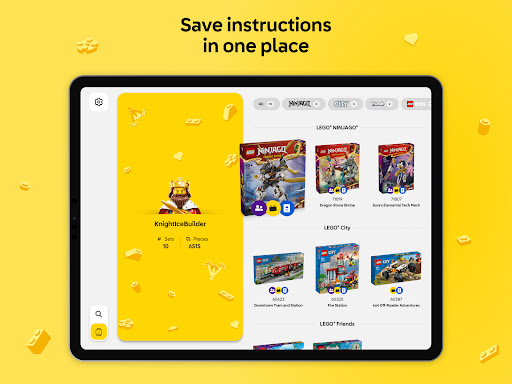
Beyond the standard set instructions, LEGO® Builder: 3D Instructions offers customization options where you or the community can create tailored guides. Whether it's a unique creation or an after-market modification, users can document and share their custom builds, fostering a vibrant community of builders. Additionally, the app's smart progress tracker keeps a record of completed steps, allowing users to pause and resume with ease. This function is especially beneficial for longer or more intricate projects, preventing frustration and helping maintain motivation. It's akin to having a digital assistant that not only guides you but also supports your creative journey, adapting to your pace.
Assessing User Experience: Sleek, Intuitive, and Informative
From a user interface standpoint, LEGO® Builder: 3D Instructions resembles a well-organized workspace—clean, colorful, and inviting. The navigation is designed for simplicity; buttons are logically placed, and gesture controls feel natural, mimicking the fluidity of flipping through physical instructions but with added interactive depth. The responsiveness is notably smooth on most modern devices, ensuring that the experience remains frustration-free even during complex zooming or model rotations.
Compared to similar entertainment or guide apps, LEGO's app excels in delivering precision and clarity without overwhelming the user. The combination of 3D views and AR overlays differentiates it from traditional, static guides, providing a multi-sensory, engaging experience that feels like a personal tutorial rather than a generic instruction manual.
Its learning curve is gentle—users familiar with smartphone gestures will adapt quickly, while newcomers will find the guided tutorials and user-friendly layout welcoming. The app's dual focus on visual engagement and practical functionality strikes a fine balance, making the building process both educational and immensely satisfying.
Final Recommendation: A Valuable Tool for Every LEGO Builder
For casual hobbyists and dedicated builders alike, LEGO® Builder: 3D Instructions offers a notably improved building experience. Its standout features—particularly the interactive 3D models and AR guidance—are its most compelling assets, making assembly easier, more intuitive, and more fun. While it may not replace the tactile feel of bricks in hand, it undeniably enhances understanding and confidence, especially for complex sets or custom projects.
In summary, I'd recommend this app to anyone who enjoys LEGO—whether you're trying to decipher a tricky set or bring your own design to life. It's a well-crafted digital companion that respects the joy of building while leveraging modern technology to make your experience smoother and more engaging. For the curious, the creative, and the tech-savvy, LEGO® Builder: 3D Instructions is a tool worth exploring as part of your LEGO journey. Consider it an upgrade to your building toolkit—an intelligent, interactive assistant that turns bricks and imagination into masterpieces.
Pros
Intuitive 3D Building Instructions
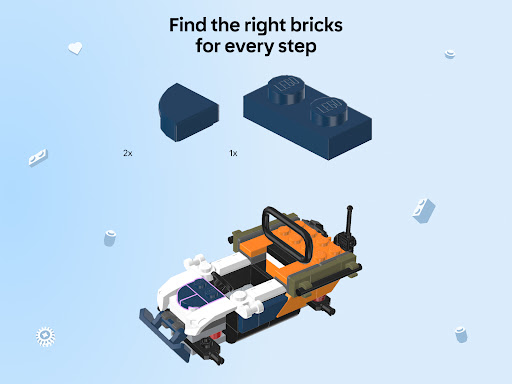
The app provides clear, step-by-step 3D visualizations that enhance the building experience for all ages.
Enhanced Creativity and Customization
Users can create and modify their own LEGO models, encouraging creativity outside the physical bricks.
User-Friendly Interface
The app's simple navigation makes it accessible even for beginners.
Compatibility with Multiple LEGO Sets
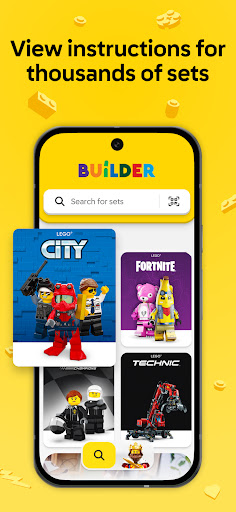
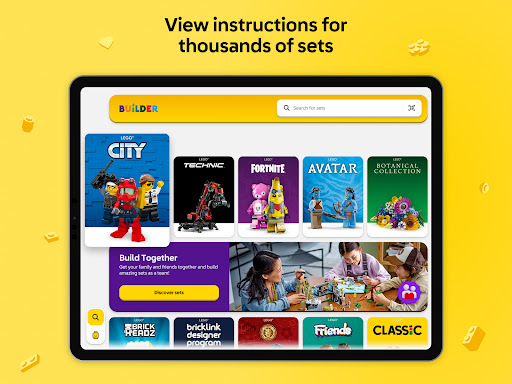
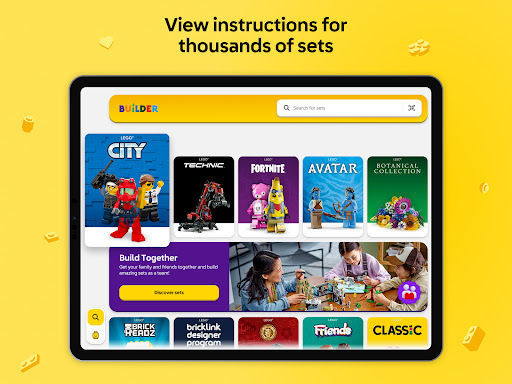
Supports instructions for a wide range of LEGO sets, increasing versatility.
Interactive Features
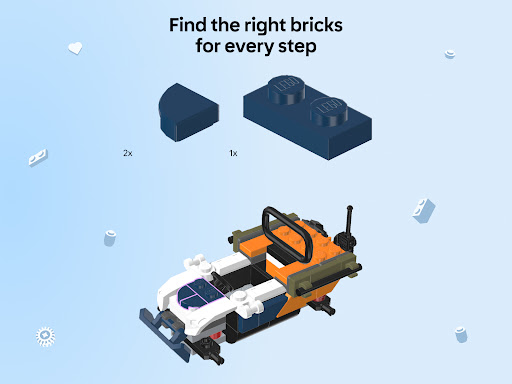
Includes zoom, rotate, and pause options, making it easier to follow complex steps.
Cons
Limited Offline Access (impact: medium)
Some features require internet connection, which may hinder use in low connectivity areas.
Inconsistent Model Updates (impact: low)
New LEGO sets are not always added promptly, requiring wait times for instructions.
Large App Size (impact: medium)
The app's file size can be substantial, potentially affecting device storage and performance.
Occasional Glitches (impact: high)
Some users report crashing or lagging during complex models, which could be resolved with updates.
Limited Annotation for Parts (impact: low)
The app sometimes lacks detailed part labels, making it slightly harder to identify specific bricks.
LEGO® Builder: 3D Instructions
Version 4.2.13 Updated 2026-02-07



















