
Letter Fonts - Stylish Text
Letter Fonts - Stylish Text App Info
-
App Name
Letter Fonts - Stylish Text
-
Price
Free
-
Developer
TarrySoft
-
Category
Personalization -
Updated
2025-10-29
-
Version
1.4.6
An Introduction to Letter Fonts - Stylish Text
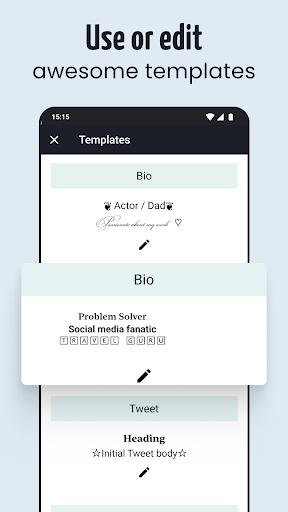
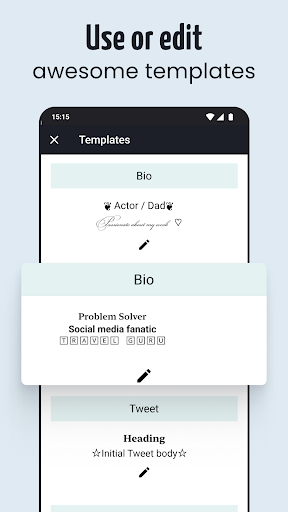
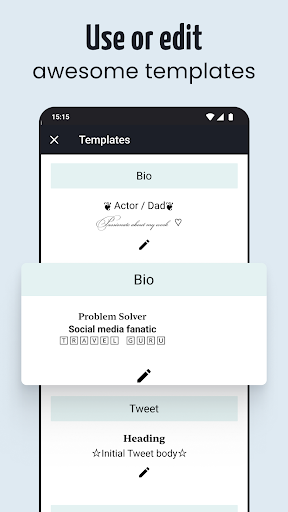
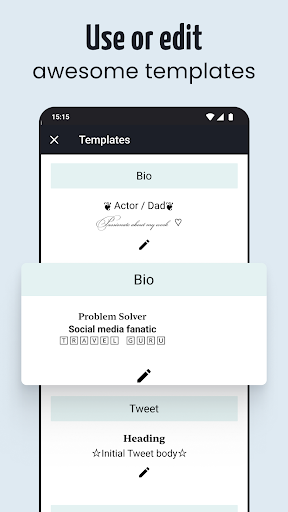
Letter Fonts - Stylish Text is a versatile app designed to allow users to craft eye-catching styled text for social media, messages, and creative projects. It positions itself as a handy toolkit for anyone looking to add a splash of personality and flair to their digital communication, whether you're an influencer, content creator, or just someone who enjoys customizing their texts.
Developed by Innovation Apps Studio
Developed by Innovation Apps Studio, a team known for producing user-friendly and creatively driven apps, Letter Fonts aims to provide a straightforward yet powerful platform for stylish text creation. Their focus is on combining aesthetic diversity with ease of use, making text customization accessible to all.
Key Features That Stand Out
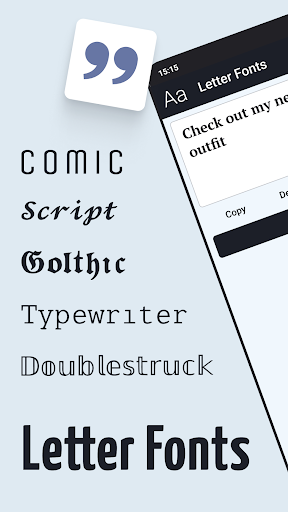
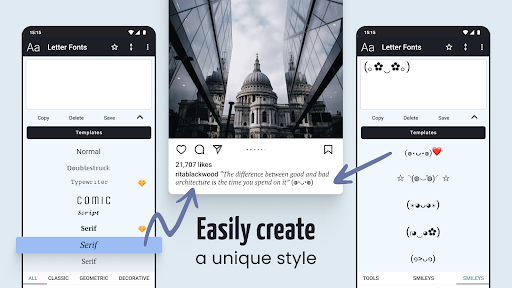
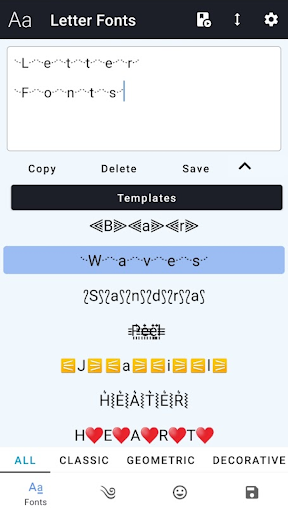
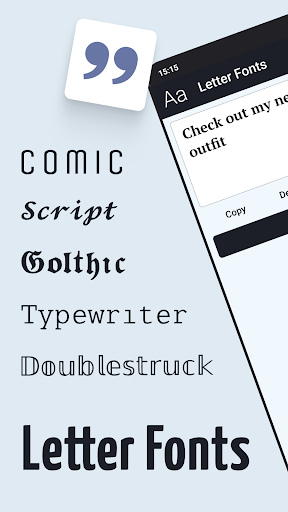
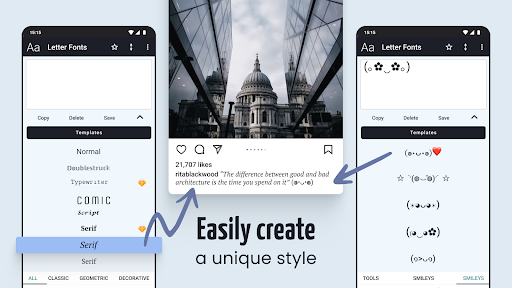
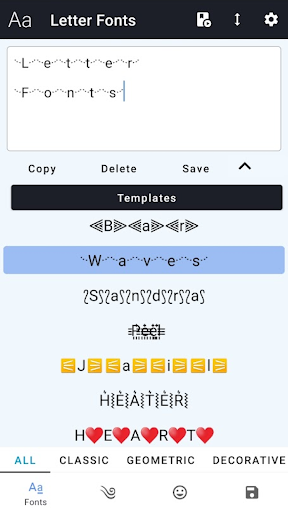
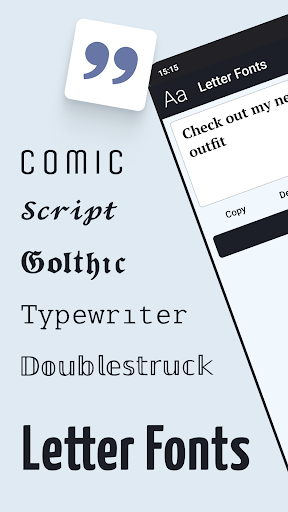
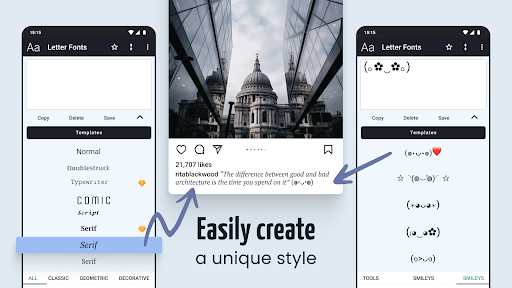
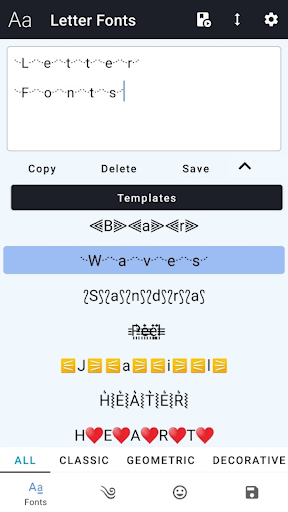
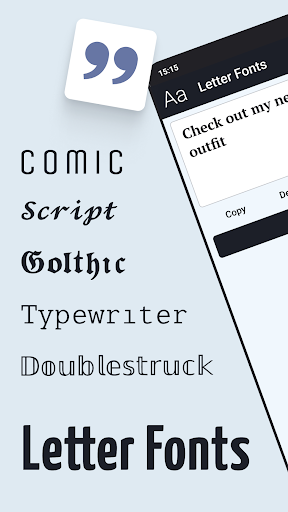
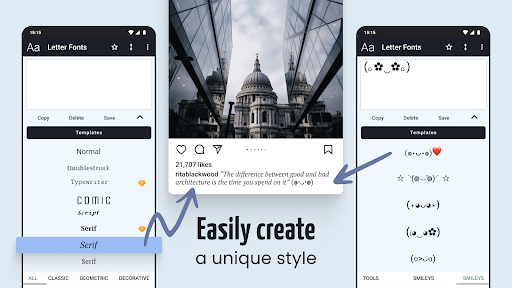
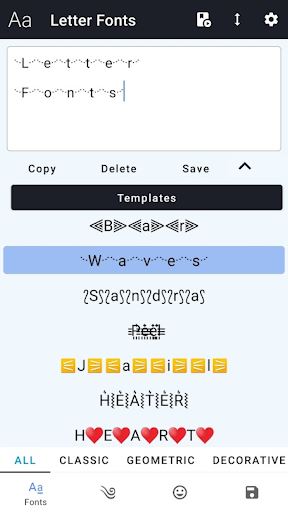
- Rich Variety of Fonts and Styles: Over 200 unique fonts spanning playful, elegant, modern, and vintage styles, ensuring everyone finds a perfect match.
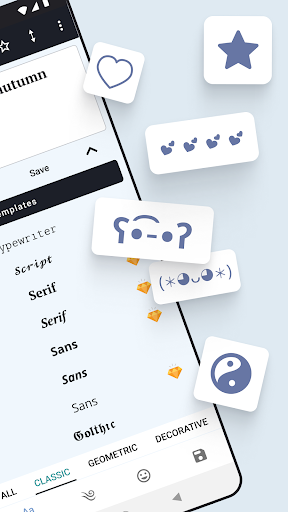
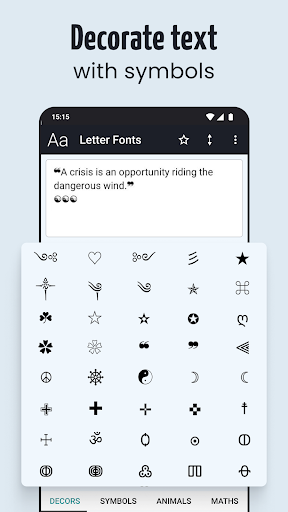
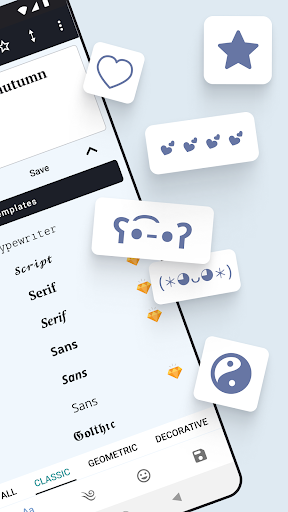
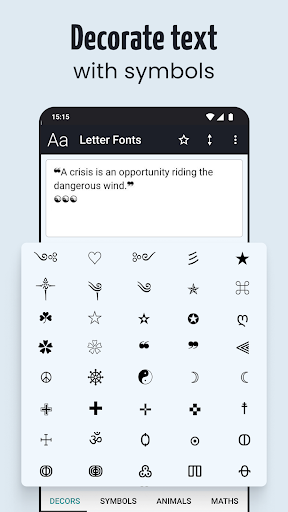
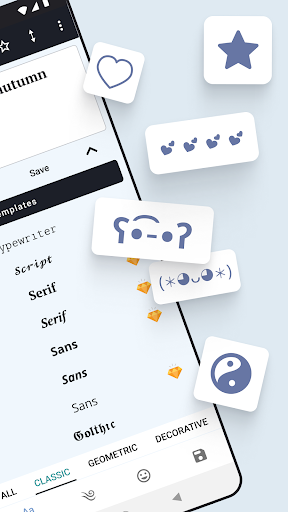
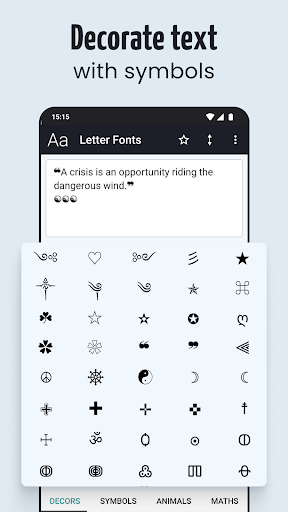
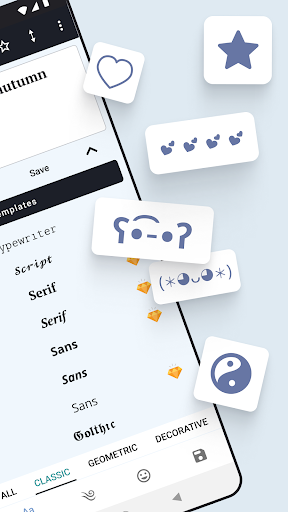
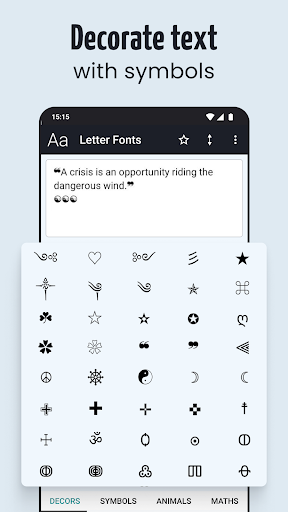
- Customizable Effects: Includes options for shadows, outlines, gradients, and decorations to enhance the visual impact of your text.
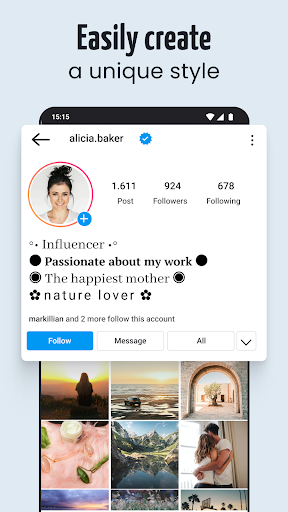
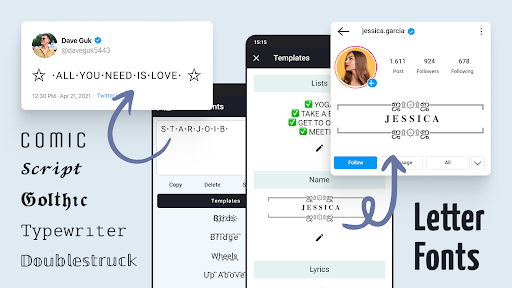
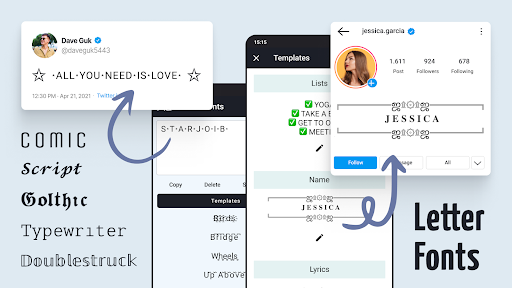
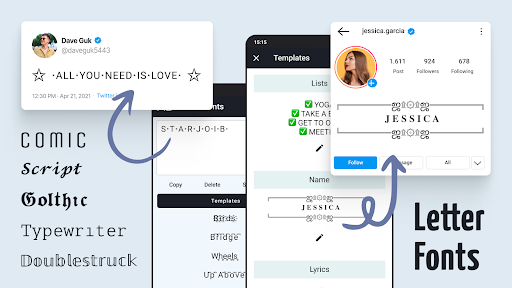
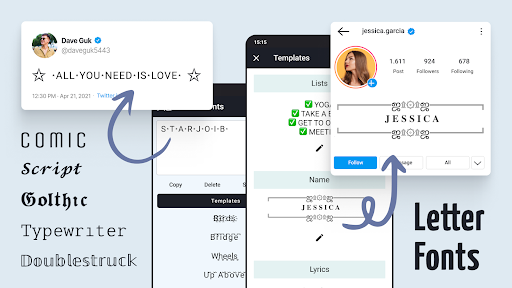
- Easy Copy & Share: Seamless copying and sharing features that enable users to quickly incorporate their styled text into social media posts, profiles, or messages.
- Theme Compatibility: Supports integration with various themes and platforms, ensuring styled texts look great across different apps.
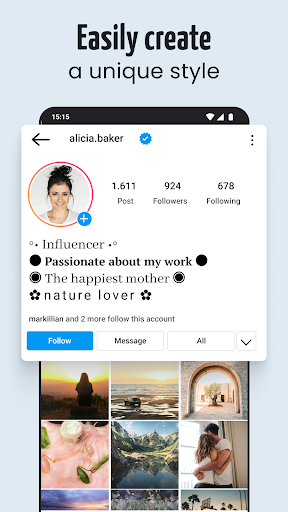
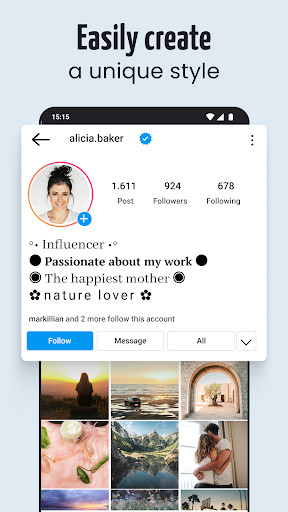
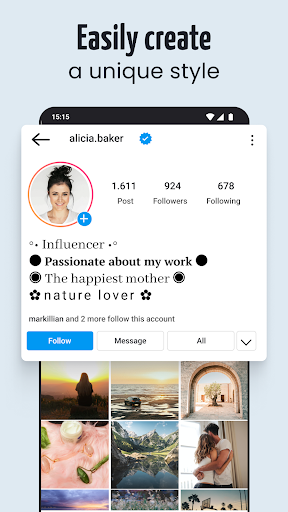
The app mainly targets social media users, digital creators, and anyone keen on personalizing their online presence without complex design tools.
A Playful Starting Point for Creative Text
Imagine you're preparing a story post on Instagram or customizing your username on a gaming platform — Letter Fonts turns these mundane tasks into a mini adventure of artistic exploration. The interface feels like a friendly studio where you sit down with a palette, selecting fonts and effects that echo your mood or personality, all while enjoying a smooth, intuitive experience.
Core Functionality: Style Your Text Like a Pro
1. An Abundance of Fonts and Effects
The main draw of Letter Fonts is its extensive library of over 200 fonts. From whimsical handwritten scripts to sleek modern typography, the variety is impressive. What sets it apart is its layered effects system — users can add shadows, outlines, gradients, and decorative symbols to transform plain text into captivating visual statements. Imagine constructing a decorative banner for your social profile: the app offers enough options to match virtually any aesthetic, making your text pop just like a billboard in Times Square.
2. Seamless Customization & Preview
Customization feels like painting on a digital canvas with real-time preview. Users can tweak font size, spacing, colors, and effects with easy sliders or taps. This immediate feedback loop makes it simple to experiment and discover what looks best—no frustrating trial-and-error. The interface is uncluttered, with drag-and-drop elements that let you rearrange and test different styles swiftly, turning creative experimentation into a delightful process.
3. Effortless Sharing & Compatibility
After crafting that perfect styled text, sharing is as easy as a tap. The app supports copying to clipboard and direct sharing to popular social media platforms — Instagram, TikTok, WhatsApp, and more. Its theme and platform compatibility ensure that your creative text looks sharp across different backgrounds and settings, avoiding the common pitfall where styled fonts lose clarity or appeal when transferred between apps. This focus on cross-platform consistency is a notable advantage, especially for content creators who juggle multiple channels.
Design, User Experience, and Differentiation
The user interface of Letter Fonts is clean and inviting, with a design that resembles a well-organized art studio rather than a cluttered digital jungle. Navigation is straightforward: choose a font, customize the effects, preview, and share. The learning curve is gentle; even beginners can start creating stylish texts within minutes, making it accessible without sacrificing depth.
Compared to other personalization apps, Letter Fonts shines with its remarkable variety of customization options. The library's breadth allows for a wide spectrum of styles, and the theme compatibility ensures your creations look cohesive regardless of the platform. This level of integration and flexibility gives it an edge over simpler font apps that might offer fewer styles and limited effects.
Final Verdict and Recommendations
Overall, Letter Fonts - Stylish Text is a reliable and enjoyable tool for anyone seeking to elevate their digital text game. While it's not as complex as professional graphic design software, it offers enough creative freedom for everyday use. For social media enthusiasts, content creators, or anyone who loves personalizing their online presence, this app provides a comprehensive set of features without overwhelming complexity.
We recommend it highly to users who value variety and cross-platform consistency in their styled texts. Beginners will find the interface welcoming and easy to master, while more experienced users will appreciate the depth of customization available.
In summary, if you're looking to sprinkle some style onto your digital words effortlessly, Letter Fonts is worth trying out — it's like having a mini creative studio right in your pocket.
Pros
Wide Variety of Fonts
Offers a diverse selection of stylish fonts that cater to different aesthetic preferences.
User-Friendly Interface
Features an intuitive design, making font selection and customization easy for all users.
Instant Preview Feature
Allows users to see how the fonts look on their text before applying, enhancing convenience.
Custom Text Styling Tools
Includes options for adding shadows, outlines, and gradients to create more personalized text designs.
Share and Export Options
Enables quick sharing of styled text directly to social media or saving in various formats.
Cons
Limited Free Fonts (impact: Medium)
Many premium fonts require in-app purchases, which might limit options for free users.
App Performance on Older Devices (impact: Medium)
May experience lag or crashes on devices with lower specifications, but updating the app could improve stability.
Basic Customization Options (impact: Low)
Some advanced styling features are not available in the free version; future updates may add more tools.
Watermark In Free Version (impact: High)
Exported texts sometimes include watermarks unless the user upgrades to premium; waiting for a future ad-free update could help.
Limited Language Support (impact: Low)
Primarily supports English, with limited options for other languages; official multilingual updates are expected.
Letter Fonts - Stylish Text
Version 1.4.6 Updated 2025-10-29



















