

LumaFusion: Pro Video Editing
LumaFusion: Pro Video Editing App Info
-
App Name
LumaFusion: Pro Video Editing
-
Price
29.99
-
Developer
LumaTouch
-
Category
Video Players & Editors -
Updated
2025-12-02
-
Version
5.4.1
Introducing LumaFusion: Pro Video Editing — A Powerhouse for Creative Professionals
In the bustling realm of mobile video editing, LumaFusion stands out as a comprehensive and professional-grade app designed for creators who demand precision and flexibility, all within a sleek iOS environment. Developed by Luma Touch LLC, this app caters to filmmakers, journalists, content creators, and hobbyists seeking a robust editing tool that rivals desktop software.
Key Features That Make LumaFusion Shine
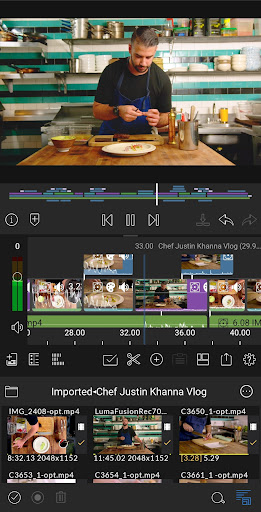
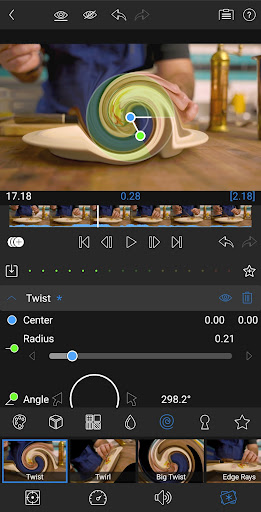
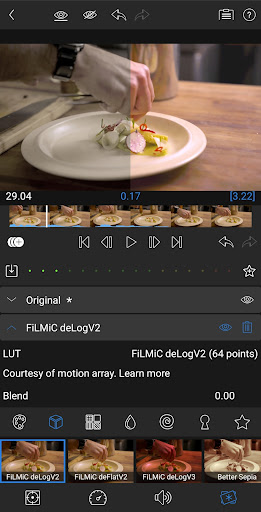
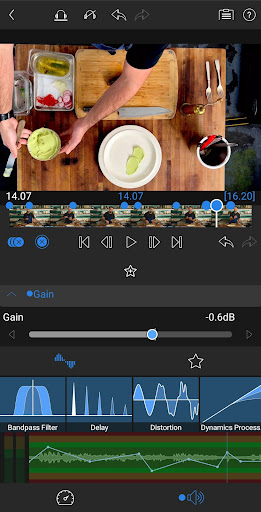
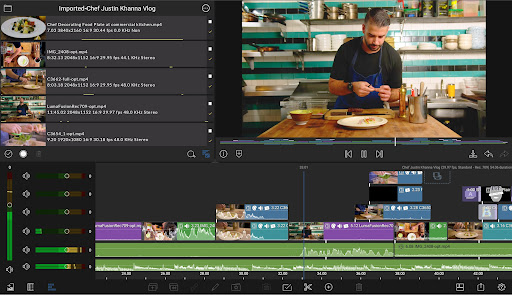
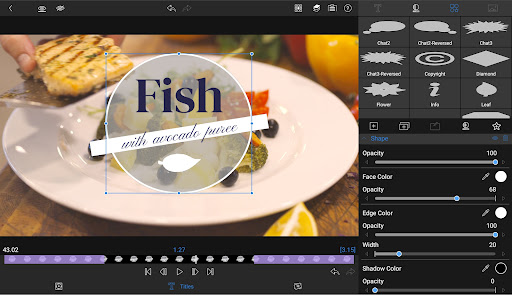
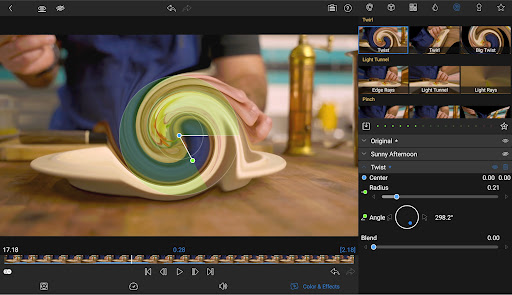
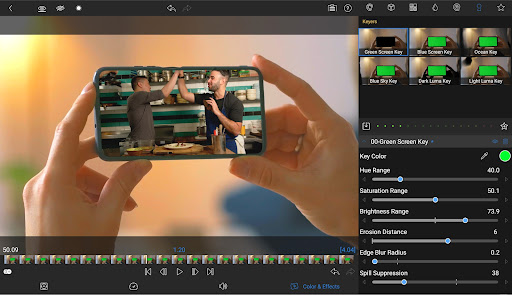
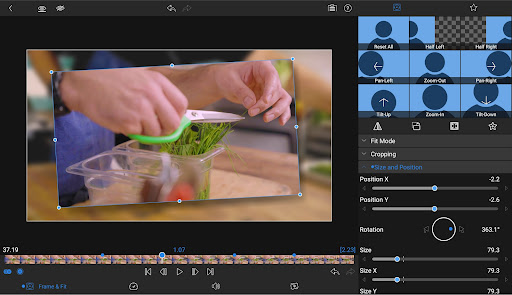
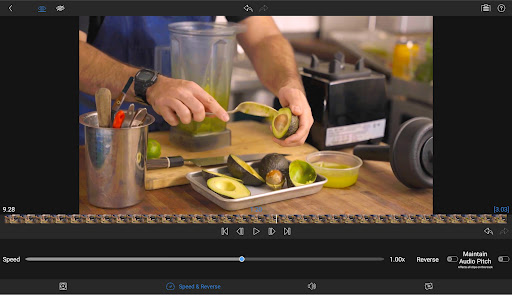
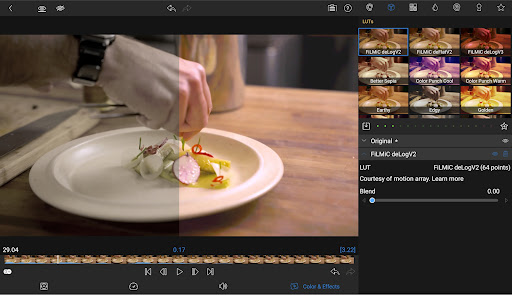
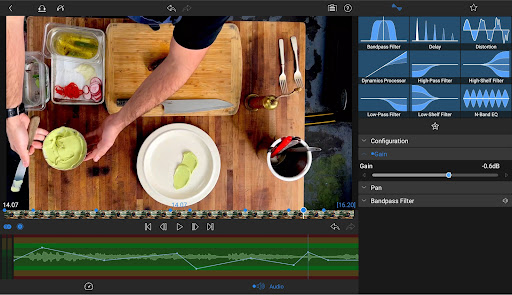
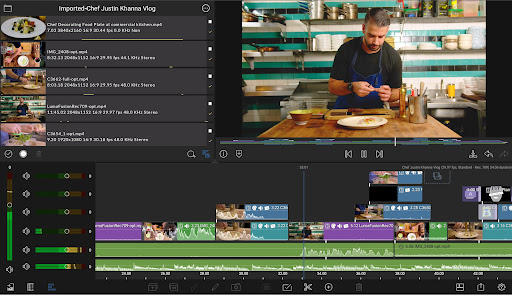
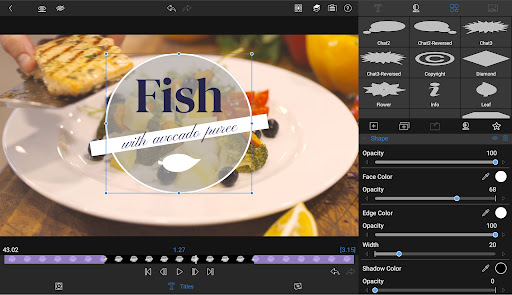
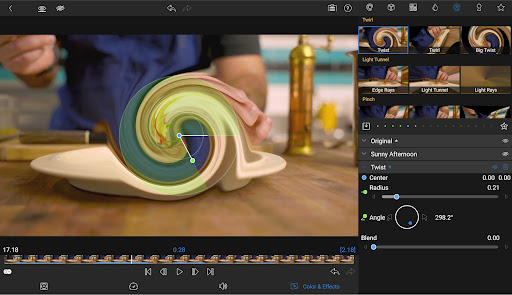
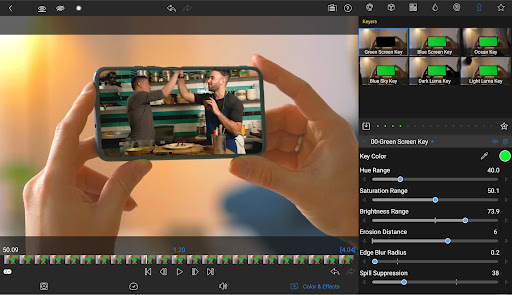
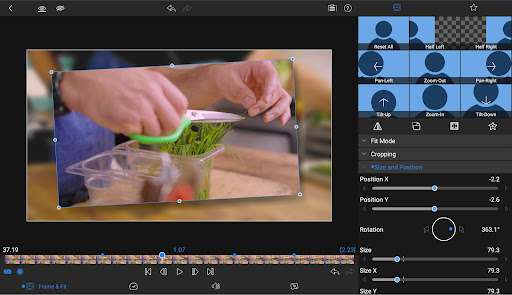
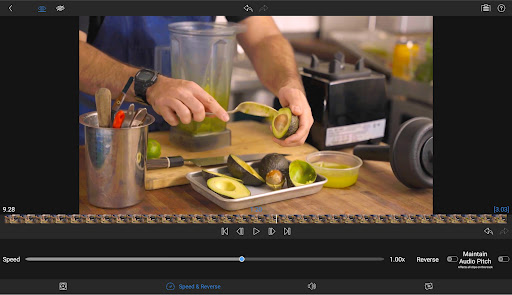
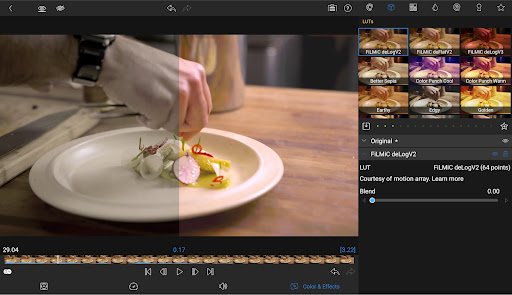
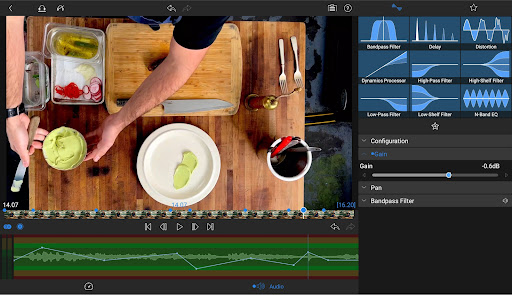
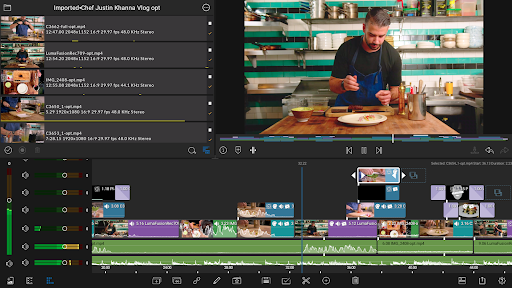
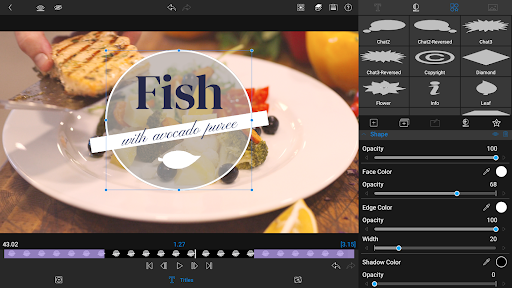
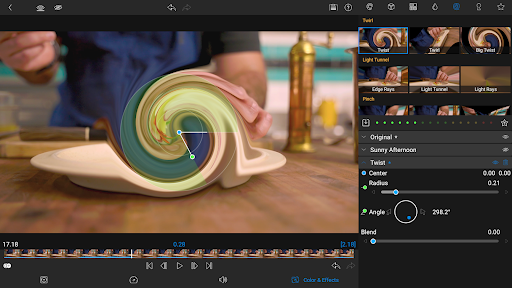
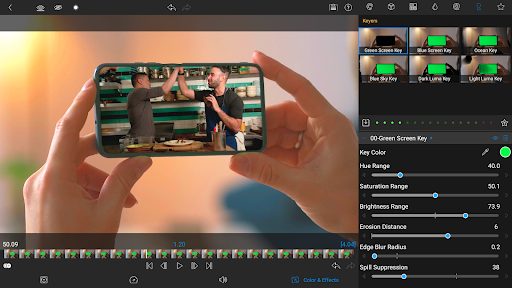
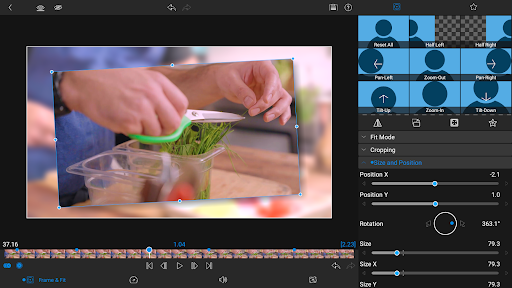
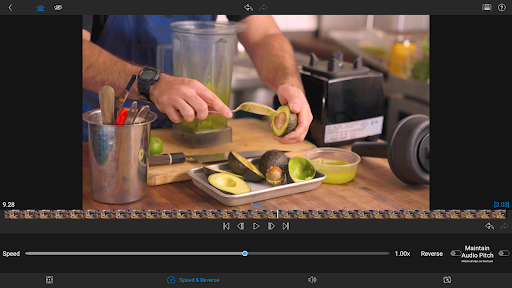
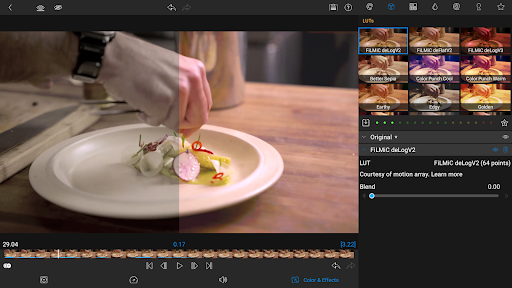
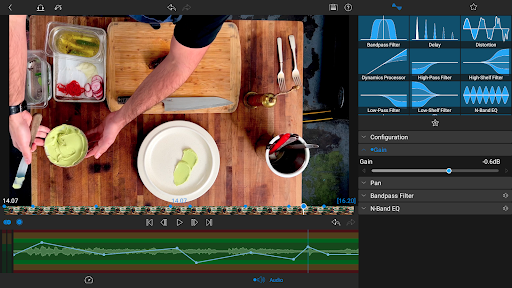
At its core, LumaFusion offers an impressive suite of features, but what truly distinguishes it are its multi-track timeline, advanced color grading tools, and AI-powered editing assistances. Its intuitive design allows seamless integration of multiple media types, including 4K video support, making it suitable for high-end professional projects. The app's flexibility – from simple cuts to complex layered compositions – makes it a versatile partner for any editing task. Meanwhile, its support for extensive audio editing and effects customization ensures users have complete control over their soundscape as well.
Creative Powerhouse with a User-Friendly Approach
Intuitive Interface That Feels Like Home
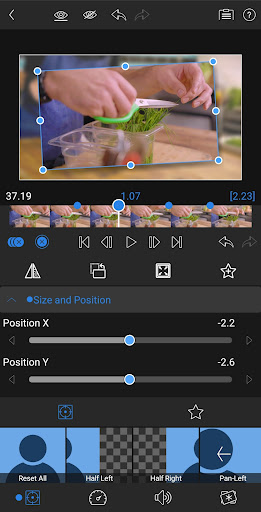
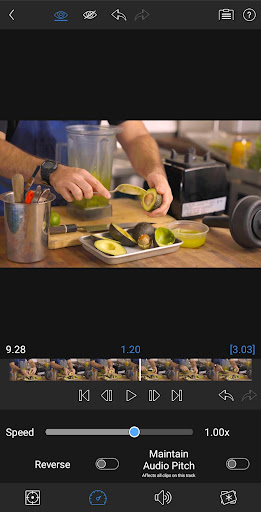
Jumping into LumaFusion feels like settling into a familiar workspace — it balances complexity with accessibility. The interface adopts a clean, organized layout, where the timeline is front and center, resembling a traditional editing console but perfectly optimized for touchscreen operation. Drag-and-drop gestures and context-sensitive menus streamline the editing process, minimizing the learning curve for new users while offering depth for seasoned professionals.
Performance and Smoothness: Editing Without Tears
Speed is the lifeblood of editing, and LumaFusion excels here. With hardware acceleration and optimized coding, the app handles multi-layered projects with ease, even on less powerful devices. Transitions, effects, and rendering happen swiftly, allowing creators to experiment freely without the frustration of lag or crashes. This fluid performance makes it feel more like brainstorming with a creative partner rather than wrestling with a cumbersome tool.
Learning Curve: Friendly for Beginners, Deep for Experts
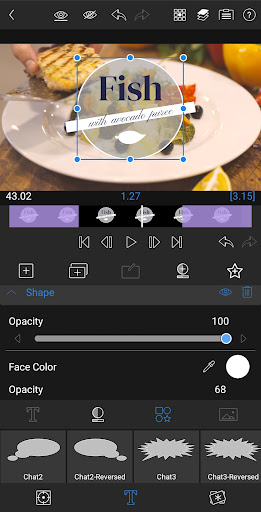
For newcomers, LumaFusion offers a gentle onboarding process: helpful tutorials, preset templates, and straightforward controls ease the transition into professional editing. Advanced users, however, will appreciate its layered timeline, keyframe animations, and detailed color grading options—features that hint at desktop-level capabilities. This scalable complexity ensures the app remains a valuable resource throughout a creator's evolving journey.
What Sets LumaFusion Apart: Format Compatibility and AI Features
Compared to many other mobile video editors, LumaFusion's support for a broad range of video formats, including high-resolution ProRes and CinemaDNG files, is a significant advantage. It ensures that users can incorporate footage from various sources without the tedious transcoding process, saving time and preserving quality. Additionally, its innovative AI-powered features — like auto scene detection, smart audio sync, and automated color correction — act as intelligent assistants, elevating the editing process. These features are particularly helpful when working under tight deadlines or with complex, lengthy footage, allowing creators to focus more on storytelling rather than technical minutiae.
Final Verdict & Recommendations
If you're a serious content creator looking for a mobile editing solution that combines professional-grade tools with an intuitive workflow, LumaFusion is certainly worth exploring. While it may take some time to master its full potential, the app's well-designed interface and powerful features justify the investment. It is especially recommended for those working on broadcast-quality projects, documentary footage, or multi-layered narratives that demand precision and versatility. For casual users, it still offers ample tools for everyday editing, but those seeking a simple, quick fix might find lighter apps more suitable. Overall, LumaFusion stands out as a top-tier option in the mobile editing landscape, bridging the gap between portable convenience and professional ambition.
Pros
Intuitive User Interface
LumaFusion offers a clean, user-friendly layout that allows quick mastering even for beginners.
Extensive Layer Support
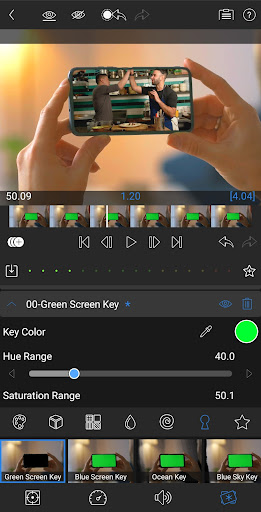
Supports multiple video, audio, and image layers for complex editing projects.
Robust Editing Tools
Includes features like keyframes, color correction, and multi-cam editing to enhance creativity.
Fast Export Speeds
Optimized for iOS devices, ensuring smooth and quick rendering of high-resolution videos.
Rich Format Compatibility
Supports a wide range of formats, including 4K and ProRes, making it versatile for various professional workflows.
Cons
Limited Cloud Integration (impact: medium)
Currently lacks seamless cloud project syncing; users may need manual exports and imports, which can disrupt workflow.
Steep Learning Curve for Advanced Features (impact: low)
While beginner-friendly, mastering advanced tools like keyframes and multi-cam editing requires time and practice.
Occasional Stability Issues on Older Devices (impact: medium)
Some users report crashes or lag on older iOS devices; keeping software updated and closing background apps can mitigate this.
Limited Audio Editing Capabilities (impact: low)
Advanced audio editing is basic; users needing detailed sound design may require external software or workaround.
Pricing Might Be a Barrier for Some (impact: low)
While offering great features, the app's purchase price may be higher than other mobile editors, potentially limiting accessibility.
LumaFusion: Pro Video Editing
Version 5.4.1 Updated 2025-12-02



















