
OBD2 Car Scanner - ELM Torque
OBD2 Car Scanner - ELM Torque App Info
-
App Name
OBD2 Car Scanner - ELM Torque
-
Price
Free
-
Developer
XAPPIFY
-
Category
Auto & Vehicles -
Updated
2025-12-23
-
Version
2.1.0
Unlocking Your Car's Secrets: A Deep Dive into OBD2 Car Scanner - ELM Torque
Picture this: your vehicle is like a living organism, whispering its needs and distress signals through tiny electronic messages. ELM Torque steps in as a friendly translator, decoding these signals effortlessly. Developed by a dedicated team of automotive diagnostics enthusiasts, this app promises to bring professional-level car health insights right into your palm. With its intuitive interface and robust features, ELM Torque caters to DIYers, car enthusiasts, and everyday drivers eager to understand what's happening beneath the hood without breaking the bank or losing patience.
Core Functions That Make a Difference
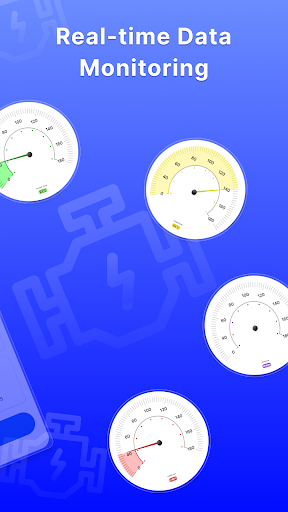
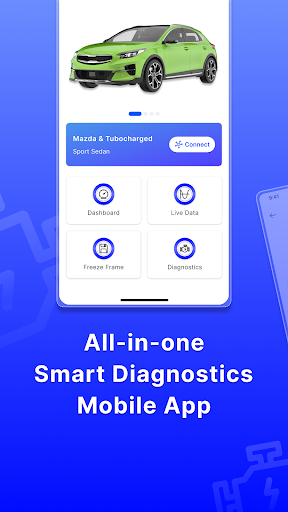
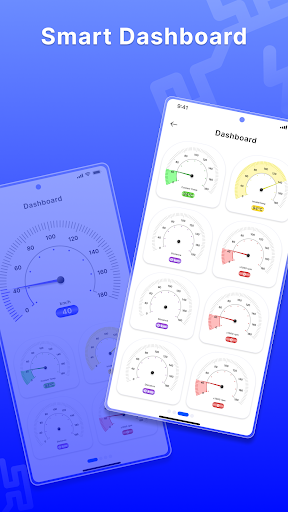
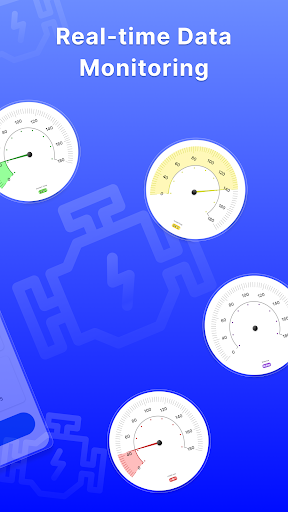
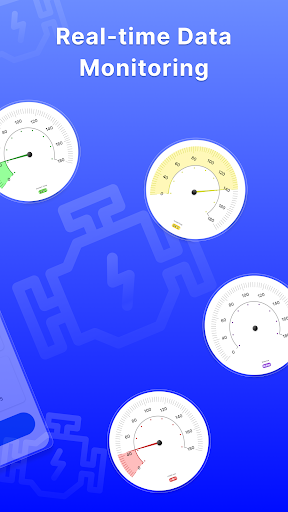
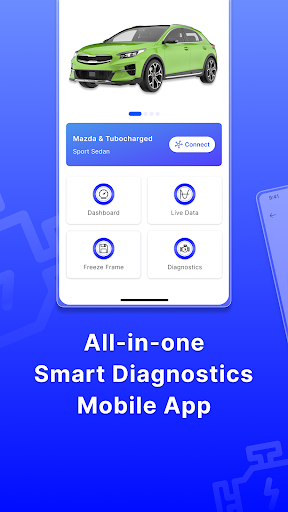
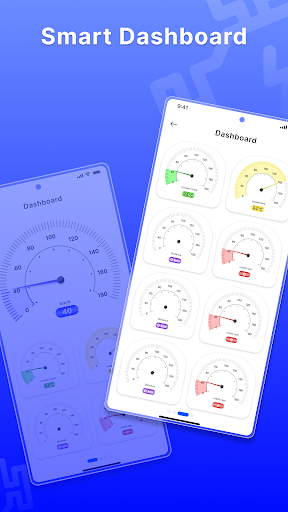
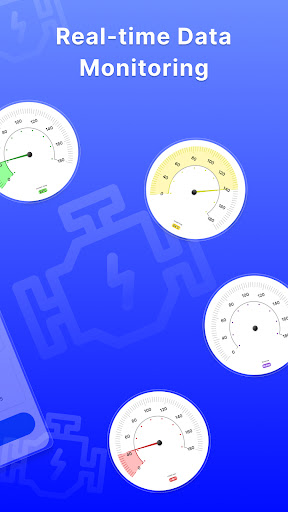
At its heart, ELM Torque offers a comprehensive suite of tools designed to diagnose, monitor, and improve your vehicle's performance. First, its real-time data monitoring feature acts like a live dashboard, displaying crucial engine parameters such as RPM, fuel intake, temperature, and speed, all graphically charted out so you can see fluctuations as they happen. It's akin to having a mini race car telemetry system at your fingertips.
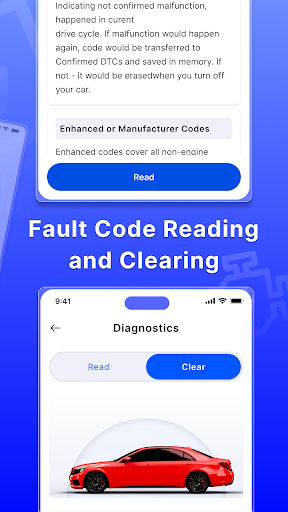
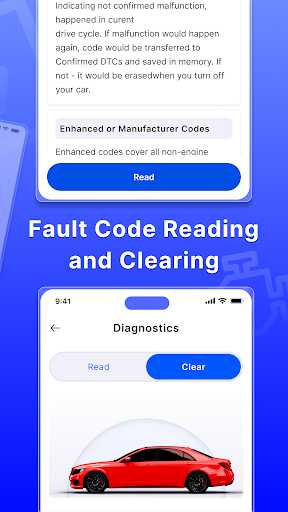
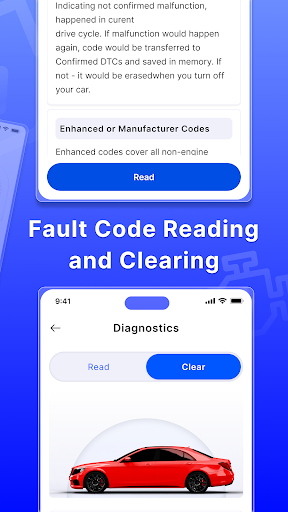
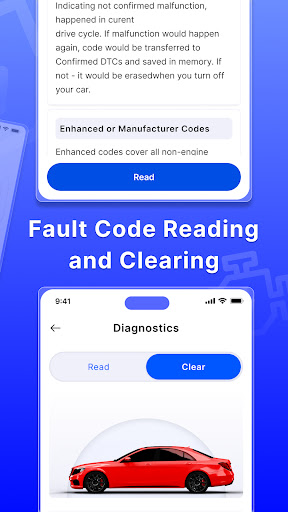
Second, the app excels in fault code detection and clearing. When your dashboard lights up with a mysterious check engine light, ELM Torque spring into action, quickly retrieving diagnostic trouble codes (DTCs) along with plain-language explanations. This not only helps you identify issues promptly but also prevents unnecessary visits to the mechanic, saving both time and money.
Third, advanced features like readiness monitoring and emission testing support make this app stand out. Whether you're preparing for an annual inspection or just curious about your vehicle's emissions health, ELM Torque provides detailed reports that are easy to understand, empowering you with the knowledge to maintain a clean bill of health for your car.
User Experience: Smooth, Friendly, and Learning-Friendly
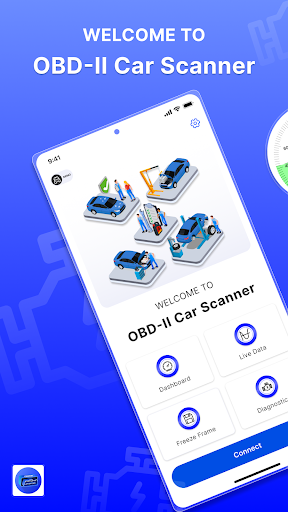
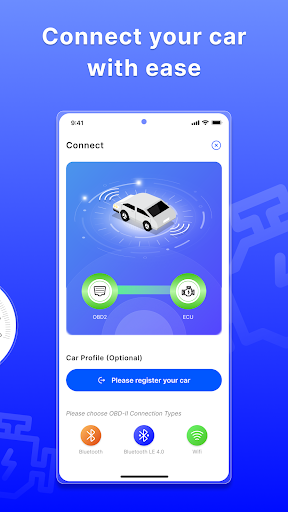
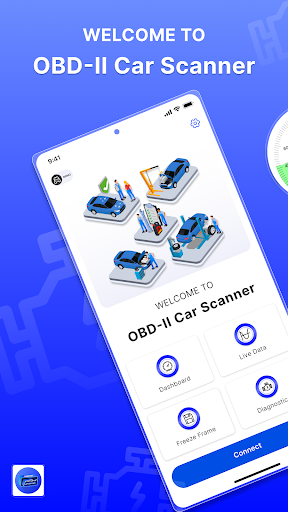
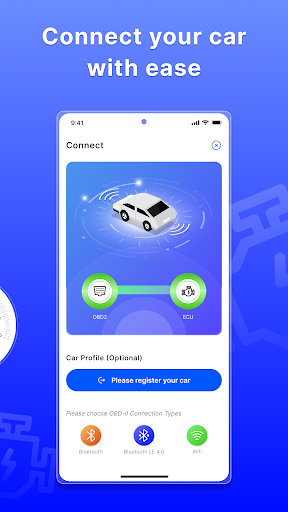
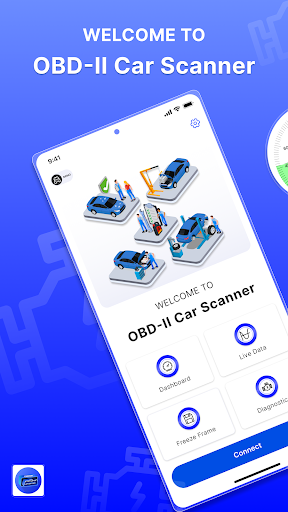
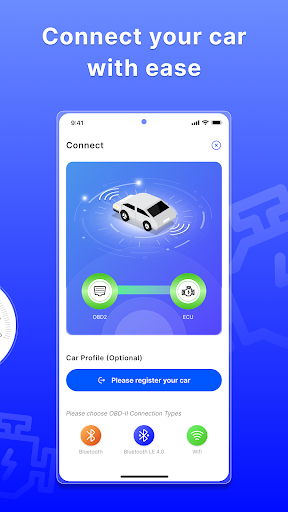
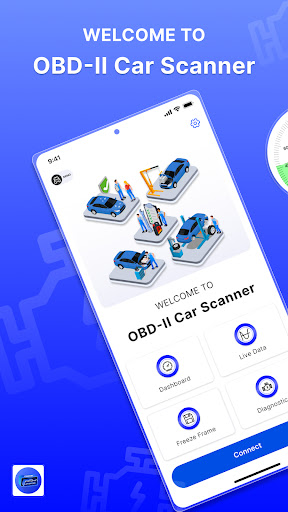
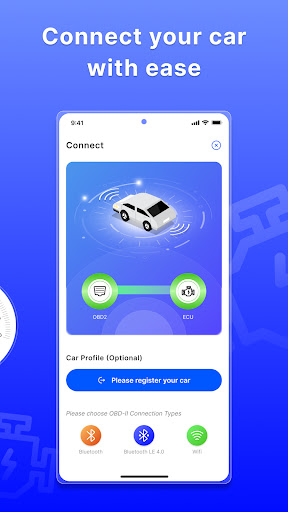
Using ELM Torque feels less like navigating a complex electronic interface and more like chatting with a knowledgeable friend. The app's layout is clean and straightforward, with intuitive menus that don't require a steep learning curve. Even for those new to vehicle diagnostics, initial setup is a breeze—simply connect your OBD2 scanner, and you're good to go. The responsiveness is impressive; data refreshes smoothly without lag, making real-time monitoring an enjoyable experience.
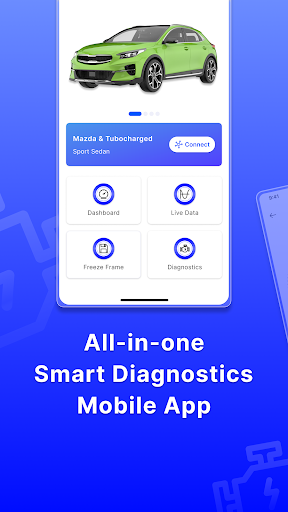
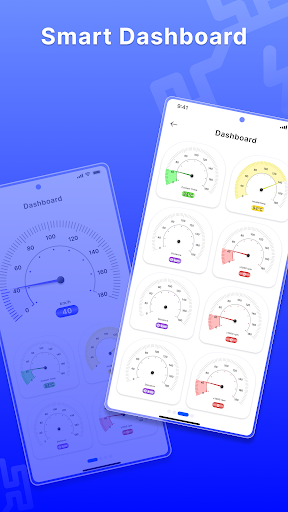
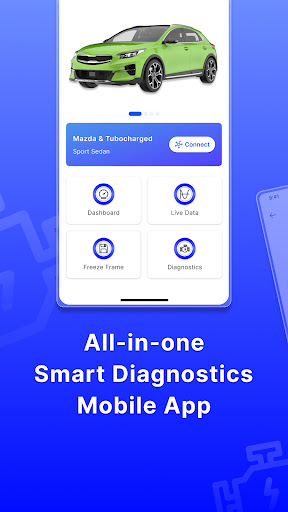
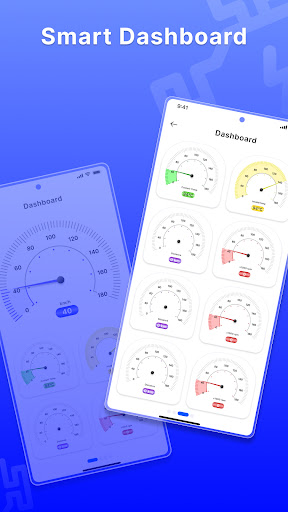
The interface employs clear icons and organized dashboards, which means you can quickly access the information you need without wading through clutter. For tech-savvy users, customizable dashboards allow tailoring data displays, catering to more advanced diagnostics. For beginners, the app's instructional hints and diagnostic suggestions serve as gentle guides, smoothing the learning curve. Overall, ELM Torque strikes a fine balance between depth of information and user-friendliness.
What Sets ELM Torque Apart in a Crowded Field?
Compared with many other auto-diagnostic apps, ELM Torque's standout feature lies in its versatility and depth of data. Unlike simpler apps that only scan for basic fault codes, it provides detailed parameter graphs, supports multiple vehicle brands, and offers advanced options like live sensor data logging, which can be exported for further analysis. This makes it particularly appealing to automotive hobbyists and semi-professionals who wish to delve deeper into vehicle health metrics without investing in costly diagnostic tools.
Moreover, its user-centric design ensures that both novices and experienced users find value. For instance, the app integrates seamlessly with a variety of OBD2 adapters, broadening its compatibility. Its ability to detect and clear emission-related codes quickly, coupled with comprehensive data presentation, gives it an edge over many similar apps that only scratch the surface of diagnostics.
Is It Worth Your Time? Recommendations and Usage Tips
If you're someone who loves understanding your car beyond just adding fuel, ELM Torque is a practical and reliable companion. It's especially useful if you frequently troubleshoot or maintain older vehicles, or if you're simply curious about what your car's sensors are telling you in daily life. The app's free version provides ample core features, making it easy to test its capabilities before considering premium upgrades.
For optimal experience, pair the app with a quality OBD2 scanner—preferably one that supports Bluetooth for easy connectivity. Spend some time familiarizing yourself with its diagnostic functions, and don't shy away from exploring advanced features like data logging or customizing dashboards. This will transform your roadside troubleshooting from guesswork into informed decision-making. Overall, ELM Torque earns a solid recommendation for drivers who want to demystify their vehicle's heartbeat without diving into overly technical territory. It's like having a trusted mechanic nestled inside your phone—ready to assist whenever your car whispers or screams.
Pros
User-friendly Interface
The app has an intuitive design, making it easy for beginners to navigate and use effectively.
Wide Vehicle Compatibility
Supports a broad range of OBD2 vehicles, allowing users to diagnose various car models seamlessly.
Real-time Data Monitoring
Provides real-time engine data, helping users track vehicle performance during drives.
Customizable Dashboard
Allows users to choose and arrange different data parameters for personalized diagnostics.
Affordable Pricing
Offers excellent value with numerous features at a competitive price point.
Cons
Limited Deep Diagnostic Functions (impact: Medium)
The app may not support advanced diagnostics like ABS or airbag systems; users might need specialized tools for those.
Occasional Connectivity Issues (impact: Medium)
Some users report intermittent Bluetooth or Wi-Fi disconnections, which can disrupt diagnostic sessions.
Dependency on Vehicle Compatibility (impact: Low)
Performance can vary depending on the vehicle model and year; some cars might experience limited data display.
Interface Language Limitations (impact: Low)
Currently primarily in English; non-English speakers may experience usability challenges, but future updates might include more languages.
Limited Offline Functionality (impact: Medium)
Most features require an active internet connection, which could be inconvenient in areas with poor connectivity; off-line features are expected to improve in future versions.
OBD2 Car Scanner - ELM Torque
Version 2.1.0 Updated 2025-12-23



















