
Radio Garden
Radio Garden App Info
-
App Name
Radio Garden
-
Price
Free
-
Developer
Radio Garden B.V.
-
Category
Music & Audio -
Updated
2023-10-21
-
Version
3.0.2
Frequently Asked Questions
How do I start using Radio Garden for the first time?
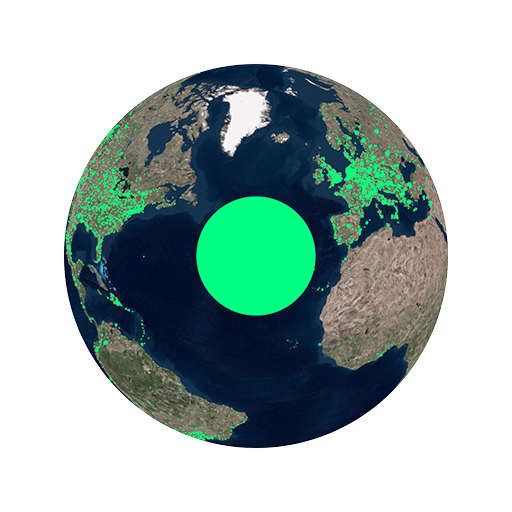
Download the app, open it, and explore the globe by rotating and zooming. Tap on green dots to listen to local radio stations easily.
Can I listen to radio stations without creating an account?
Yes, Radio Garden allows free listening without registration. Just open the app and start exploring stations freely.
How do I find a specific city or country on the globe?
Use the search feature (if available) or manually rotate and zoom the globe to locate the desired city or country, then tap the green dot.
How do I save my favorite radio stations?
Tap the heart icon or 'save' button on a station to bookmark it. Access your favorites via the 'Favorites' menu in the app.
How do I learn more about the stations I listen to?
Select a station to view its background and local information, enriching your listening experience with cultural insights.
Can I customize or change the interface settings?
Go to Settings > Preferences to adjust options like language, audio quality, or interface themes for a personalized experience.
Is there a subscription or premium version of Radio Garden?
Radio Garden is free to use. Currently, there are no subscription plans; enjoy unlimited access without payment.
Are there any in-app purchases available?
No, Radio Garden does not currently offer in-app purchases. It provides all features for free.
What should I do if the app crashes or stops working?
Try restarting the app or reinstalling it. Ensure your device's software is up-to-date for optimal performance.



















