
RingCentral

RingCentral App Info
-
App Name
RingCentral
-
Price
Free
-
Developer
RingCentral
-
Category
Business -
Updated
2026-01-25
-
Version
26.1.12.20008
Introducing RingCentral: A Comprehensive Unified Communications Platform
RingCentral is a robust enterprise communication app designed to streamline team collaboration through integrated voice, video, messaging, and task management functionalities. Developed by RingCentral, Inc., a leader in cloud communications, this application aims to unify the workplace experience, making remote and hybrid work more seamless than ever. Its standout features include real-time collaboration tools, centralized task workflows, and an intuitive interface tailored for a diverse range of business users. Suitable for small startups to large enterprises, RingCentral promises to boost productivity, enhance connectivity, and simplify communication overhead.
An Engaging Start: Why RingCentral Stands Out
Imagine a virtual office where your team's conversations, ideas, and plans seamlessly flow without the friction of switching between multiple apps—that's what RingCentral seeks to deliver. Its friendly yet professional tone makes communication smoother and more natural, turning what used to be tedious coordination into a well-oiled machine. Whether you're coordinating a sales pitch, conducting a team brainstorm, or managing ongoing projects, RingCentral's unified platform ensures that everything is in one place, at your fingertips. Its all-in-one design minimizes chaos and maximizes clarity, making it a tool you'll want to keep close.
Core Functionality: Collaborative Work at Its Best
Unified Communication Channels
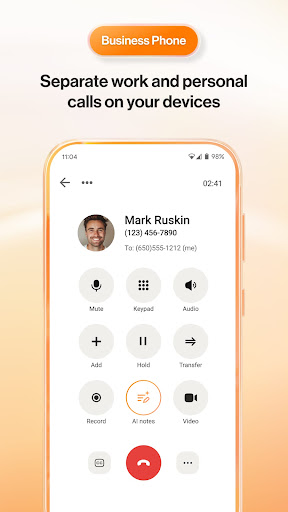
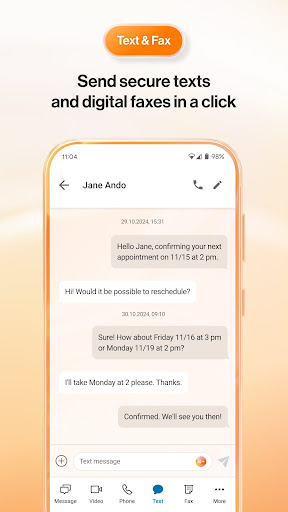
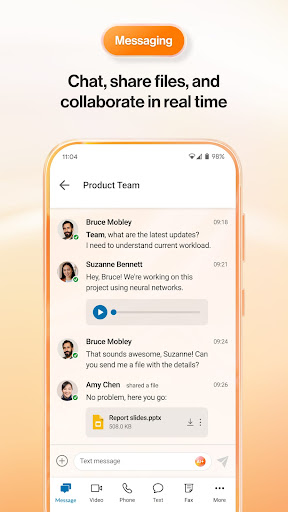
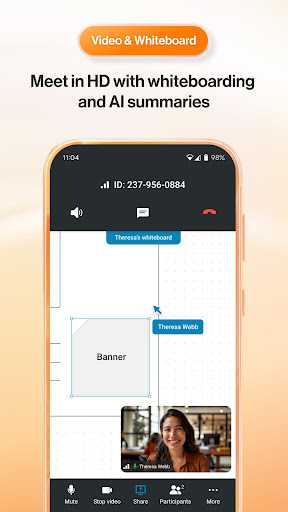
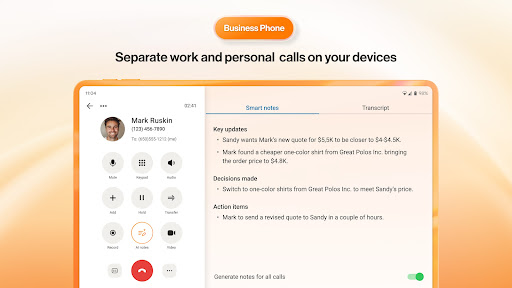
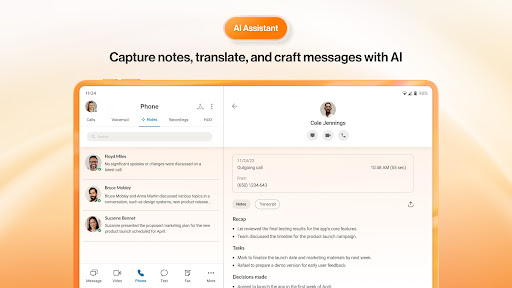
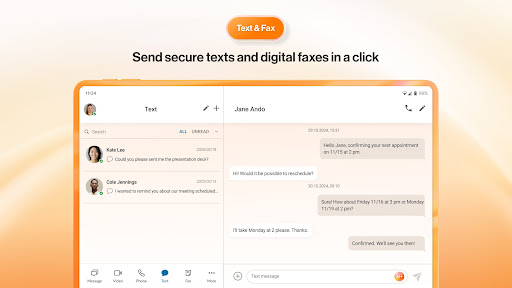
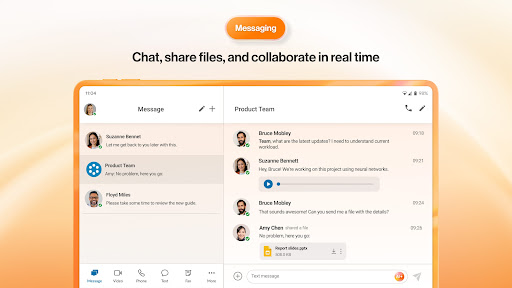
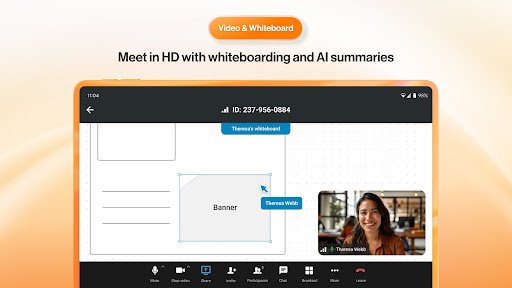
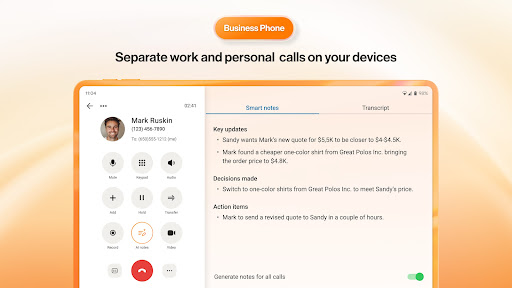
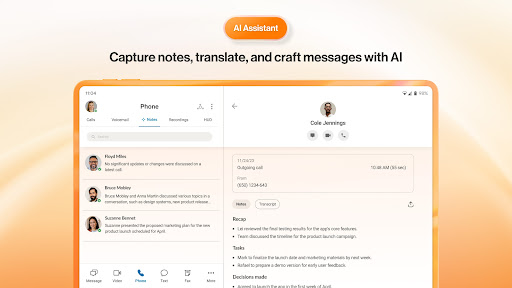
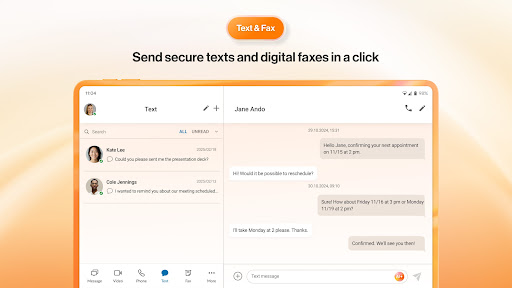
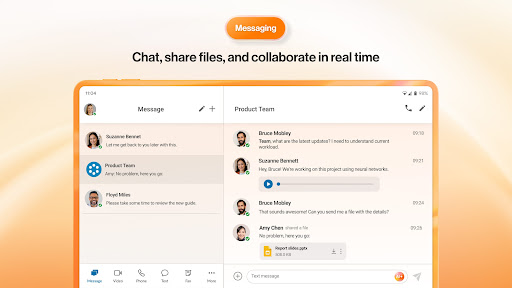
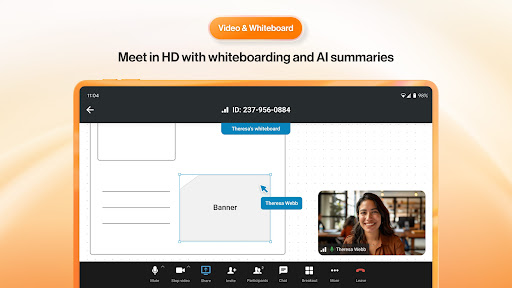
The first thing users notice is how effortlessly RingCentral integrates various communication channels—voice calls, video meetings, team messaging, and fax—into a centralized hub. The interface mimics a familiar chat app but packed with enterprise-grade features. The voice and video calls are crisp, with minimal lag, fostering spontaneous discussions much like face-to-face conversations. The dashboard displays recent conversations and upcoming meetings intuitively, reducing the cognitive load of juggling multiple apps. This seamless integration ensures that users never miss a beat, whether they're working from home or in the office.
Task Management with a Collaborative Twist
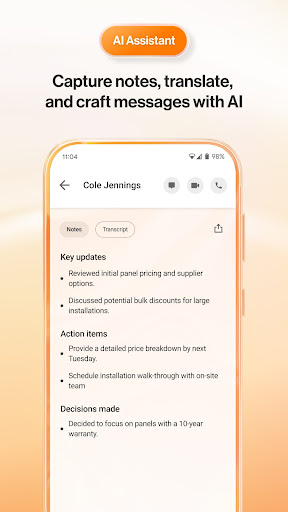
What truly sets RingCentral apart is its approach to task management intertwined with real-time communication. The platform allows users to assign tasks directly within chat threads or during meetings, with deadlines, priority levels, and file attachments. Imagine a sales team discussing a lead, instantly tagging a team member to follow up—no need to switch to a separate project management tool. This tight integration fosters a natural workflow, keeping everyone on the same page without breaking their rhythm. Moreover, task statuses update dynamically, giving teams a real-time view of project progress—like a cockpit dashboard steering your team's efforts.
User Interface and User Experience
RingCentral's design exudes simplicity and professionalism. Its clean, modern interface resembles popular messaging apps, making onboarding quick and interactions intuitive. Navigating between calls, chats, and tasks is fluid, with smooth animations aligning with users' expectations of responsiveness. The learning curve is gentle—most users can get up to speed within a day—thanks to contextual hints and well-organized menus. Its responsiveness across devices, from desktops to smartphones, ensures that teams stay connected regardless of location or hardware. Overall, the user experience feels thoughtfully crafted, emphasizing ease without sacrificing power.
Differentiation: What Makes RingCentral Unique
Compared to other business communication tools, RingCentral's most notable strengths lie in its holistic integration of communication and task management within a single platform. While many apps focus solely on messaging or calls, RingCentral's real power is in unifying these functions with collaboration features. Its collaboration tools are not just add-ons but embedded deeply into the workflow, allowing spontaneous document sharing, quick task assignment, and instant feedback—all within the same interface. Additionally, its reliable performance and scalable architecture make it especially suitable for collaborative work environments that demand high uptime and security, such as customer support centers or distributed teams managing sensitive info.
Final Verdict: Is RingCentral the Right Choice?
If you're searching for an all-in-one communication tool that simplifies remote collaboration, RingCentral deserves serious consideration. Its standout features—a seamless blend of voice, video, messaging, and task management—offer a compelling package that promotes efficiency and teamwork. For organizations that value integrated workflows and easy adoption, this platform offers a balanced mix of practicality and sophistication. I recommend it especially for teams seeking to reduce app fatigue and foster spontaneous, real-time collaboration. While it might require some initial setup, the long-term benefits in operational clarity and team cohesion are well worth it. For businesses ready to embrace a unified communication future, RingCentral is certainly a tool worth exploring.
Pros
Excellent Unified Communication Platform
Integrates calls, video meetings, and messaging seamlessly, improving team collaboration.
Intuitive User Interface
Easy to navigate even for new users, reducing onboarding time.
Robust VoIP Quality
Provides high-quality audio and video calls with minimal lag or drops.
Strong Integration Capabilities
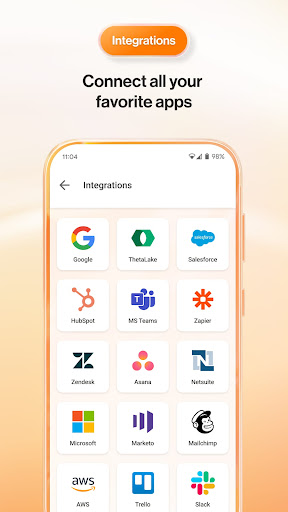
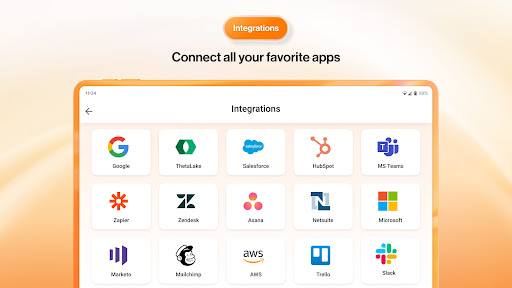
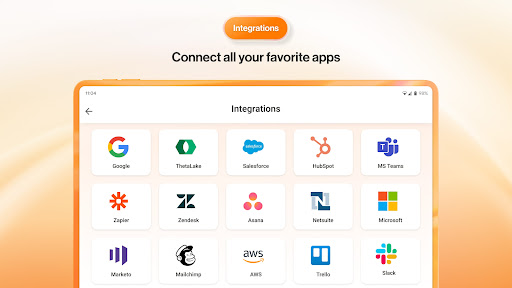
Works smoothly with popular apps like Salesforce, Slack, and Google Workspace.
Flexible Scalability
Suitable for businesses of all sizes, easily adding or removing users.
Cons
Occasional App Stability Issues (impact: medium)
Users have reported crashes or freezing during intensive use, which may disrupt workflow.
Limited Customization Options (impact: low)
UI customization and advanced feature tailoring are somewhat constrained in the current version.
Pricing Can Be Expensive for Small Teams (impact: medium)
Cost may be high for startups or small businesses, though discounts or plans can help mitigate this.
Learning Curve for Advanced Features (impact: low)
Some features require time to master, potentially delaying deployment for less tech-savvy users.
Limited Offline Access (impact: low)
Most functionalities require internet connectivity; offline modes are minimal, but future updates may enhance this.
RingCentral
Version 26.1.12.20008 Updated 2026-01-25



















