
Screen Mirroring Pro for Roku
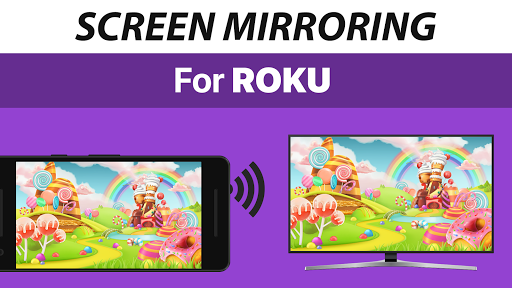
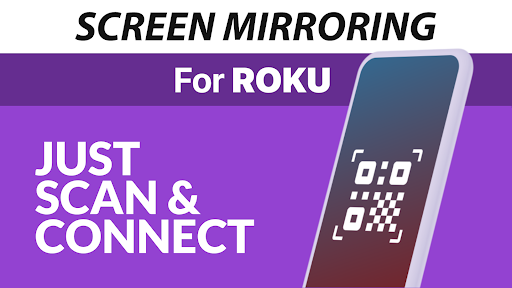
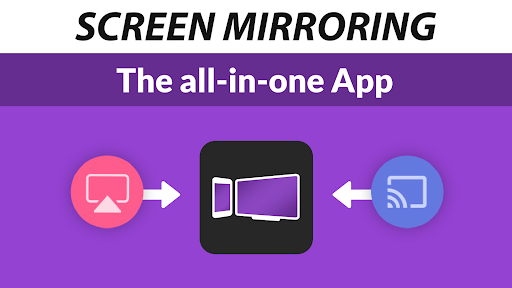


Screen Mirroring Pro for Roku App Info
-
App Name
Screen Mirroring Pro for Roku
-
Price
4.99
-
Developer
2kit consulting
-
Category
Tools -
Updated
2025-12-18
-
Version
1.58
Introducing Screen Mirroring Pro for Roku: Your Seamless Wireless Display Companion
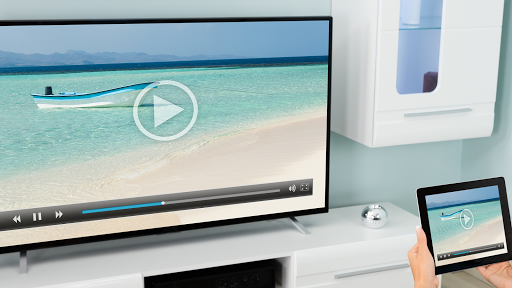
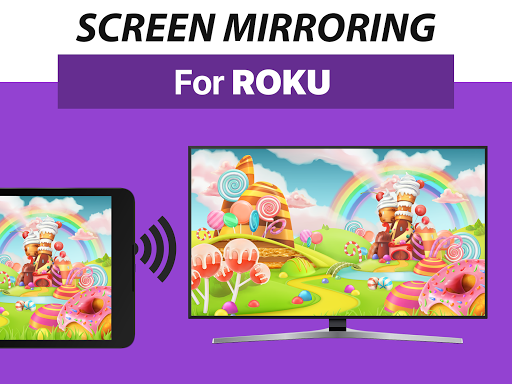
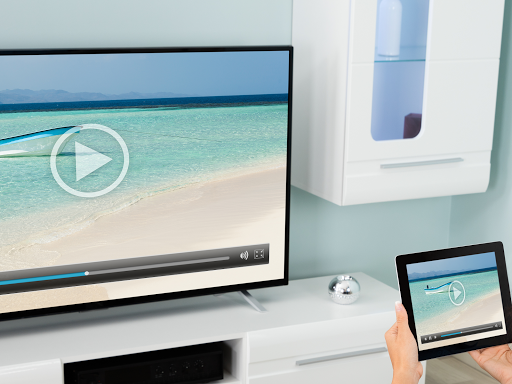
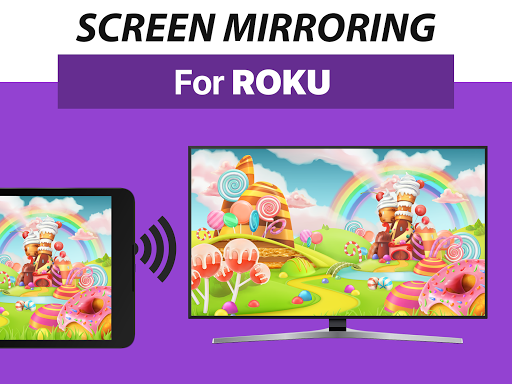
Screen Mirroring Pro for Roku is a dedicated app designed to effortlessly mirror your device's screen onto your Roku-enabled TV, making your streaming, gaming, and presentations smoother and more intuitive. Developed by a skilled team of developers passionate about connectivity solutions, this app aims to bridge the gap between mobile devices and large screens with ease.
Key Features That Make It Stand Out
- High-Quality Mirroring with Minimal Latency: Achieve crisp, lag-free screen sharing for videos, games, and presentations, ensuring your content looks just as good on the big screen as it does on your device.
- User-Friendly Interface: An intuitive, clean design that allows users to start mirroring instantly without a steep learning curve.
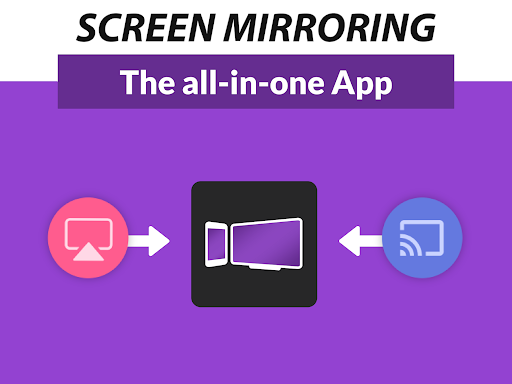
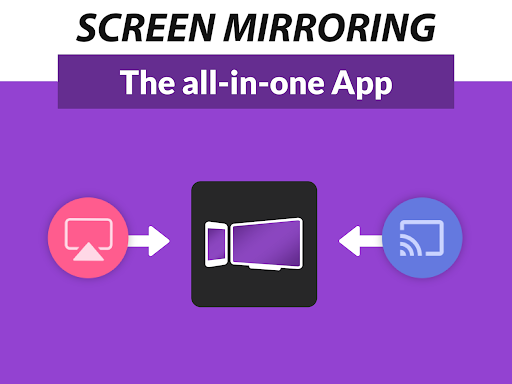
- Multi-Device Compatibility: Supports a wide range of smartphones and tablets across different operating systems, offering versatility for diverse users.
- Stable Connection Management: Maintains a robust connection even in environments with Wi-Fi interference, enhancing reliability during critical uses.
Engaging and Smooth User Experience
Imagine you're settling in for a movie night, Netflix on your phone, eager to cast that epic scene onto your 55-inch screen. Launching Screen Mirroring Pro for Roku feels akin to unleashing a trusted partner—it responds instantly, guiding you swiftly from initiation to cast. The interface is like a well-organized control panel, simple enough for tech novices yet satisfying for seasoned users. It's designed to be straightforward; no confusing menus or endless settings—just tap and go. The app's responsiveness is noteworthy, with minimal delay or lag, making you forget you're even using a mirror and instead focusing solely on your content.
Core Functionality: Precision and Effectiveness
The app's main promise is reliable screen mirroring, and it delivers this with commendable precision. Unlike some competitors that often struggle with synchronization or introduce unwanted artifacts, Screen Mirroring Pro for Roku maintains color accuracy and motion clarity, ensuring videos and games appear just as vibrant and smooth as they do on your device. Its connectivity is intelligently managed; it intelligently detects available Roku devices and establishes a stabilized link, reducing drop-offs or buffering interruptions. This effectiveness is especially evident during extended use or when multiple devices are present on the same network.
Design & Usability: Minimalism Meets Functionality
The interface showcases a sleek, modern aesthetic that prioritizes simplicity—think of it as the minimalist decor of a smart home. All essential controls are accessible within a single screen, with clear labels and a logical layout. Setting up the mirroring process is almost subconscious: select your Roku device from a list, hit 'Connect,' and start mirroring. The learning curve is practically flat; even first-time users can master the app within minutes. Swiping, tapping, or toggling options feels smooth, akin to a seamless glide across glass. The app's stability under various network conditions further reinforces a positive user experience, making it suitable for both casual family fun and professional presentations alike.
Differentiators and Final Recommendation
What sets Screen Mirroring Pro for Roku apart from many competing tools is its unwavering focus on accuracy and reliability, combined with an interface that's both sleek and straightforward. Many apps promise wireless mirroring but falter with lag or complicated setups. In contrast, this app's core strength lies in its effective synchronization and minimal latency—key for users seeking a dependable, high-quality connection. Additionally, its compatibility across multiple devices broadens its appeal, making it a versatile choice for households or offices with mixed-device environments.
Given its balanced blend of functionality, stability, and ease of use, I would recommend Screen Mirroring Pro for Roku to anyone who values a smooth, dependable wireless display experience. Whether you're streaming memories in high definition, gaming out on the big screen, or giving a professional slide show, this app can become your trusted sidekick. It isn't necessarily the flashiest or most feature-packed option out there, but its focused reliability makes it a solid, user-oriented solution—worthy of a place in your tech toolkit.
Pros
User-Friendly Interface
The app offers an intuitive design that makes setup and operation straightforward for users of all tech levels.
High Compatibility
It supports a wide range of Roku devices and various mobile platforms, ensuring broad usability.
Smooth Streaming Performance
Provides stable and lag-free screen mirroring with minimal delay, enhancing viewing experience.
Supports Multiple Content Types
Allows streaming of videos, photos, and music directly from your device to Roku.
Easy Connection Process
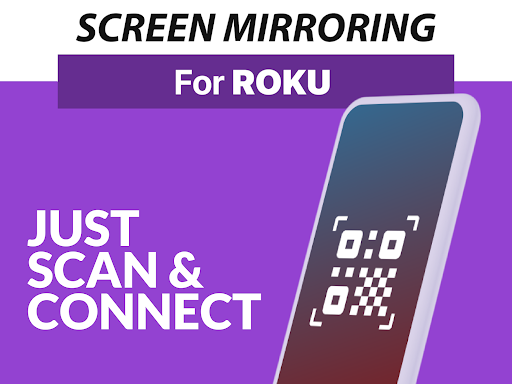
Quickly connects devices with minimal configuration required, saving time during setup.
Cons
Limited Free Features (impact: Medium)
Some advanced features require a paid upgrade, which may be necessary for optimal experience.
Occasional Connectivity Drops (impact: Medium)
There may be sporadic disconnections, especially over unstable Wi-Fi networks, but reconnecting is simple.
Limited Support for Older Roku Models (impact: Low)
Very old Roku devices might experience compatibility issues or reduced functionality.
Advertisements in Free Version (impact: Low)
The free version includes ads that can disrupt user experience; purchasing the premium version removes ads.
Device Performance Dependency (impact: Low to Medium)
Performance can vary depending on the device's specifications and network quality.
Screen Mirroring Pro for Roku
Version 1.58 Updated 2025-12-18



















