

Surfshark: Secure VPN service




Surfshark: Secure VPN service App Info
-
App Name
Surfshark: Secure VPN service
-
Price
Free
-
Developer
Surfshark B.V.
-
Category
Tools -
Updated
2026-02-04
-
Version
3.24.0
Surfshark: Secure VPN Service — Your Digital Privacy Companion
If you're looking for a reliable VPN that combines strong security features with user-friendly design, Surfshark presents itself as an excellent choice for safeguarding your online presence. Developed by a dedicated team committed to privacy, Surfshark offers a suite of functionalities that cater to both casual browsers and privacy enthusiasts alike.
What Makes Surfshark Stand Out?
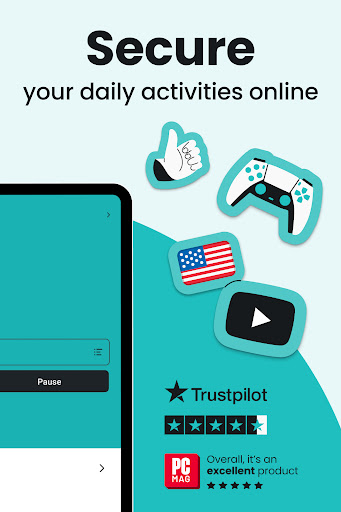
At its core, Surfshark aims to provide fast, secure, and unrestricted internet access. Key highlights include its robust encryption protocols, the ability to connect unlimited devices, and user-centric features like CleanWeb for ad-blocking. Whether you're a digital nomad, a gamer, or just someone who cares about privacy, Surfshark's main draw is facilitating a seamless yet secure online experience.
Core Features in Detail
Top-Tier Security & Privacy Measures
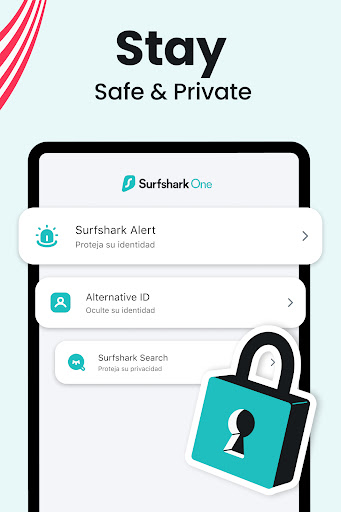
Surfshark employs AES-256 encryption combined with secure protocols such as OpenVPN and WireGuard, ensuring your data remains encrypted and protected from prying eyes. It includes features like a kill switch that immediately halts internet traffic if the VPN disconnects unexpectedly, preventing any accidental data exposure. One standout function is “Camouflage Mode,” which obfuscates VPN usage itself, making your traffic look like regular internet activity — an invaluable tool in restrictive environments or for users seeking extra anonymity.
Unlimited Devices & Easy-to-Use Interface
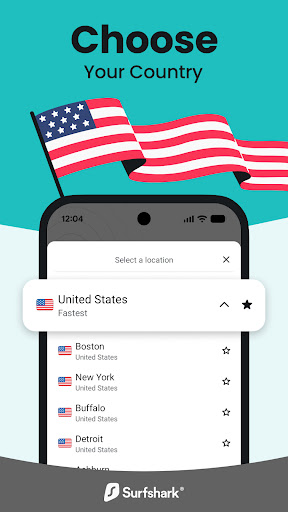
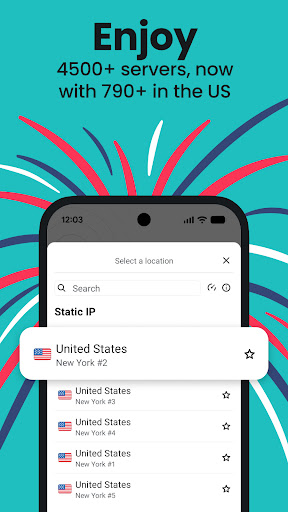
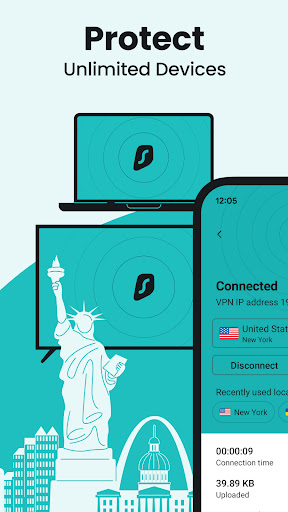
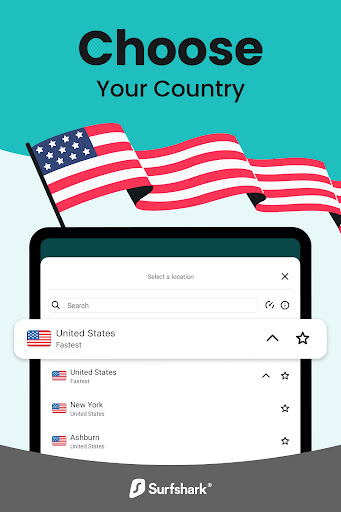
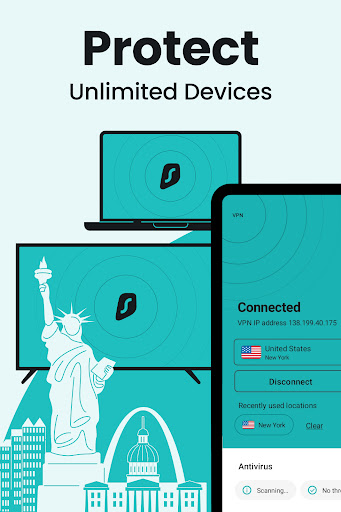
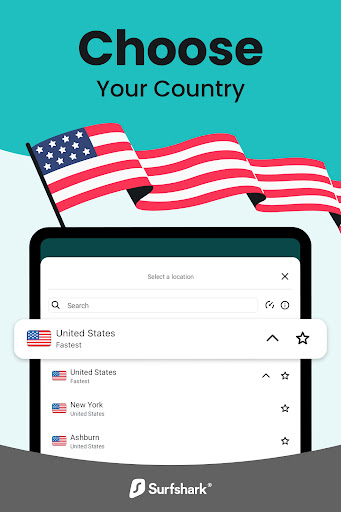
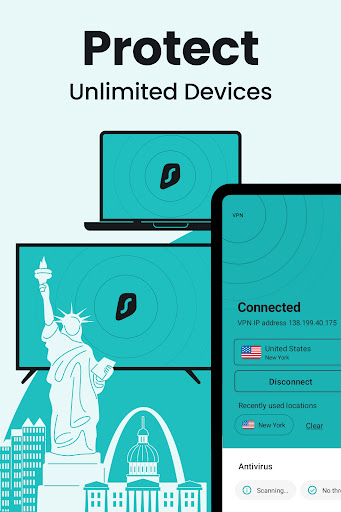
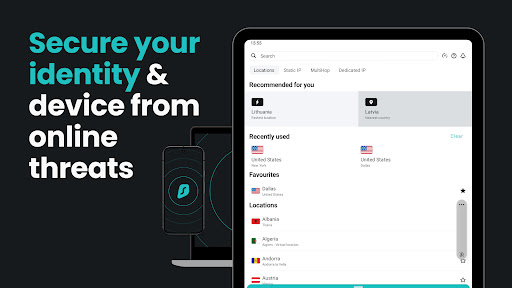
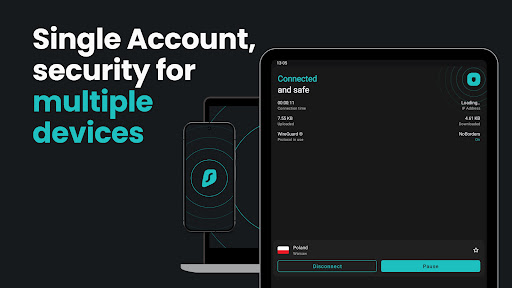
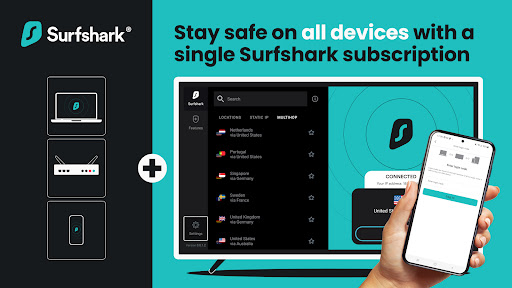
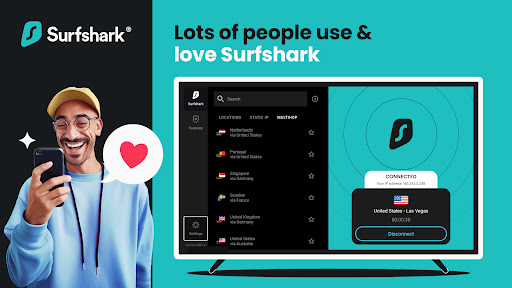
Unlike many competitors that cap simultaneous connections, Surfshark allows an unlimited number of devices to connect under a single subscription. Its interface is clean, intuitive, and designed to get you online swiftly — perfect for those who prefer simplicity over complexity. Navigating through server lists, activating features, or toggling modes is straightforward, even for VPN novices. The app's visual cues and simplified menus minimize the learning curve, turning complex security settings into digestible options.
Performance & Additional Features
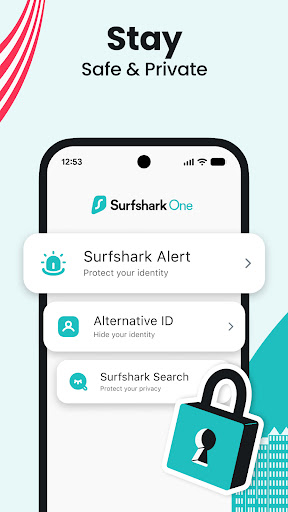
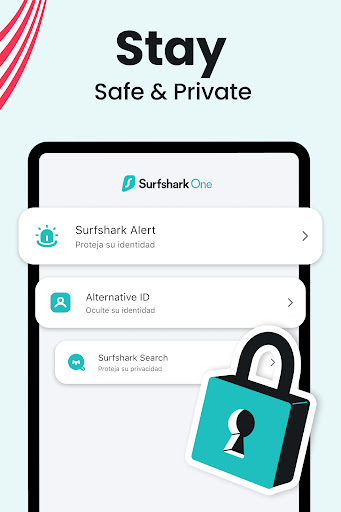
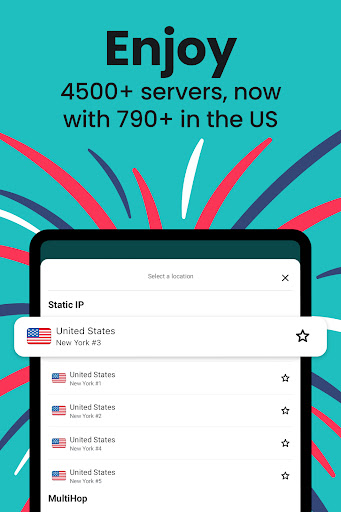
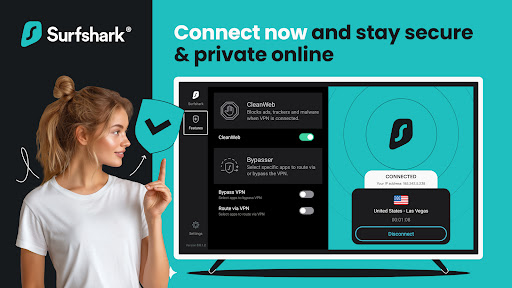
Performance-wise, Surfshark leverages WireGuard technology, offering impressive speeds suitable for streaming, gaming, and browsing. Its MultiHop feature lets you route your traffic through multiple countries, adding an extra layer of privacy, akin to passing through several security checkpoints. The presence of ad-blocking (CleanWeb), malware protection, and GPS spoofing further distinguishes Surfshark from other VPNs — it's not just about privacy but creating a safer, more enjoyable online environment.
User Experience & Unique Selling Points
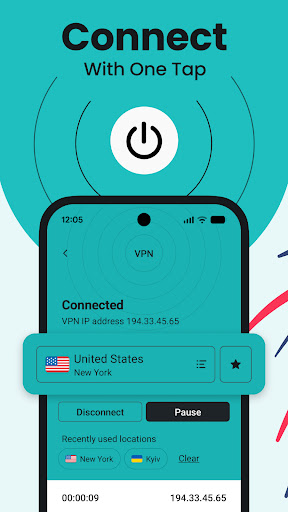
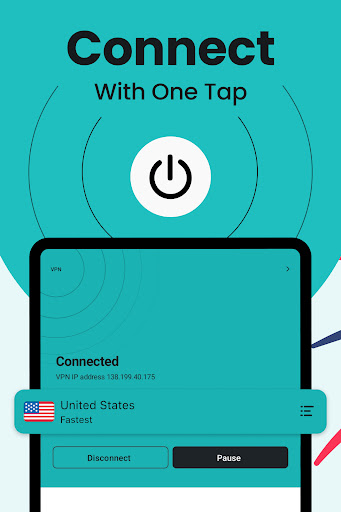
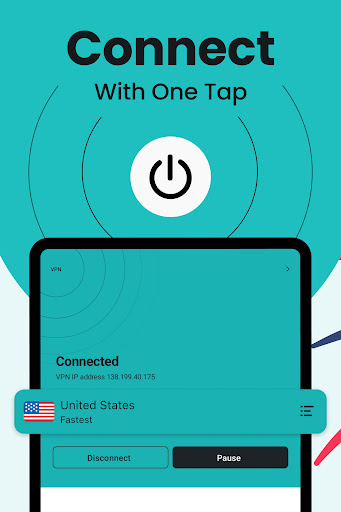
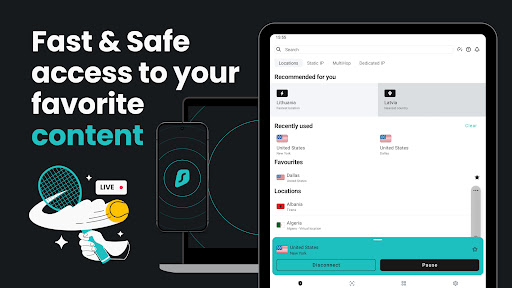
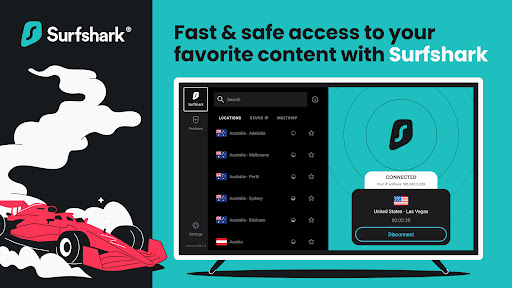
Using Surfshark feels like slipping into a comfy pair of slippers — it's cozy yet efficient. The app's interface is designed for clarity, with a one-click connect button and clear status indicators, making it accessible to tech novices while still offering advanced options for power users. The responsiveness is smooth, with minimal lag during connections, which is crucial for activities like streaming HD content or online gaming.
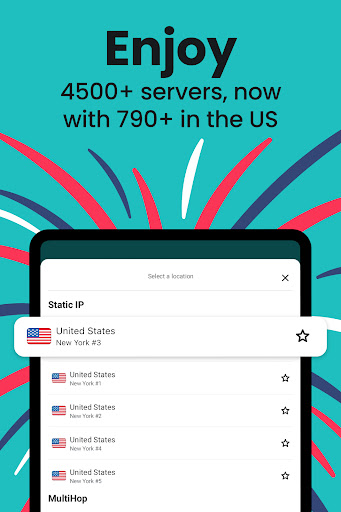
Compared to other tools, Surfshark's most distinctive feature is its combination of affordability, unlimited device connections, and powerful security. The Camouflage Mode and MultiHop features set it apart, especially for users in high-censorship regions or those needing extra anonymity. Its straightforward design ensures that users don't get lost in labyrinthine menus, making privacy an effortless part of daily life.
Should You Give It a Try?
Definitely yes, if you value a balanced blend of security, speed, and simplicity. For casual users or those just starting with VPNs, Surfshark offers an approachable entry point without sacrificing vital features. Its affordability and capacity to protect multiple devices make it compelling for families or small teams. Still, power users seeking highly customized configurations might find it slightly limited compared to more advanced VPN options.
In conclusion, Surfshark is a solid, versatile VPN service that champions user-friendly design without compromising security. It's an excellent companion for anyone who wants to stay connected and protected in today's digital world — straightforward, effective, and ready to serve your privacy needs.
Pros
Strong Encryption and Security Protocols
Surfshark uses advanced encryption standards like AES-256, ensuring secure online activity.
Unlimited Device Connections
Allows simultaneous use on unlimited devices, ideal for families or multiple devices.
No-Logs Policy
Strict privacy policy that does not store user activity or connection logs, enhancing privacy.
User-Friendly Interface
Intuitive interface suitable for both beginners and experienced users.
Affordable Pricing with Good Value
Competitive subscription plans offer good value without compromising on features.
Cons
Limited Server Network in Some Regions (impact: medium)
Fewer server options in certain countries may affect connection speeds and geo-restriction access.
Occasional Connectivity Fluctuations (impact: medium)
Users may experience brief disconnections; restarting the app usually resolves this.
No Built-in Ad Blocker (impact: low)
Lacks integrated ad-blocking features, but users can use third-party solutions.
Mobile App Performance Slightly Slower on Some Devices (impact: low)
Some Android or iOS devices may experience minor lag; updating the app can usually improve performance.
Occasional Slow Speeds on Certain Servers (impact: medium)
Speed varies depending on server load; switching servers generally enhances performance.
Surfshark: Secure VPN service
Version 3.24.0 Updated 2026-02-04



















