
Texture Maker for Minecraft PE
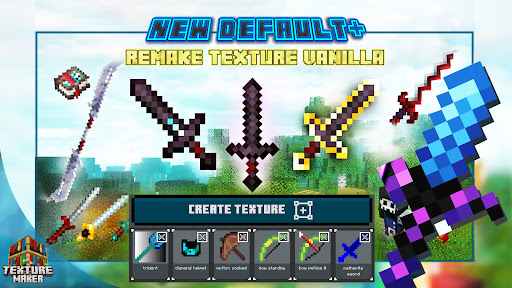

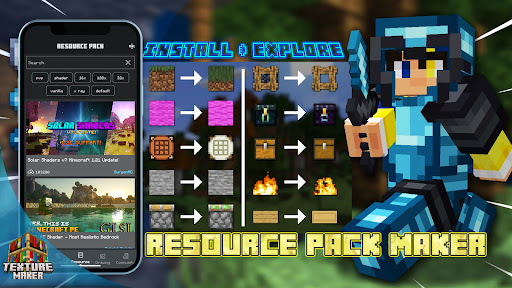
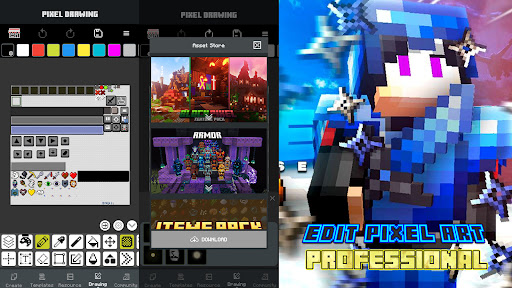
Texture Maker for Minecraft PE App Info
-
App Name
Texture Maker for Minecraft PE
-
Price
Free
-
Developer
PA Mobile Studio
-
Category
Art & Design -
Updated
2026-01-22
-
Version
1.7.5
Introducing Texture Maker for Minecraft PE: A Creative Powerhouse
Texture Maker for Minecraft PE is a versatile crafting tool designed to empower players and creators to develop customized textures effortlessly, enhancing their gaming experience with personalized visuals. Developed by a dedicated team passionate about Minecraft customization, this app stands out as a user-friendly platform that bridges the gap between creativity and functionality. Whether you're a seasoned modder or a casual player looking to add a personal touch, Texture Maker makes texture creation approachable and enjoyable.
Key Features That Make Texture Maker Shine
At its core, Texture Maker for Minecraft PE offers an intuitive interface and powerful tools that simplify the customization process. Notable highlights include:
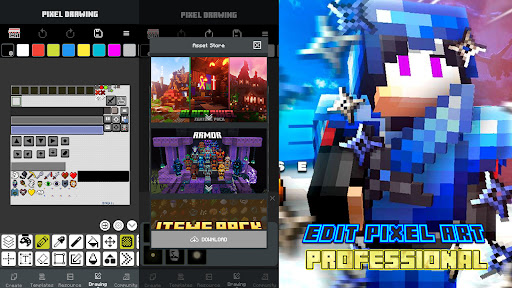
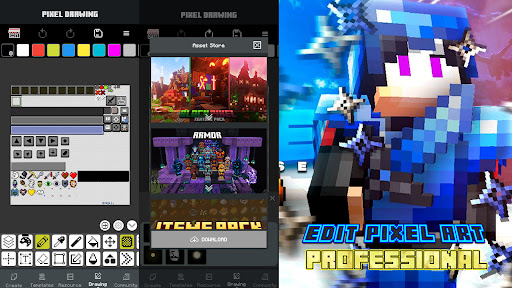
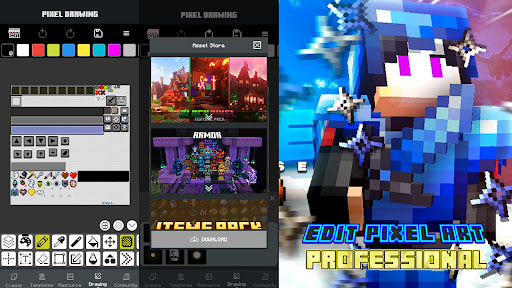
- Drag-and-Drop Editing with Real-Time Preview: Users can easily import images, adjust textures, and see their changes instantly within the app, making the design process smoother and more interactive.
- Layer-Based Texture Composition: The app allows combining multiple layers—such as overlays, filters, and textures—to create complex, detailed visuals without needing advanced graphic skills.
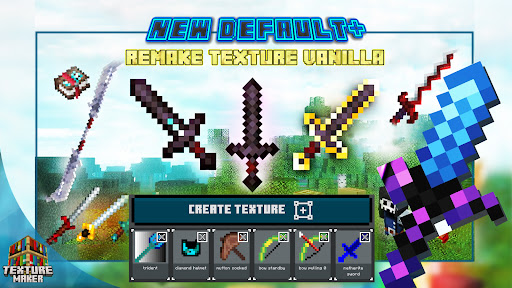
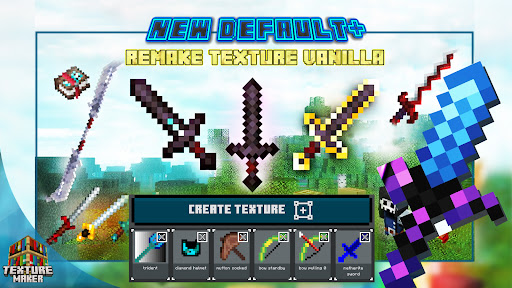
- Optimized Export for Minecraft PE: Export functions ensure textures are perfectly formatted for seamless integration into the game, saving time and reducing troubleshooting efforts.
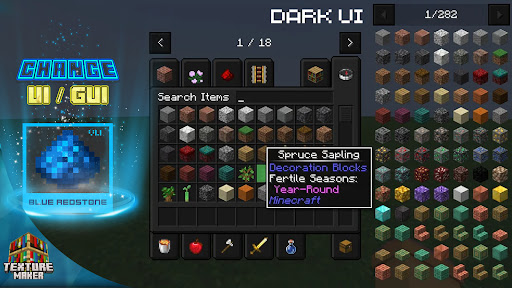
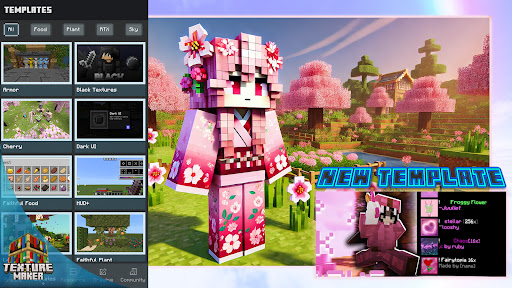
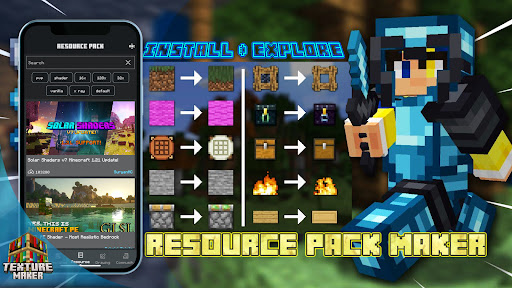
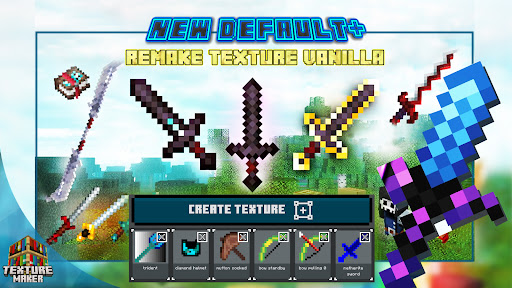
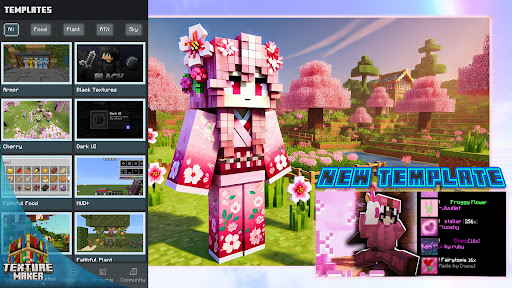
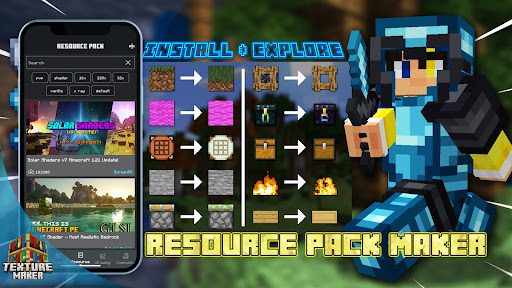
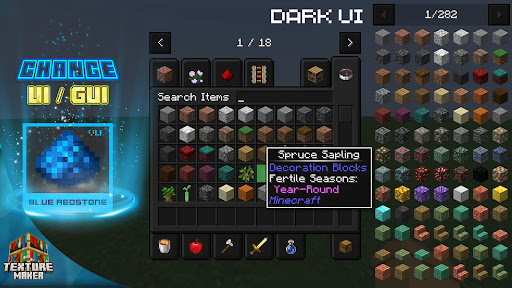
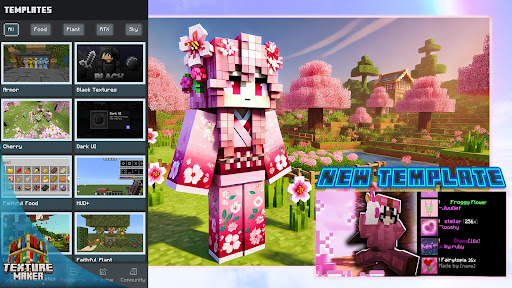
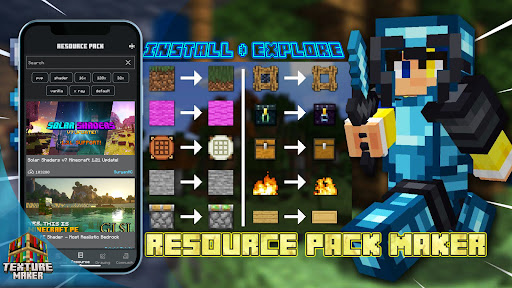
- Built-in Texture Templates and Resources: Ready-made templates and resource packs give users quick start options, making it easier to experiment and learn.
Design and User Experience: Friendly, Streamlined, and Accessible
From the moment you open Texture Maker for Minecraft PE, you're greeted with a clean, vibrant interface that feels more like a creative studio than a technical tool. The layout is intuitive, illustrating a thoughtful balance between powerful features and user accessibility. The drawing and editing tools are responsive, with smooth gestures that feel natural—think of it as sketching on a digital canvas, where your ideas flow effortlessly.
Learning curve-wise, the app strikes a good balance. Beginners will appreciate the guided tutorials and pre-made templates, which serve as stepping stones into the world of texture design. Advanced users, on the other hand, will love the depth of layering options and export settings, providing ample room for complex creations. Overall, the app remains responsive and stable, with minimal lag even when handling high-resolution textures, ensuring a seamless experience.
What Sets Texture Maker Apart from the Rest?
Compared to other art and design apps that focus on general graphic creation, Texture Maker's specialty lies in its deep integration with Minecraft PE. Its unique advantage is its tailored output—ensuring each texture is optimized specifically for the game environment. Additionally, its layer-based system is akin to professional graphic design software, yet it's simplified enough for hobbyists. This fusion of professional-grade features and user friendliness makes it a standout in the niche of game-specific texture creation.
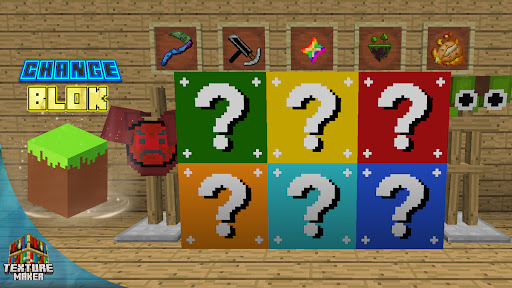
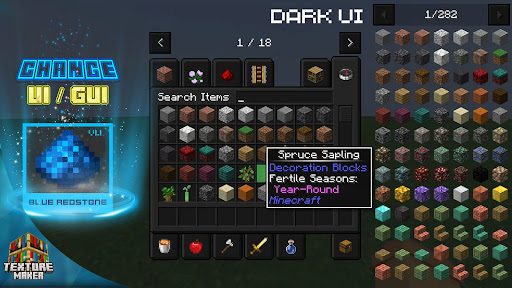
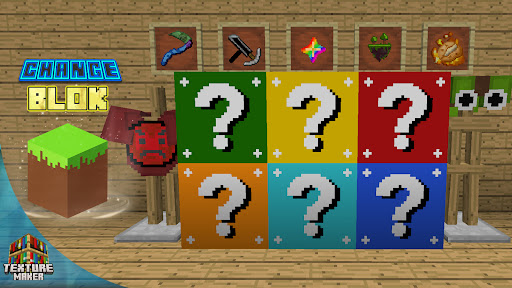
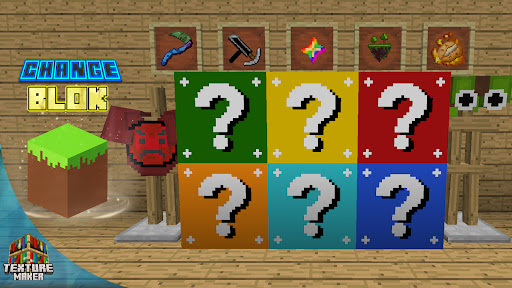
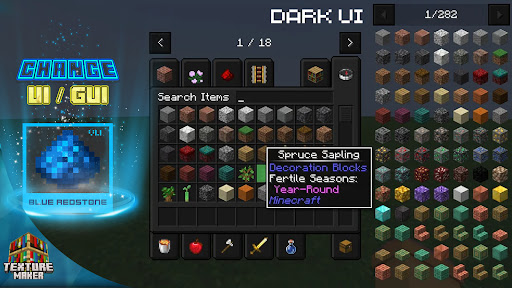
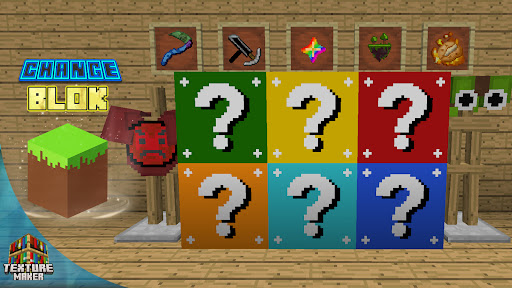
Another distinctive trait is its resource library. Unlike generic art apps, Texture Maker offers a curated collection of Minecraft-themed templates and textures, enabling users to jumpstart their projects or inspire new ideas instantly. This focus on Minecraft relevance ensures that creations are not only visually appealing but also directly compatible, removing the usual barriers to modding that often frustrate newcomers.
My Recommendation: Is It Worth Your Time?
All considered, Texture Maker for Minecraft PE is a solid choice for anyone interested in customizing their Minecraft experience. It doesn't promise to turn you into a professional designer overnight, but offers just the right set of tools and resources to elevate your creative projects with minimal fuss. If you're passionate about personalizing your game world or sharing unique textures with friends, this app is definitely worth exploring.
For best results, beginners should start with the provided templates and tutorials, gradually experimenting with layering and effects. Intermediate and advanced users will appreciate the export options, allowing for integration into larger projects or detailed modding. Overall, Texture Maker for Minecraft PE earns a friendly thumbs-up—it's like having a mini-studio right in your pocket, ready to bring your pixelated visions to life.
Pros
Extensive Texture Library
Offers a wide range of textures that enhance the visual variety of Minecraft PE.
User-Friendly Interface
Simplifies the texture creation and customization process, suitable for both beginners and experienced users.
Support for Custom Textures
Allows users to import and apply their own designs, fostering creativity.
Regular Updates
Provides improvements and additional features through frequent updates.
Preview Feature
Enables real-time preview of textures before applying, saving time and ensuring satisfaction.
Cons
Limited Free Content (impact: medium)
Many advanced textures require in-app purchases, which may be restrictive for some users.
Slightly Steep Learning Curve (impact: low)
New users might need time to get accustomed to the interface and features.
Performance Issues on Older Devices (impact: medium)
Could experience lag or crashes on lower-spec smartphones; official updates may optimize performance.
Limited Platform Compatibility (impact: low)
Primarily designed for Minecraft PE, with limited options for other Minecraft editions.
Occasional Export Difficulties (impact: low)
Users may encounter issues when exporting textures; restarting the app or device often resolves this temporarily.
Texture Maker for Minecraft PE
Version 1.7.5 Updated 2026-01-22



















