
TV Cast for Chromecast - TVCST
TV Cast for Chromecast - TVCST App Info
-
App Name
TV Cast for Chromecast - TVCST
-
Price
Free
-
Developer
App Craze
-
Category
Video Players & Editors -
Updated
2026-02-05
-
Version
2.2.80
Introducing TV Cast for Chromecast - A Seamless Bridge to Your TV
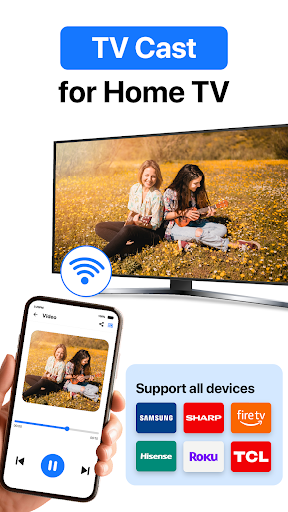
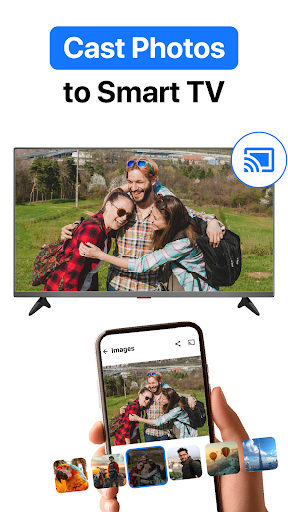
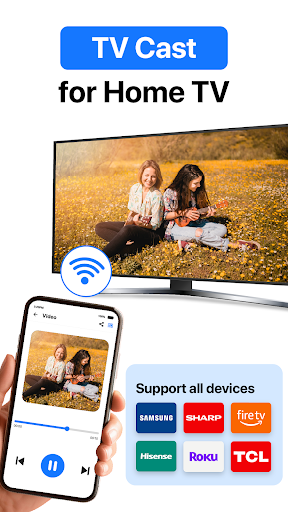
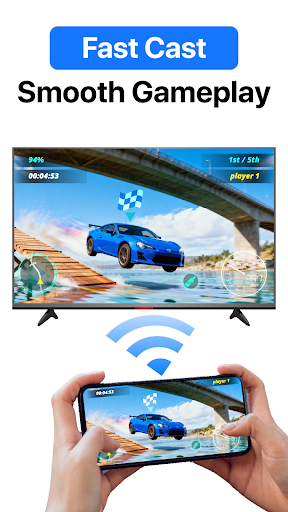
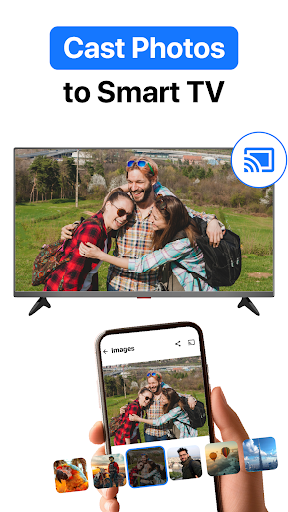
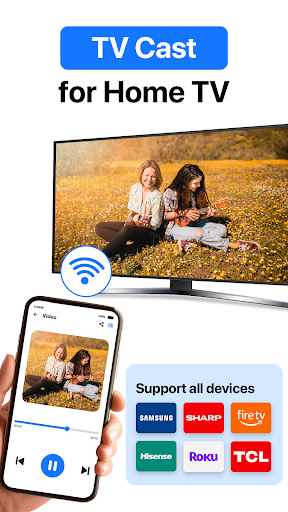
TV Cast for Chromecast (TVCST) is a dedicated application designed to streamline the casting of various media content from your mobile device or computer directly to your Chromecast-enabled television, simplifying your entertainment setup with user-friendly features.
Who Developed It and What It Excels At
Developed by a team of passionate developers committed to enhancing media streaming experiences, TVCST focuses on delivering reliable and versatile casting solutions. Key highlights include robust support for multiple media formats, an intuitive interface, and smart connection management, all tailored to provide a hassle-free streaming adventure. The app caters primarily to tech-savvy homeowners, media enthusiasts, and casual users seeking a no-fuss way to mirror or cast content onto their big screens.
An Engaging Start: Your New Media Companion
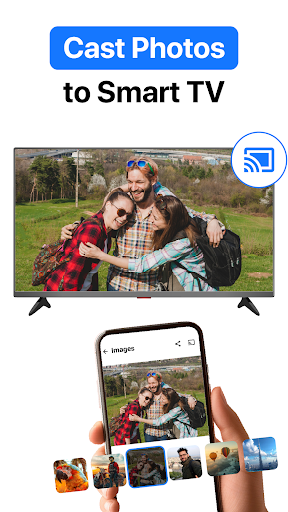
Imagine sitting back after a long day and effortlessly turning your living room into a cinematic experience. That’s what TVCST promises: a bridge that makes your favorite movies, photos, and web videos come alive on your big screen with just a few taps. Unlike traditional casting apps, it’s akin to having a personal assistant who expertly manages your media, freeing you to relax and enjoy.
Core Functionality Breakdowns
Wide-Ranging Media Format Compatibility
One of TVCST’s standout features is its impressive support for a broad spectrum of media formats. Whether you're streaming high-definition MKV files, MP4 videos, or even less common formats like AVI or MOV, this app ensures you won’t be left in the lurch. It acts like a multilingual translator for your media library, breaking down format barriers that often frustrate users with other apps. This compatibility means fewer conversions and faster playback, making it a reliable choice for diverse media collections.
Smart and Seamless Connection Management
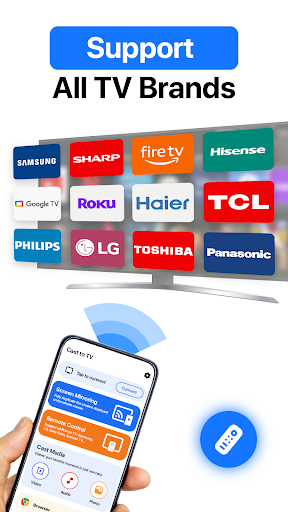
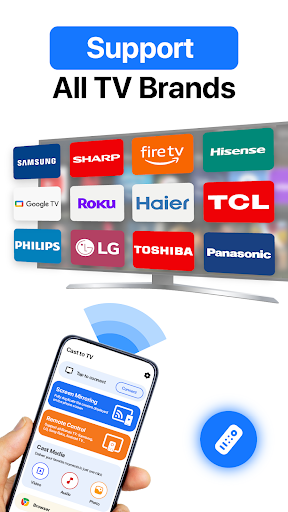
TVCST excels in making the connection process straightforward and resilient. Its smart connection management system automatically detects available Chromecast devices, and ensures a stable link even in challenging network environments. Plus, the app offers handy features such as switching between multiple Chromecast devices without the hassle of disconnecting and reconnecting, much like flipping channels on a TV with ease. This reliability is crucial for uninterrupted viewing, whether you’re hosting a party or just enjoying a quiet movie night.
Elegant User Interface and Intuitive Navigation
The design of TVCST strikes a fine balance between clean aesthetics and ease of use. The interface resembles a neatly organized media library, with clear icons and minimal clutter—think of it as a well-stocked bookshelf that invites exploration. Learning curve? Minimal. Even first-time users quickly grasp how to browse, select, and cast content. The app’s fluid animations and responsive controls create a smooth user experience that feels natural, like flipping through your favorite photo album.
What Sets TV Cast for Chromecast Apart?
In a crowded market of media casting apps, TVCST's unique edge lies in its advanced media format compatibility combined with intelligent AI-powered features. While many apps struggle with unsupported formats or require cumbersome conversions, TVCST’s robust format recognition ensures your media plays smoothly without additional tools. Moreover, its AI-driven content recommendation and thumbnail generation help users quickly locate their desired files, reducing the time spent searching—imagine having a smart assistant who preps your playlist before you even think about it.
Compared to conventional video players or editors, TVCST’s dedicated focus on casting, along with its smart device management, provides a more stable and integrated experience. It’s less about complicated editing or playback, and more about effortless streaming, making it highly suitable for daily use in leisure and presentations alike.
Final Thoughts and Recommendations
If you're someone who frequently streams media to a Chromecast, TV Cast for Chromecast offers a reliable, user-friendly, and versatile solution worth trying. Its standout features—particularly media format compatibility and intelligent connection management—are what make it a distinctive choice in the streaming landscape. For casual viewers and tech enthusiasts alike, this app simplifies your casting journey, transforming what used to be a clunky process into a seamless experience. I’d recommend giving it a try if you’re looking for an app that prioritizes stability, compatibility, and ease of use—think of it as your media’s best friend, always ready to deliver content to your big screen effortlessly.
Pros
Easy connection and setup
Allows users to quickly connect their device to Chromecast with minimal steps, saving time.
Broad app compatibility
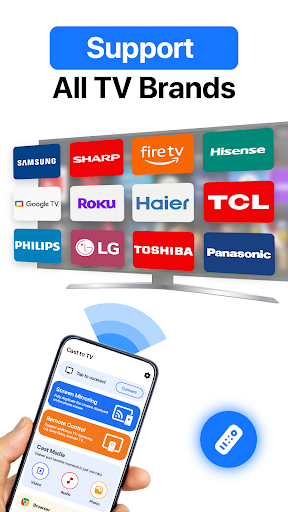
Supports casting from a wide range of streaming apps like Netflix, YouTube, and Hulu.
Intuitive user interface
Features a simple and user-friendly design, making navigation straightforward for all users.
Customizable media controls
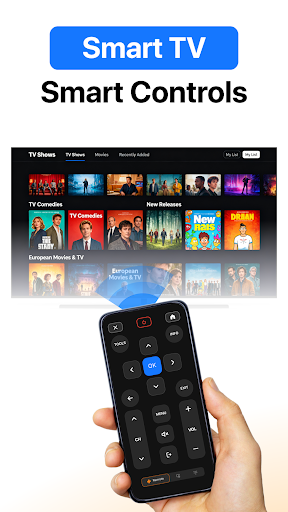
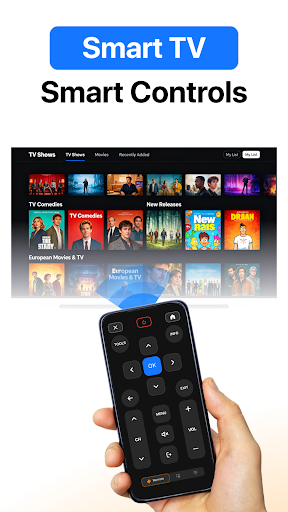
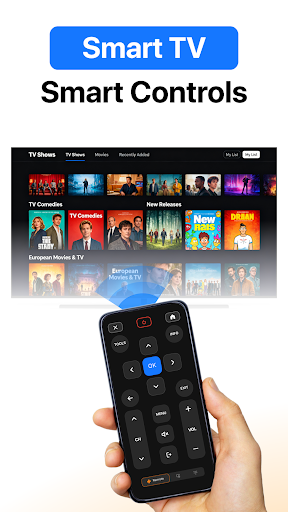
Provides easy access to playback controls, volume adjustment, and device management.
Stable streaming quality
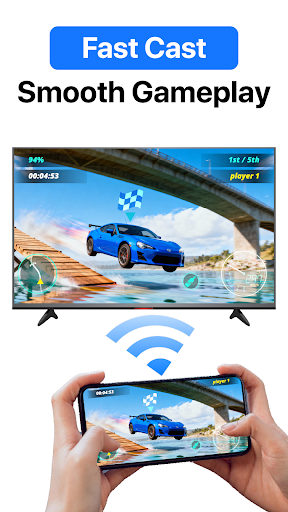
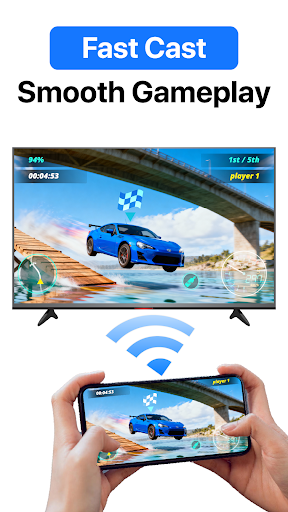
Offers consistent video quality with minimal buffering during use in good network conditions.
Cons
Limited free features (impact: medium)
Some advanced controls and settings require a premium subscription, which may deter casual users.
Occasional connectivity issues (impact: high)
Users may experience disconnects or lag, especially on unstable Wi-Fi networks; restarting the app can help.
No Chromecast device management from within the app (impact: low)
Lack of device discovery or settings management; future updates might address this.
Limited support for older device models (impact: low)
Performance may be suboptimal on outdated smartphones; device upgrades could improve experience.
Occasional app crashes on specific devices (impact: medium)
Some users report crashes; reinstalling or updating the app usually fixes this problem temporarily.
TV Cast for Chromecast - TVCST
Version 2.2.80 Updated 2026-02-05



















