

Video Downloader - Downloader




Video Downloader - Downloader App Info
-
App Name
Video Downloader - Downloader
-
Price
Free
-
Developer
Simple Design Ltd.
-
Category
Video Players & Editors -
Updated
2026-01-27
-
Version
1.5.0
Discover Seamless Video Downloads with Video Downloader - Downloader
If you're tired of juggling multiple apps to save your favorite videos, Video Downloader - Downloader offers an efficient one-stop solution that promises speed, compatibility, and ease of use. Developed by a dedicated team focused on user-centric multimedia solutions, this app stands out as a reliable companion for anyone looking to effortlessly save videos from various platforms. Its core strengths lie in its swift download capabilities, extensive format support, and intelligent features, making it a versatile tool suitable for casual users and content creators alike.
Intuitive Interface That Feels Like a Breeze
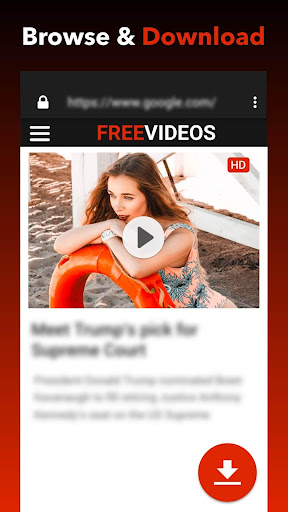
Imagine opening an app that greets you with a clean, well-organized dashboard—no clutter, no confusing menus—just a smooth pathway to your video treasures. The interface of Video Downloader - Downloader is thoughtfully designed with user experience at its heart. The layout is intuitive, with prominent buttons for copying URLs, searching for videos, or browsing through your downloaded content. Transitions are fluid, and the app maintains a responsive feel even during heavy tasks. For newcomers, the learning curve is gentle—think of it as the friendly GPS guiding you effortlessly through a busy city of multimedia content. seasoned users will appreciate the straightforward navigation that keeps all vital functions just a tap away.
Core Features That Make Video Saving Effortless
Speedy and Reliable Downloads
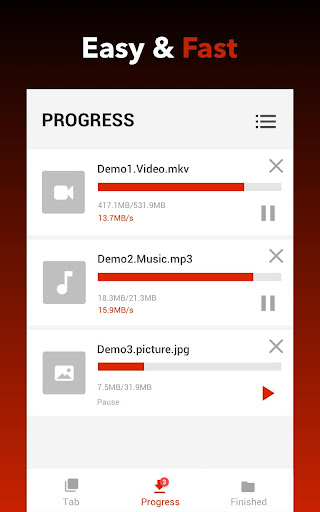
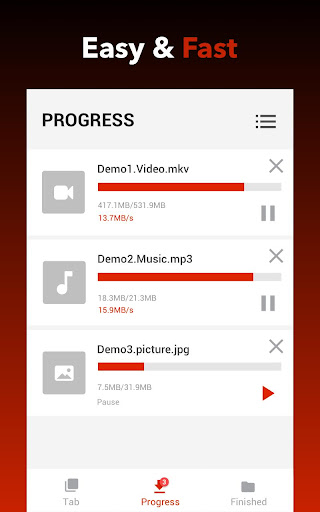
One of this app's standout qualities is its ability to fetch videos quickly without compromising quality. You can paste a link from popular sites like YouTube, Vimeo, or social media platforms, and watch as it rapidly prepares your file. The download process is streamlined, utilizing optimized servers that ensure stable speeds even during high-load periods. Whether you're grabbing a short clip or a lengthy documentary, this app keeps the experience hassle-free, almost like having a personal download express lane.
Extensive Format and Quality Support
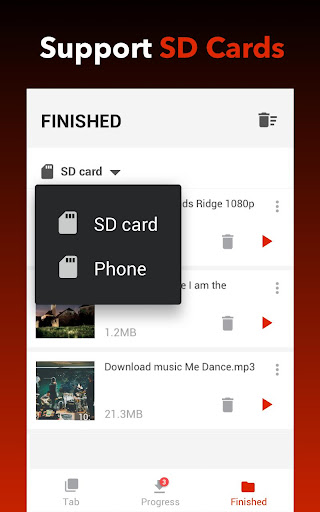
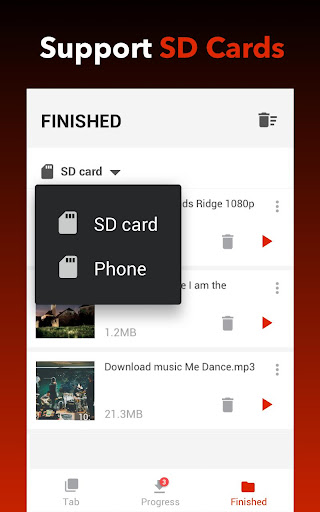
Not all video downloaders are created equal when it comes to compatibility. Video Downloader - Downloader shines here by supporting a wide array of formats such as MP4, MP3, AVI, and MOV, ensuring that your clips are ready for any device or editing suite. It also allows you to choose from multiple quality options, from standard definition to 4K resolution, giving you control over storage space and visual fidelity. This versatility ensures you won't be limited by the app—think of it as a universal adapter for videos, bridging gaps between different platforms and devices.
Smart AI-Powered Features for Improved Content Management
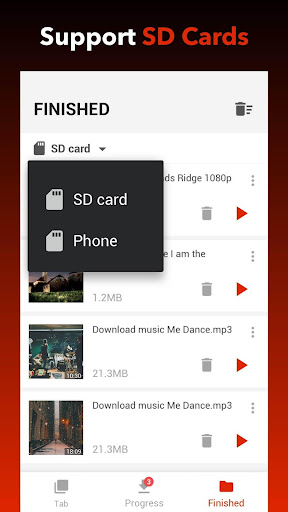
The app leverages artificial intelligence not just for functions like automatic video detection but also for organizing your downloads intelligently. For example, it can predict your preferred download quality based on your previous choices or suggest related videos you might want to save. These AI-driven capabilities make managing large video libraries feel less like a chore and more like a tailored experience—akin to having a personal assistant who understands your multimedia habits.
Enhanced User Experience and Differentiators
Beyond its core functionalities, Video Downloader - Downloader excels in delivering a seamless experience. The app operates smoothly across different devices, maintaining quick response times and stability even with multiple downloads active. Its clean design simplifies the process, making it accessible for users at all skill levels. Unlike many competitors, which often focus solely on download speed or format support, this app's integration of AI features sets it apart—helping users organize, select, and even preview videos before saving.
Compared to similar applications like basic Video Players & Editors, this downloader offers broader format compatibility, including niche formats that others may overlook. Its AI-powered, smart download management is a significant leap forward, turning what once was a manual, tedious task into an almost automated process. This makes it especially appealing for content creators who need reliable, high-quality downloads with minimal fuss.
Final Verdict: A Recommended Tool for Video Enthusiasts
Overall, Video Downloader - Downloader is a thoughtfully crafted app that balances efficiency, versatility, and intelligent features. Whether you're an everyday user wanting to save videos for offline viewing or a content creator needing quick access to high-resolution clips, this app delivers. Its easy-to-understand interface, speed, and advanced AI-driven organization make it a noteworthy choice in a crowded marketplace. I would recommend giving it a try if you're seeking a dependable, user-friendly video download solution that can keep pace with your multimedia needs—it's like having a reliable friend in the digital world who helps you bring your favorite videos along for the ride.
Pros
Fast download speeds
The app allows quick downloading of videos from popular platforms like YouTube and Facebook.
User-friendly interface
Intuitive layout makes navigation and downloading straightforward for all users.
Supports multiple formats
Allows saving videos in various formats such as MP4, MP3, making it versatile for different needs.
Batch download feature
Enables downloading multiple videos simultaneously, saving time on large playlists.
Built-in video player
Provides a convenient way to preview downloaded videos without needing an external app.
Cons
Ads can be intrusive (impact: medium)
Frequent or full-screen ads may disrupt the user experience.
Limited free features (impact: low)
Some advanced options require a premium subscription, which could deter casual users. (Solution: try the free version first or wait for promotional discounts.)
Compatibility issues with certain devices (impact: medium)
Some users report crashes on specific Android versions; updates are expected to improve stability.
Video quality may vary (impact: low)
Downloaded videos sometimes have lower resolution depending on source; selecting higher quality settings can help.
No built-in browser for quick URLs (impact: low)
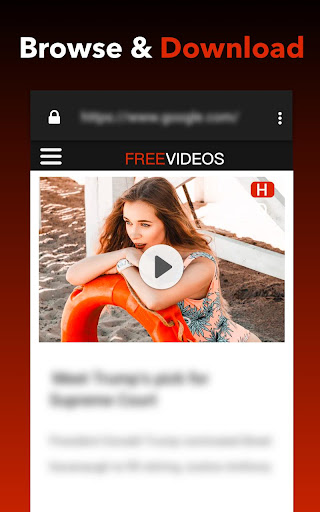
Users need to copy and paste URLs from external browsers; future updates may include integrated browsing.
Video Downloader - Downloader
Version 1.5.0 Updated 2026-01-27



















