

Video Editor & Maker - InShot

Video Editor & Maker - InShot App Info
-
App Name
Video Editor & Maker - InShot
-
Price
Free
-
Developer
InShot Video Editor
-
Category
Photography -
Updated
2026-01-30
-
Version
2.184.1522
Video Editor & Maker - InShot: A Creative Companion for Aspiring Content Creators
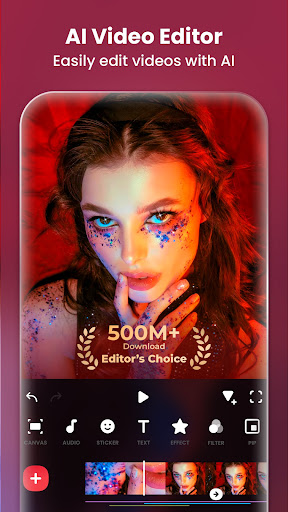
InShot is a versatile mobile video editing application designed to empower users to craft polished videos with ease and style, making it an ideal tool for social media enthusiasts, influencers, and casual creators alike.
Developers and Core Highlights
Developed by InShot Inc., a prominent team known for crafting user-friendly multimedia tools, this app combines a suite of powerful features tailored for quick yet professional video production.
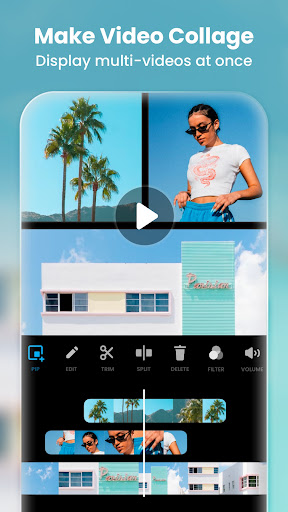
- Intuitive Editing Suite: Provides comprehensive tools for trimming, splitting, merging, and adjusting videos seamlessly.
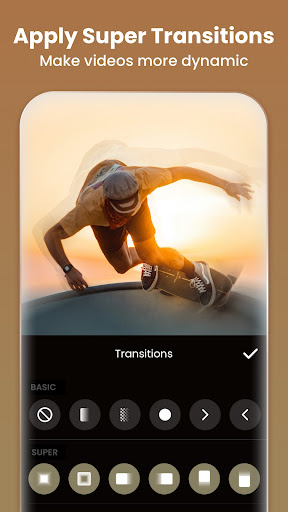
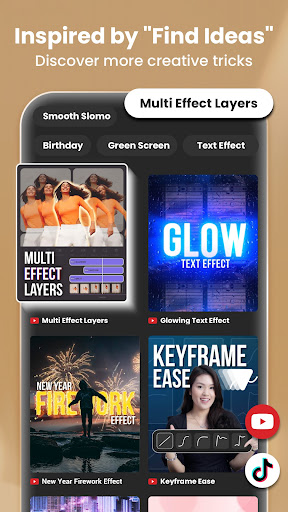
- Creative Effects & Transitions: Offers a range of filters, overlays, and smooth transition effects to enhance visual storytelling.
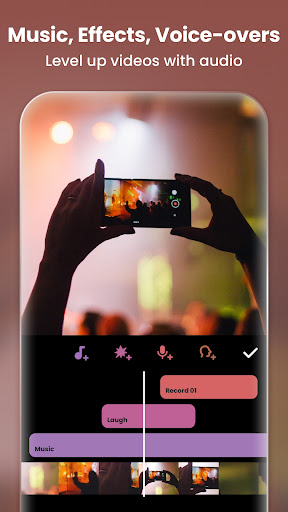
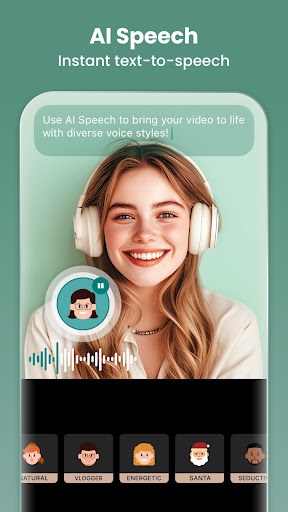
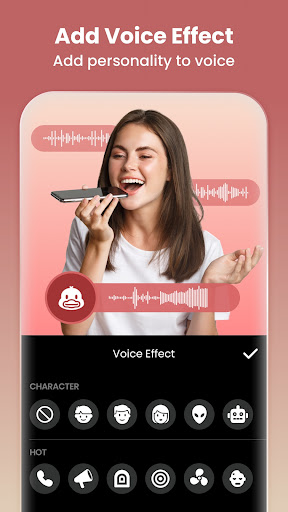
- Audio Integration & Voiceovers: Supports adding background music, sound effects, and voiceovers, turning simple clips into engaging content.
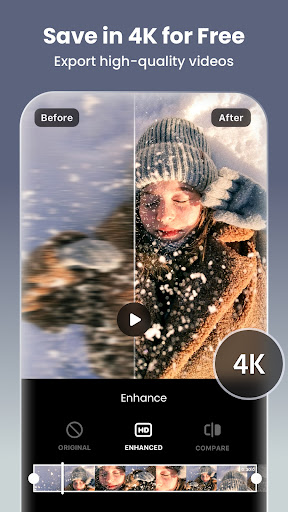
- Export & Sharing Flexibility: Allows high-quality exports optimized for various social media platforms, simplifying the sharing process.
Targeted towards social media users, content creators, and anyone interested in quick yet polished video editing, InShot aims to bridge the gap between professional quality and user-friendly operation.
Vivid and Engaging Editing Experience
Imagine sitting in your favorite cozy corner, ready to turn a collection of raw clips into a compelling story—InShot makes this process feel almost like a creative adventure. Its interface is like a sleek workspace, inviting users to dive into editing without feeling overwhelmed.
Core Functionality Deep Dive: Creative Editing Tools
Once you load your footage, InShot's editing suite resembles a well-stocked toolbox—intuitive and accessible. Basic functions such as trimming and splitting are streamlined, allowing quick adjustments without agonizing over complex menus. The timeline design is straightforward, akin to arranging photos in an album, making sequencing logical even for beginners.
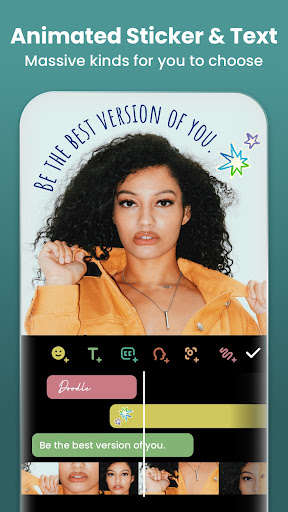
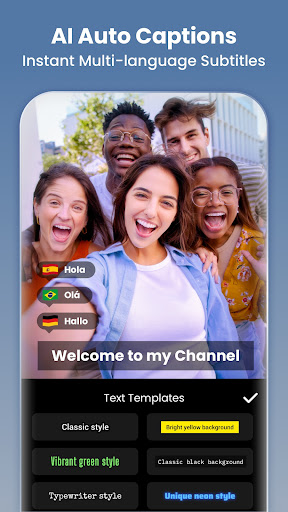
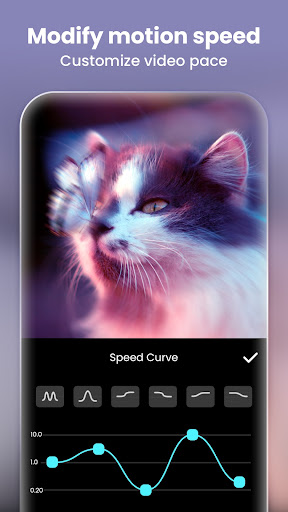
Beyond basic edits, the app offers robust features like speed adjustments, animated text overlays, and animated stickers, which are perfect for adding a dash of personality. The real magic lies in its transition effects—think of them as the cinematic bridges that seamlessly connect scenes, elevating an ordinary clip into a professional-looking video. These effects are easy to apply, almost like adding magic dust to your creation.
Design and User Experience: Smooth, Friendly, and Non-Intimidating
The app's interface is clean and colorful, much like a well-organized art studio—every tool at your fingertips without clutter. Navigation is smooth, with each operation feeling snappy and responsive, even when dealing with lengthy projects. The learning curve is gentle; newcomers can start making simple edits within minutes, while seasoned editors can explore more advanced features as they grow confident.
Ease of use is further enhanced by contextual tutorials and helpful hints, turning what might seem daunting into a manageable and enjoyable process. Editing feels like arranging pieces of a puzzle—satisfying and visually rewarding.
Unique Strengths: Real-Time Preview & AI Beauty Enhancement
One of InShot's most striking distinctions from other photography and video apps is its real-time capture and preview capability. Imagine shooting a quick video and instantly viewing the edits live; this feature streamlines experimentation and saves time, akin to having a creative mirror reflecting your ideas instantly.
Moreover, its AI-driven beauty and enhancement tools stand out by providing natural-looking results—think of it as a gentle makeover rather than an artificial overhaul. These tools intelligently smooth skin, adjust lighting, and refine details, all without sacrificing authenticity. This subtlety makes InShot particularly appealing for users wanting polished videos without the uncanny artificiality often seen in other apps.
Overall Recommendation and Usage Suggestions
For casual creators, social media enthusiasts, or anyone seeking a reliable yet straightforward editing app, InShot is a solid choice. Its intuitive design, coupled with powerful features like real-time preview and AI enhancements, make it suitable for quick edits and creative experiments alike. Professionals might find its comprehensive toolset handy for initial drafts or social media content preparation.
In summary, InShot excels at balancing ease of use with creative flexibility. We recommend giving it a try if you want to transform raw footage into engaging, polished videos without the hassle of complex software. Whether you're crafting a quick story for Instagram or editing a fun family clip, InShot provides the tools and inspiration at your fingertips.
Pros
User-Friendly Interface
InShot offers an intuitive design, making it easy for beginners to navigate and edit videos quickly.
Extensive Editing Tools
It provides a variety of features like trimming, merging, adding music, text, and filters, enabling versatile edits.
Supports High-Quality Export
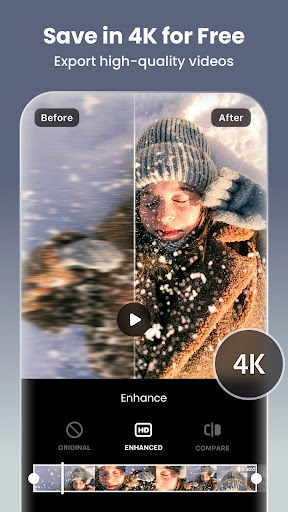
Users can export videos in HD without significant quality loss, ideal for social media sharing.
Built-in Music Library & Sound Effects
The app includes a wide range of royalty-free music and sound effects for enriching videos.
Fast Rendering Speed
InShot processes edits rapidly, reducing wait times for export and making workflow smoother.
Cons
Limited Advanced Editing Features (impact: medium)
Lacks some professional tools such as multi-track editing and keyframe animations, which might frustrate advanced users.
Watermark in Free Version (impact: high)
Videos exported without purchase include a watermark, though this can be removed by upgrading to the pro version.
Occasional App Crashes (impact: medium)
Some users report crashes during editing or exports, but updating the app often resolves this issue.
Limited Text and Sticker Options (impact: low)
Text styles and stickers are somewhat basic; future updates could expand customization options.
Lack of Batch Processing (impact: low)
InShot processes one video at a time, which can be time-consuming for large projects; future versions may include batch features.
Video Editor & Maker - InShot
Version 2.184.1522 Updated 2026-01-30


















