
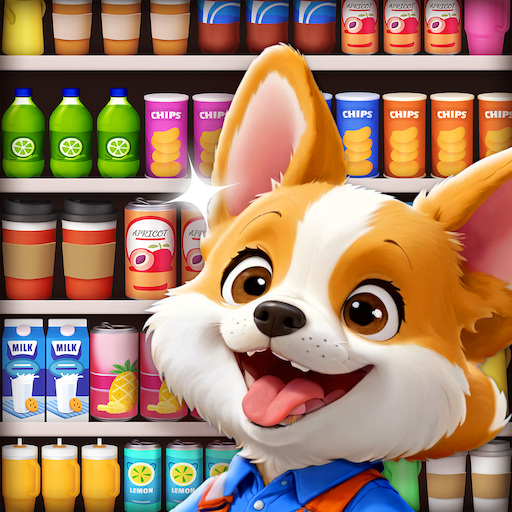
3D Goods Store: Sorting Games
3D Goods Store: Sorting Games App Info
-
App Name
3D Goods Store: Sorting Games
-
Price
Free
-
Developer
LifePulse Puzzle Game Studio
-
Category
Casual -
Updated
2026-02-05
-
Version
1.1.9
Frequently Asked Questions
How do I start playing 3D Goods Store: Sorting Games for the first time?
Download and open the app, then follow the onboarding tutorial to understand basic controls and gameplay mechanics easily.
What are the main controls used to sort items?
Simply tap and drag items to match similar ones on the same shelf; the game features intuitive touch controls for smooth gameplay.
How do I learn about the different tools and boosters?
Tools like Magnet, Refresh, and Freeze are introduced during gameplay tutorials; access more info in the in-game help menu under 'Tools'.
How can I use boosters like coins or golden goods?
Earn coins and golden goods by completing levels, then visit the store menu in the game to purchase boosters before levels.
What is the purpose of stars and how do I earn them?
Stars are earned by completing levels efficiently; they unlock rewards and help you climb leaderboard rankings via the 'Achievements' section.
How do I unlock special items like Golden Goods or Masked Items?
Collect golden goods during gameplay; then unlock special items through the rewards system or specific level progressions.
Are there any subscription options for extra benefits?
Yes, go to 'Settings > Account > Subscription' to view available plans and enjoy additional perks like exclusive boosters.
Can I purchase in-game currency or boosters?
Yes, visit the in-game store accessible from the main menu to buy coins, stars, or boosters for better gameplay advantages.
How do I resolve app crashes or technical issues?
Try restarting your device, updating the app to the latest version, or contacting support via 'Settings > Help & Support'.



















