
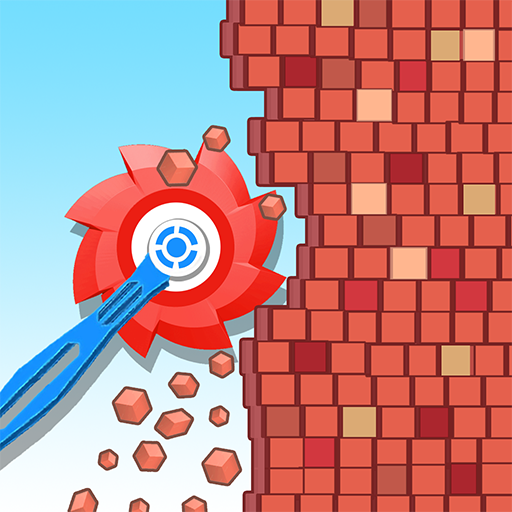
Block Crusher: Bucket Teardown
Block Crusher: Bucket Teardown App Info
-
App Name
Block Crusher: Bucket Teardown
-
Price
Free
-
Developer
Monster Game Studio - OneSoft
-
Category
Casual -
Updated
2026-01-05
-
Version
1.5.9
Frequently Asked Questions
How do I start playing Block Crusher: Bucket Teardown for the first time?
Download the app, open it, and tap on the 'Play' button. No additional setup is needed; just follow the on-screen prompts to begin crushing blocks.
Are there tutorials to help me understand the game mechanics?
Yes, the game includes an introductory tutorial after the first launch to guide you through controls and gameplay tips.
How do I use power-ups during gameplay?
Power-ups appear randomly during levels. Tap on them to activate, and you can also select them from the in-game menu to strategize your block crushing.
Can I compete with my friends on leaderboards?
Yes, the game features leaderboards. You can access them via the main menu and connect your social accounts to compare scores with friends.
How are difficulty levels increased in the game?
Difficulty ramps up automatically as you progress through levels, requiring quicker reflexes and better strategy to crush more blocks successfully.
What are the different worlds available and how do I unlock them?
The game offers various themed worlds like beaches, mountains, and space, which unlock automatically as you complete levels in each environment.
Is there any cost to download or play the game?
The game is free to download and play, but it offers optional in-app purchases for power-ups and ad removal.
How do I upgrade or purchase premium features?
Go to Settings > Store or Shop within the app to view and purchase available power-ups, upgrades, or subscribe for premium benefits.
Are there any in-app purchases or subscriptions I should be aware of?
Yes, the game offers in-app purchases for extra power-ups and ad removal, as well as optional subscriptions for additional benefits. Find these under Settings > Store.
What should I do if the game crashes or freezes?
Try restarting the app or device. If the issue persists, check for updates in your app store or reinstall the game to resolve potential bugs.



















