
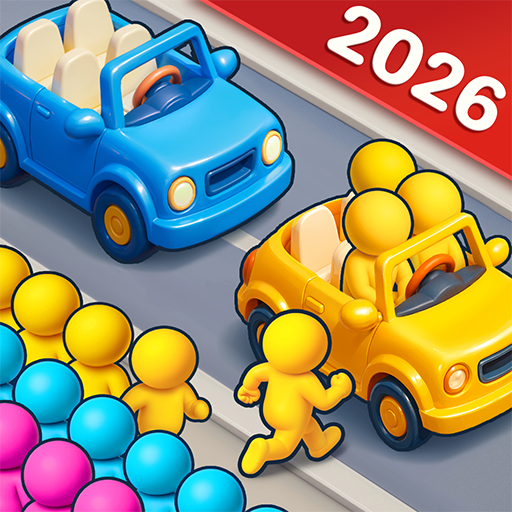
Bus Jam: Car Parking Games
Bus Jam: Car Parking Games App Info
-
App Name
Bus Jam: Car Parking Games
-
Price
Free
-
Developer
Joymaster Puzzle Game Studio
-
Category
Puzzle -
Updated
2026-01-27
-
Version
1.2.9
Frequently Asked Questions
How do I start playing Bus Jam for the first time?
Download the app from your app store, open it, and follow the tutorial levels to familiarize yourself with basic controls and gameplay mechanics.
Can I play Bus Jam offline without an internet connection?
Yes, Bus Jam supports offline play, allowing you to enjoy puzzles anytime without internet access. Just open the app to start playing.
How do I unlock new vehicles and levels in the game?
Progress through levels and complete challenges to earn rewards, unlocking new cars, buses, and additional levels via the in-game shop or progress system.
How do I match passengers with the correct vehicles?
Drag and move vehicles to align with passenger colors and preferences, ensuring a smooth boarding process as explained in the tutorial.
What strategies can help me clear traffic jams more efficiently?
Plan your moves carefully, unlock routes strategically, and prioritize moves that free the most vehicles to optimize traffic flow.
Is there a way to customize or upgrade vehicles in Bus Jam?
Yes, you can unlock and upgrade new vehicles by completing levels and challenges through the rewards system in the game.
Are there any in-app purchases or subscriptions, and how do I access them?
Yes, you can purchase packs and subscriptions via Settings > Store or within the game menu to unlock extra levels and vehicles.
Will I lose progress if I uninstall the app?
If you log into your account or link your game to social media, your progress is saved and can be restored after reinstalling.
How do I report a bug or technical issue?
Go to Settings > Help or Contact Support inside the app to report bugs and get assistance from the support team.



















