Classic Solitaire
Classic Solitaire App Info
-
App Name
Classic Solitaire
-
Price
Free
-
Developer
Big Cake Apps
-
Category
Card -
Updated
2026-01-07
-
Version
2.13.7
Frequently Asked Questions
How do I start playing Classic Solitaire for the first time?
Download the app, open it, and tap 'New Game' to begin. No registration needed—enjoy immediate access to gameplay.
What are the basic rules to play Classic Solitaire?
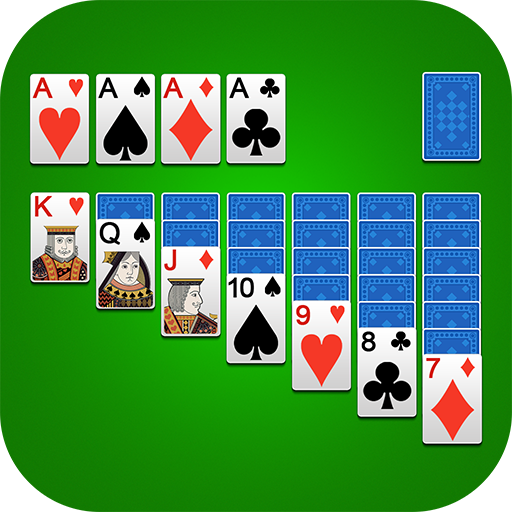
Tap or drag cards to arrange them in descending order with alternating colors, moving Aces to the foundation to build up suits.
Can I customize the game's appearance?
Yes, go to Settings > Themes to change backgrounds, card backs, and card faces for a personalized experience.
How do I use the hint or undo features during gameplay?
Tap the hint button for suggestions, and tap undo to revert your last move, both accessible in the game interface.
What features help improve my chances of winning?
Use the 'Winning Deals' for guaranteed solutions, and utilize the hints and unlimited undo options to strategize better.
Is there a way to track my gameplay progress?
Yes, the app automatically saves stats like games played, win percentage, and best times in your profile.
Are there any costs or subscriptions involved?
Classic Solitaire is free to download and play. Optional in-app purchases or upgrades may be available for additional themes and features.
How can I access premium themes or extra features?
Navigate to Settings > Store or Themes to view and purchase premium customization options or enhanced features.
What should I do if the app crashes or won't load?
Try restarting your device, ensure your app is updated in the app store, and check your internet connection if online features are involved.
Can I play Classic Solitaire offline?
Yes, the game supports offline play; just open the app without an internet connection to enjoy endless card games.