
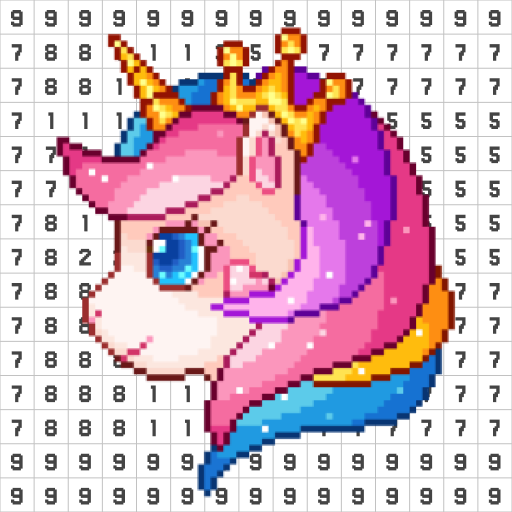
Pixel Coloring-Color by number
Pixel Coloring-Color by number App Info
-
App Name
Pixel Coloring-Color by number
-
Price
Free
-
Developer
Coloring Game Studio@RabiGame
-
Category
Board -
Updated
2026-02-06
-
Version
1.42.12
Frequently Asked Questions
How do I start coloring a picture in Pixel Coloring-Color by Number?
Open the app, browse and select a picture, then tap the numbered squares to fill colors. No additional setup needed; just start coloring!
Can I import my own photos to create personalized pixel art?
Yes, tap the import button on the main screen, select your photo, and use the pixel art maker to customize your artwork.
What are the main features of Pixel Coloring-Color by Number that I should know?
Key features include a vast image library, seasonal-themed pages, personalized photo import, sharing options, and a user-friendly interface.
How do I access new images added daily?
New images are automatically available on the homepage or under the 'Latest' section within the app for continuous inspiration.
Is there a way to get rid of ads or unlock premium images?
Yes, you can subscribe to a premium plan via Settings > Account > Subscription to remove ads and access exclusive content.
What is the subscription cost and how can I subscribe?
The subscription details are listed in Settings > Account > Subscription; follow the prompts to choose a plan and complete payment.
Are there any free options or trial periods available?
Yes, the app offers basic free access with limited images. Some features or images may be available through a trial or free version.
How can I share my completed pixel art creations?
Tap the share icon after completing your artwork to create a time-lapse video or share directly to social media platforms.
What should I do if the app crashes or some images don't load?
Try restarting the app, check your internet connection, or reinstall the app. If issues persist, contact support via Settings > Help.



















