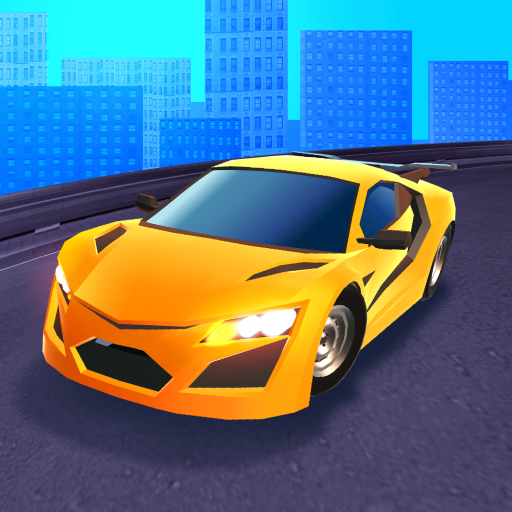
Race Master 3D: Car Racing
Race Master 3D: Car Racing App Info
-
App Name
Race Master 3D: Car Racing
-
Price
Free
-
Developer
Beresnev Games
-
Category
Racing -
Updated
2026-02-03
-
Version
3.6.27.3579
Frequently Asked Questions
How do I start a race in Race Master 3D?
Tap the 'Start' button on the main menu, choose your track, and then tap 'Race' to begin. Use tilt to steer and tap boost during the race.
Can I customize my cars easily?
Yes, go to the Garage menu, select your car, and then choose from paint jobs, accessories, or upgrade performance parts under 'Customization'.
What are the main features of Race Master 3D?
The game features diverse tracks, boss battles, car collection and upgrades, stunning visuals, and dynamic sound effects for an immersive racing experience.
How do I upgrade my cars?
Finish races to earn coins, then go to Garage > Select car > Upgrade to improve engine, acceleration, and handling features.
Are there in-app purchases, and how do they work?
Yes, you can buy coins, special items, or customization options via the shop. Access it through the main menu > Store to make purchases.
Is there a subscription or premium membership?
Currently, Race Master 3D does not offer a subscription. Premium content may be available for purchase in the store under 'Offers'.
What should I do if the game crashes or glitches?
Try restarting your device, ensure your app is updated in the app store, or reinstall the game if issues persist. Contact support via Settings > Help if needed.
Can I change the control settings?
Yes, go to Settings > Controls and customize tilt or tap options according to your preference.
Does the game support multiplayer or online competitions?
Race Master 3D focuses on single-player races and boss battles; currently, it does not feature online multiplayer modes.
How do I unlock new tracks and cars?
Complete races and achieve objectives to earn coins and unlock new levels and cars in the Garage section.