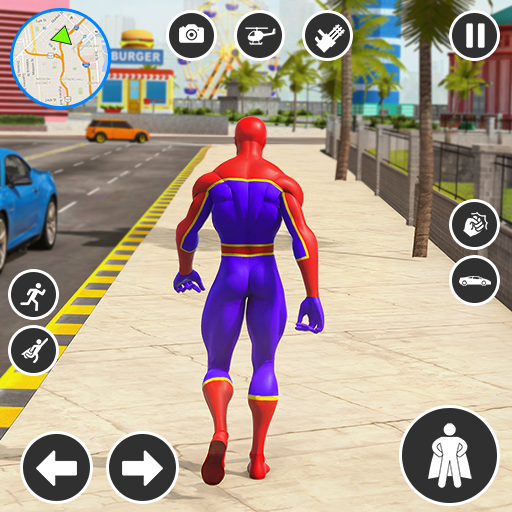
Spider Robot Hero Car Games
Spider Robot Hero Car Games App Info
-
App Name
Spider Robot Hero Car Games
-
Price
Free
-
Developer
Multi Robot Games
-
Category
Strategy -
Updated
2025-10-28
-
Version
1.44
Frequently Asked Questions
How do I start playing Spider Robot Hero Car Games for the first time?
Download the app from your device's app store, open it, and follow the on-screen instructions to begin your superhero adventure.
What are the main controls for transforming between car and robot modes?
Tap the transformation button on the screen during gameplay to seamlessly switch between car and robot modes.
How can I customize my robot and car appearances?
Go to Settings > Customization to select color schemes and upgrade weapons to personalize your hero and vehicle.
What are the different gameplay modes available in Spider Robot Hero Car Games?
The game offers drive, shooting, challenge, and battle modes, accessible via the main menu for varied action experiences.
How do I upgrade my weapons and abilities?
Collect power-ups during missions, then visit the upgrade shop in the menu to improve weapons and superpowers.
Are there any in-app purchases or subscription options?
Yes, you can buy upgrades and unlock new characters via in-app purchases in Settings > Store or Subscription menu.
How can I unlock new characters or robots?
Complete specific missions or challenges and purchase or unlock characters through the in-game store under the 'Characters' section.
How to troubleshoot if the game crashes or freezes?
Try restarting your device, ensuring the app is updated, or reinstalling the game via your app store if issues persist.