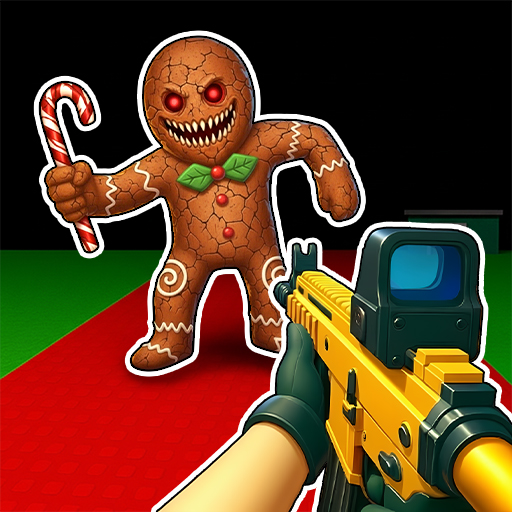
Zombie Hunt: Apocalypse Games
Zombie Hunt: Apocalypse Games App Info
-
App Name
Zombie Hunt: Apocalypse Games
-
Price
Free
-
Developer
VNGGames Studios
-
Category
Action -
Updated
2025-11-20
-
Version
1.15.3
Frequently Asked Questions
How do I start playing Zombie Hunt: Apocalypse Games offline?
Download and install the app from your app store, then launch the game. No internet connection is required to start playing, enjoy the immersive zombie survival experience immediately.
What are the basic controls to aim and shoot?
Use the on-screen joystick to move and tap the shoot button to aim and fire. Controls are designed to be smooth and intuitive for easy gameplay.
How can I upgrade my weapons in the game?
Go to the Arsenal menu from the main screen, select your weapon, and choose upgrade options. Use earned rewards or in-game currency to enhance your arsenal.
What are the main features of Zombie Shooter 3D?
The game offers stunning 3D graphics, diverse weapons, challenging levels, epic boss battles, and offline play, providing a comprehensive zombie shooting experience.
Can I customize my character and weapons?
Yes, you can personalize your character and weapons with skins and upgrades via the customization menu accessible from the main interface.
How does the survival mode work?
Survival mode tests your endurance against endless zombie waves. Play to see how long you can last, using your weapons and tactics to survive as long as possible.
Is there a way to buy additional weapons or upgrades?
Yes, access the shop through the main menu to purchase new weapons or upgrades using in-game currency or real money, depending on your preferences.
Does the game require a subscription or in-app purchases?
In-app purchases are available for weapons, upgrades, and skins. No subscription is necessary; you can enjoy all core features offline without paying.
What should I do if the game crashes or has bugs?
Restart the app and your device. Ensure the app is updated to the latest version. If issues persist, contact support via the help section in settings.