
Incognito Browser - Go Private: Your Personal Digital Fortress
In a world where privacy is increasingly rare, Incognito Browser - Go Private stands out as a dedicated tool crafted to keep your online footsteps invisible. Designed with privacy-conscious users in mind, this app promises a sleek, streamlined browsing experience without compromising on security or speed.
Meet the Minds Behind the Privacy Shield
Developed by the innovative team at PrivacyTech Labs, Incognito Browser - Go Private is a product of a group passionate about safeguarding user data. Their goal is to offer an intuitive, privacy-first browser that can seamlessly integrate into everyday digital routines while resisting invasive tracking and data collection.
The App's Bright Spots: What Makes It Shine?
- Robust Privacy Features: Incognito mode is built-in, ensuring your browsing history, cookies, and cache are automatically wiped clean, leaving no traces behind.
- Fast and Reliable Performance: Despite its focus on security, the app maintains impressive browsing speeds, rivaling mainstream browsers, thanks to optimized data handling.
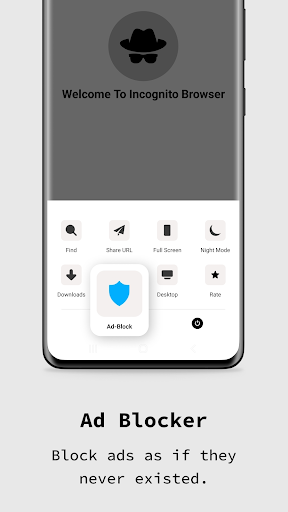
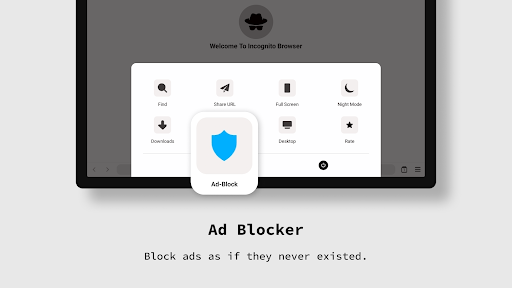
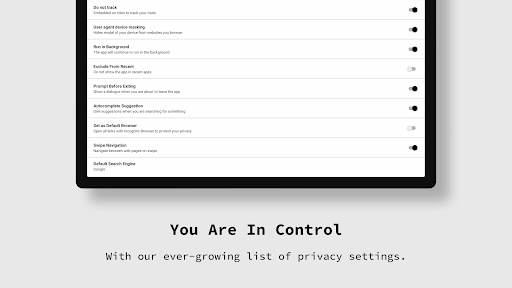
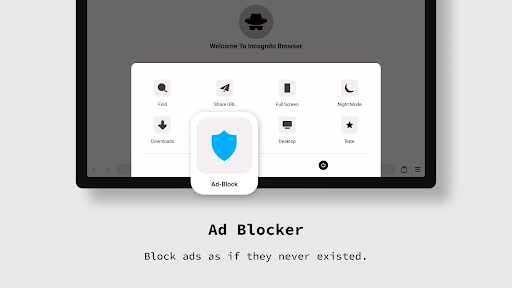
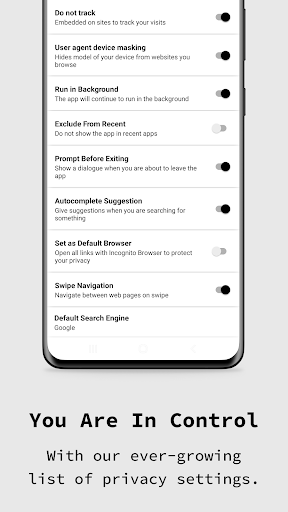
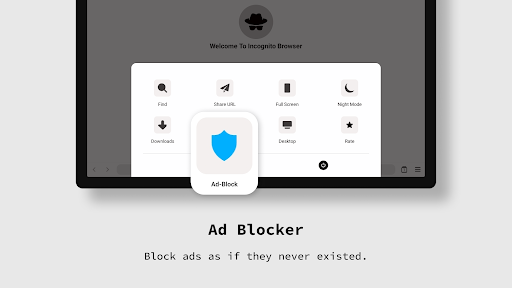
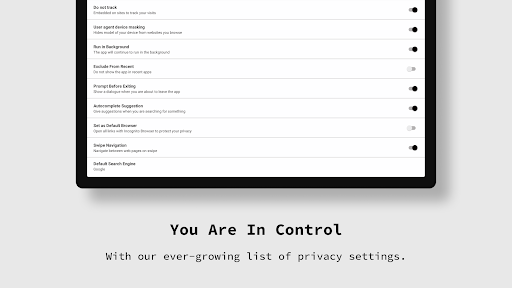
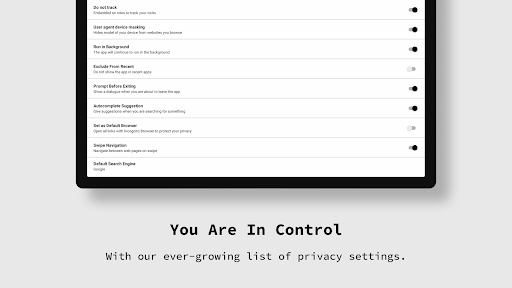
- Customizable Security Settings: Users can tailor privacy levels and blocking options such as trackers, ads, and scripts, adapting the browsing environment to their needs.
- User-Focused Design: The app boasts an intuitive interface suitable for both tech-savvy users and newcomers, with straightforward navigation and minimal clutter.
Experience the Privacy Powerhouse
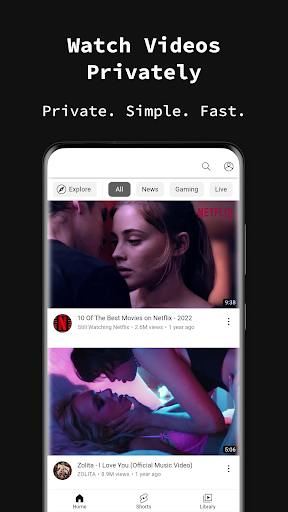
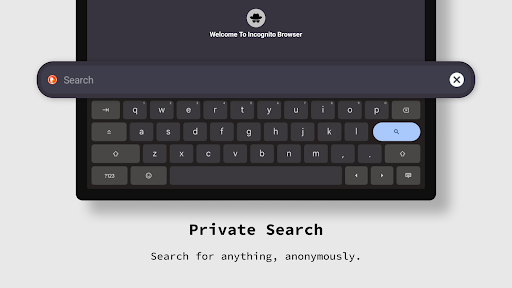
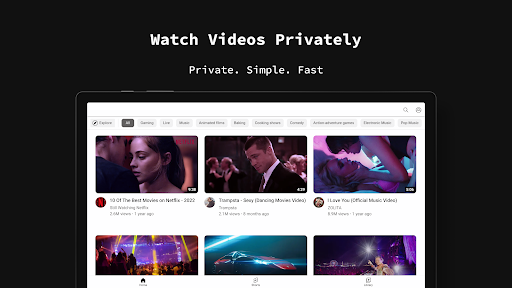
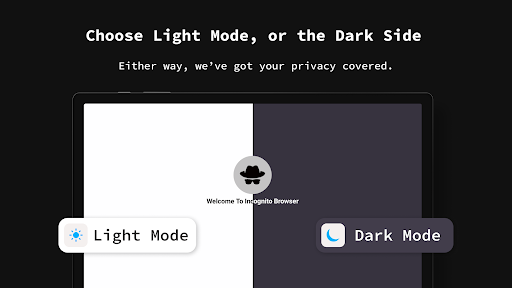
Browsing with Incognito Browser - Go Private feels like slipping behind a digital curtain—smooth, seamless, and subtly confident. From the moment you open the app, you're greeted with a clean, inviting interface that resembles a sleek corridor of privacy, free from distracting ads or clutter. Navigating between tabs and features is a breeze—swiping and tapping are silky smooth, indicative of well-optimized coding that eschews lag and stutters. For those wary of steep learning curves, the app's straightforward layout offers instant familiarity, much like slipping into a trusted pair of shoes after a quick tutorial.
Unpacking Key Features: Privacy and Speed as a Dynamic Duo
Privacy and Tracking Protection
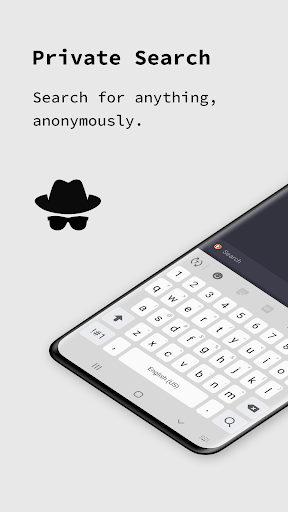
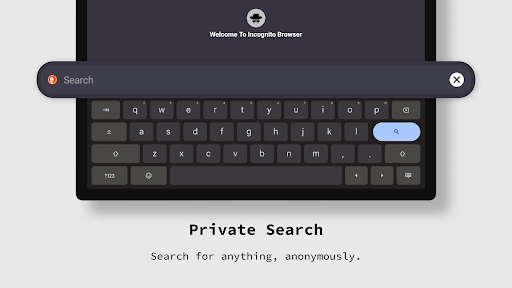
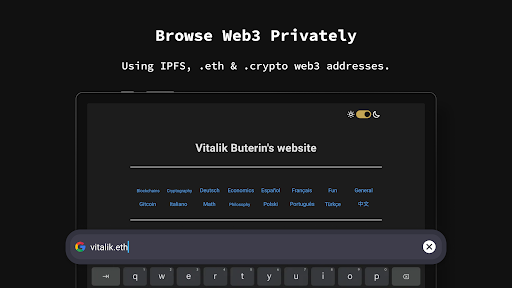
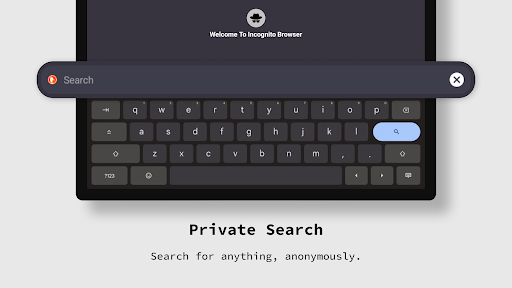
At the core, Incognito Browser - Go Private is akin to a personal bodyguard for your online activities. Its advanced tracking blockers prevent advertisers and third parties from profiling your browsing habits. Switching on privacy settings feels natural yet empowering—think of it as donning a stealth cloak that renders you nearly invisible online. The automatic clearing of browsing history and cookies ensures that no digital footprints remain, giving users peace of mind especially when using public Wi-Fi or shared devices.
Speed and Reliability in Real Time
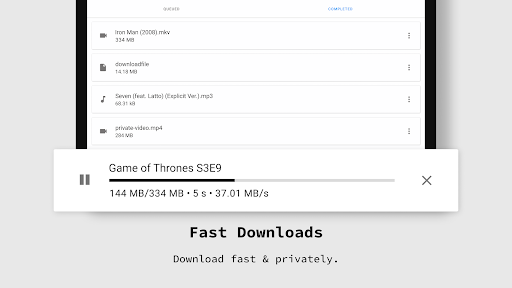
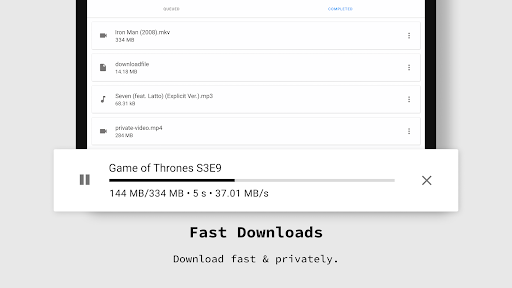
While many privacy tools slow browsers down to safeguard data, Incognito Browser - Go Private proves that security and speed can coexist harmoniously. Thanks to expertly optimized data compression and caching strategies, your web pages load swiftly. Whether you're streaming videos, shopping online, or reading lengthy articles, the app maintains fluidity and responsiveness. Its ability to deliver near-instantaneous page loads—comparable to a sports car's acceleration—sets it apart from other privacy-focused browsers, which sometimes trade speed for security.
Media Sharing and Customization
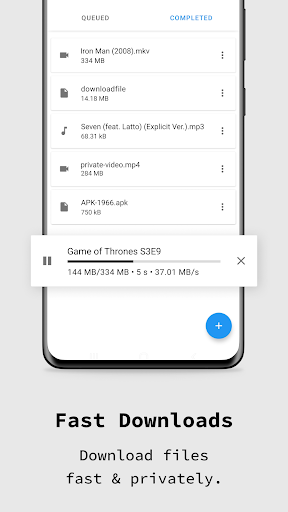
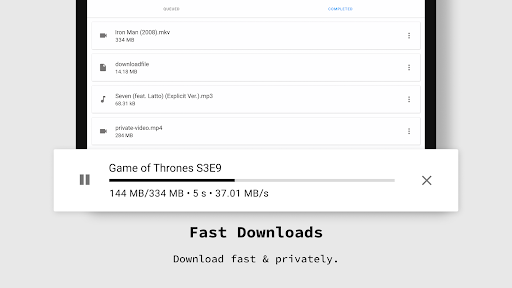
Beyond basic privacy, the app offers support for quick media sharing—images, links, and documents can be transferred securely without exposing your identity. Its customizable security options allow you to tweak tracker blockers, enable HTTPS enforcement, and select strict privacy profiles, transforming the browsing experience from a static fortress into a flexible toolkit tailored precisely for your needs. This level of control lets users balance convenience and security effortlessly, much like adjusting the settings on a high-end stereo to match your mood.
Should You Take the Plunge?
For privacy enthusiasts and everyday users alike, Incognito Browser - Go Private is a commendable choice. Its standout ability to deliver swift browsing without sacrificing security makes it particularly attractive for those who want a trustworthy, no-nonsense browser. If you frequently browse sensitive information or value as much privacy as speed, this app deserves a serious look. However, for users seeking deep social media integration or multimedia-rich features beyond privacy focus, some limitations might be noted.
Overall, I would rate Incognito Browser - Go Private as a highly recommended tool—especially for users prioritizing privacy and reliability. Its user-friendly design ensures that even beginners can adopt it quickly, while its advanced features attract more experienced privacy-conscious users. My advice? Try it out for your everyday browsing needs, especially when security takes precedence, and enjoy a smoother, safer online experience.