A Dynamic Rhythm Runner: An In-Depth Look at Geometry Dash
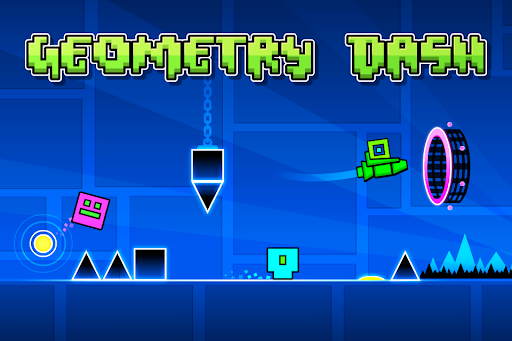
Geometry Dash stands out as a captivating and challenging rhythm-based platformer that combines pixel-perfect precision with pulsating music, offering players an engaging audiovisual experience. Developed by RobTop Games, this app has garnered a dedicated community thanks to its inventive gameplay mechanics and visually appealing design. Whether you're a casual gamer seeking fun short bursts or a hardcore challenge seeker, Geometry Dash promises to keep your reflexes sharp and your heartbeat quickening.
Core Features That Keep You Hovering in the Groove
Innovative Rhythm-Based Gameplay
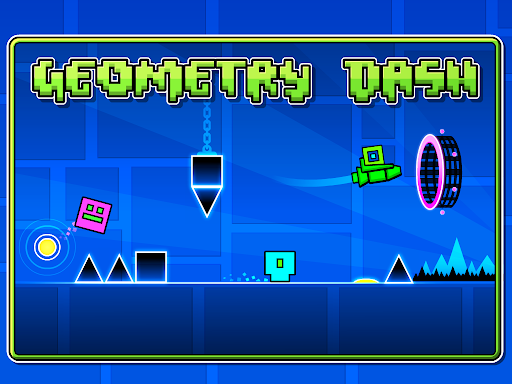
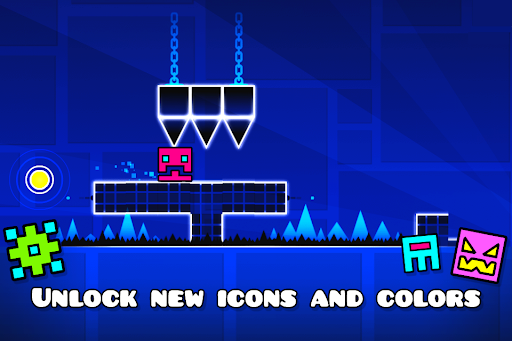
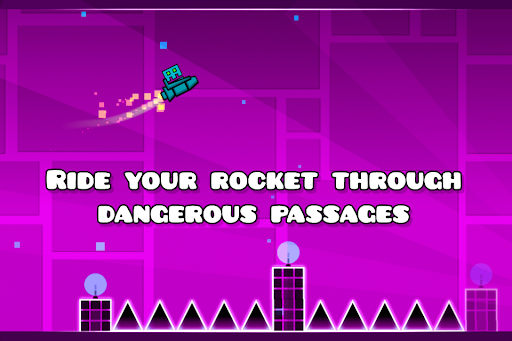
At the heart of Geometry Dash lies its unique synchronization of gameplay with a dynamic soundtrack. Players navigate a small cube through a series of intricately designed levels that demand precise timing and rhythm awareness. Unlike traditional platformers, success depends on how well you can match your movements to the beat — a feature that creates an immersive musical journey with every tap. This design turns each level into a sort of dance, where your fingers become musical instruments, and your reactions fuel the beat-forward adventure.
Extensive Level Editor and Replayability
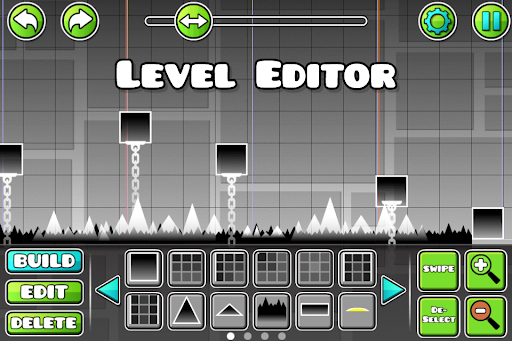
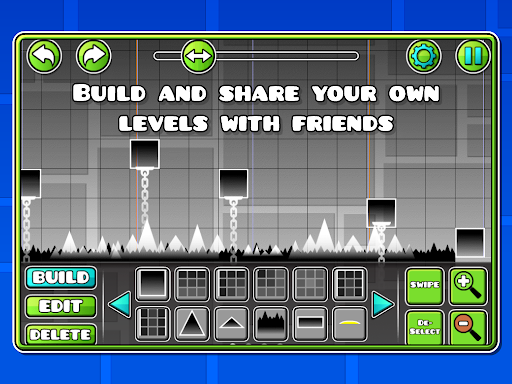
One of Geometry Dash's standout features is its built-in level editor, empowering players to craft their own challenging stages. This fosters a vibrant community of creators, constantly expanding the universe of the game. The short-session replayability is another highlight—levels are designed to be completed in quick bursts, which encourages repeated attempts to perfect your run or explore new strategies. This short, high-stakes gameplay makes it ideal for quick gaming fixes or intense problem-solving marathons.
Immediate Feedback and Skill Progression
The game provides instantaneous feedback on your performance, with visual cues and sound effects signaling success or failure. This immediate response system keeps players engaged, allowing for rapid adjustments in strategy. Over time, players develop a keen sense of pattern recognition and reflex mastery, making each attempt more intuitive. This real-time feedback enhances learning curves, turning frustration into motivation and helping players measure improvement effectively.
The User Experience: Interface, Flow, and Learning Curve
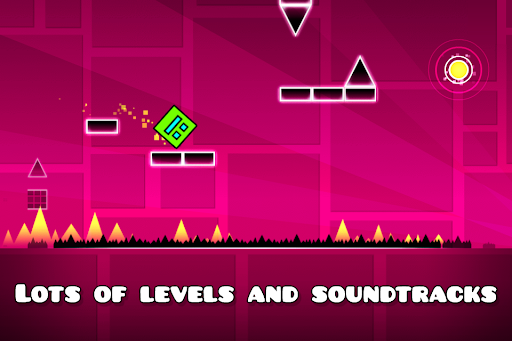
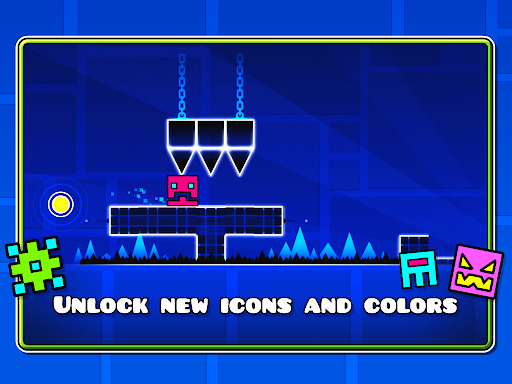
Geometry Dash sports a sleek, minimalistic interface that feels both modern and inviting, much like stepping into a stylish dance club. The menus are intuitive, ensuring a seamless transition from selecting levels to gameplay. The controls are straightforward—tap to jump, hold to hover—yet mastering them requires finesse. The gameplay fluidity is commendable; animations are smooth, with no noticeable lag, even on mid-range devices. Beginners might find the initial levels straightforward but will quickly face the escalating difficulty, which adds to the thrill. Despite the increasing challenge, the game's design helps players learn through gradual difficulty spikes, keeping frustrations at bay and providing a satisfying learning curve.
What Sets Geometry Dash Apart from Its Arcade Rivals
Compared to other arcade-style apps, Geometry Dash's most distinctive feature is its harmonious blend of music and gameplay—each level feels like a living dance party where your actions drive the rhythm. Unlike titles that simply test reaction time, it emphasizes short-session replayability, encouraging players to perfect their runs and analyze replays to spot the tiniest timing errors. The immediate scoring and feedback system further differentiate it, making each session feel like an instant feedback loop that motivates continual improvement. This focus on rhythm synchronization and swift, replay-friendly stages provides a gameplay experience that is both addictive and rewarding, even for players who may not ordinarily gravitate toward music-based games.
Should You Jump In? Recommendations and Usage Tips
All in all, Geometry Dash is highly recommended for players who enjoy quick, skill-based challenges wrapped in a vibrant beat. Its engaging gameplay, coupled with the robust level editor and replay features, makes it suitable for both casual gamers and dedicated hobbyists. Newcomers should start with the easier levels to grasp the rhythm and controls before delving into more complex stages. For seasoned players, exploring user-created levels offers endless variety and fresh challenges. To enhance your experience, consider customizing your gameplay environment, such as adjusting sound settings or practicing specific sections, to hone your reflexes. Though it demands concentration, the game's rewarding feedback and captivating music make it an enjoyable puzzle that keeps your fingers dancing on the screen.