Meet Your New Music Buddy: Mp3 Music Downloader
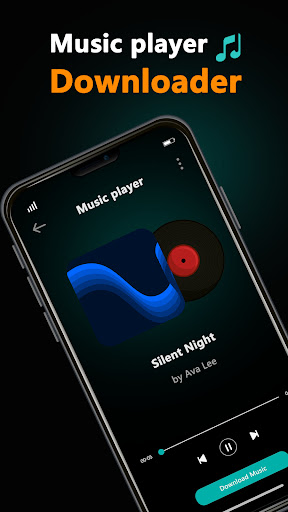
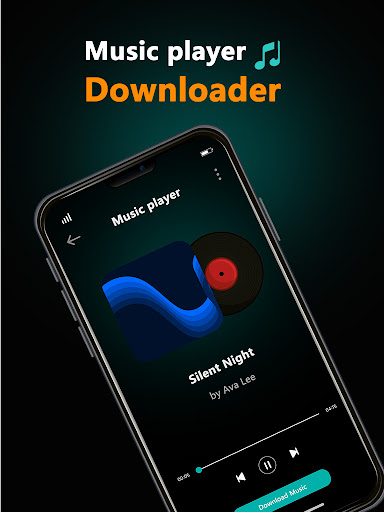
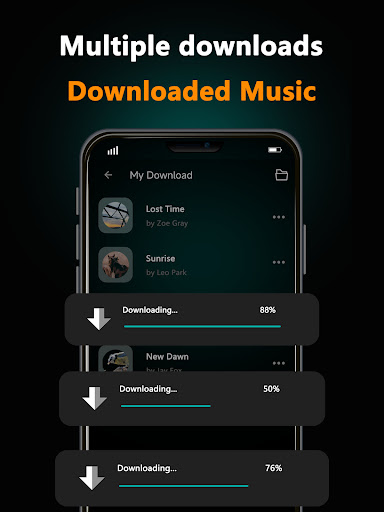
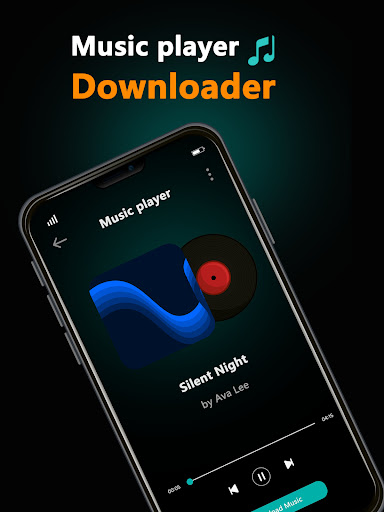
If you've ever found yourself stuck mid-road trip without your carefully curated offline playlist—or worse, on a plane with spotty Wi‑Fi and no downloaded tracks—you know the struggle. Mp3 Music Downloader steps in like that reliable friend who always carries a backup charger. At its core, this app is a straightforward, no‑frills tool for finding, grabbing, and organizing music files right on your phone or tablet. Developed by a small but focused indie team (the same folks behind a few well‑received file‑management utilities), it brings three main selling points: a built‑in search engine that pulls from multiple audio sources, support for high‑bitrate downloads up to 320 kbps, and an automatic ID3 tag‑filler that saves you the hassle of manually editing metadata. It's designed for anyone who wants to build a local music library without paying for a subscription—commuters, podcast collectors, and casual listeners who enjoy the freedom of owning their audio files.
First Impressions: Clean Enough to Let You Focus
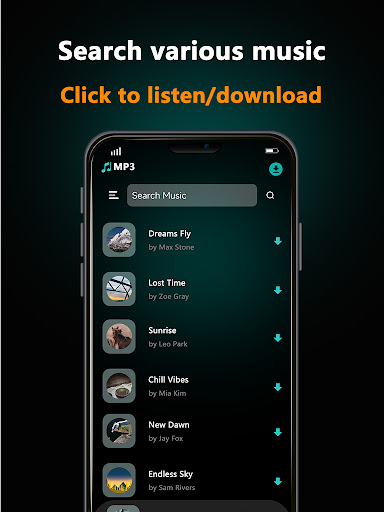
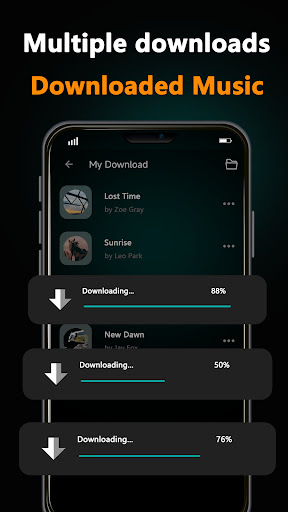
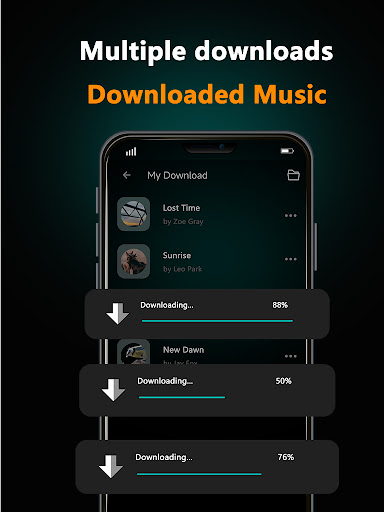
Open the app, and you're greeted by a muted blue interface with a single search bar dominating the top half. No flashy banners, no “hot deals” pop‑ups—just a plain field that says “Search for a song or URL.” That restraint is refreshing. The layout follows a simple three‑tab navigation: Search, Downloads, and Library. Tapping each tab snaps into place without any stutter, even on a phone from two years ago. The learning curve is practically flat; I handed it to a friend who usually struggles with tech, and she had downloaded three songs in under a minute. If I had to nitpick, the font in the queue list could be a hair larger, but that's a minor trade‑off for an interface that doesn't overwhelm you.
Core Feature: The Multi‑Platform Extraction Trick
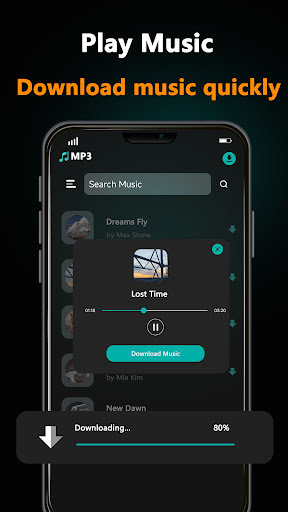
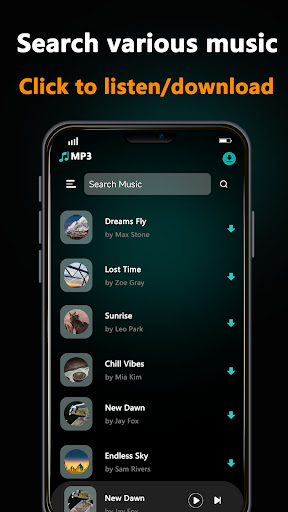
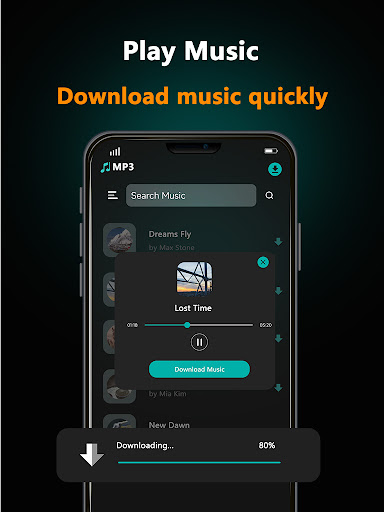
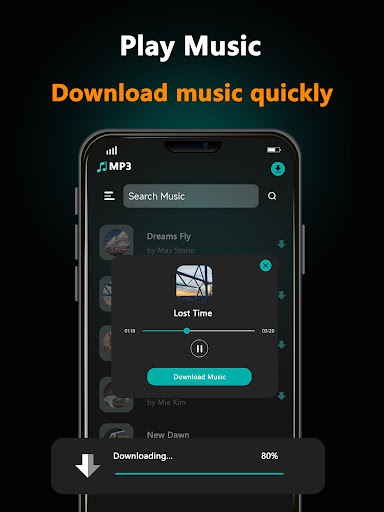
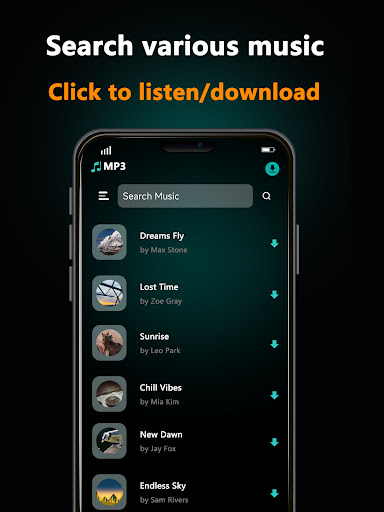
This is where Mp3 Music Downloader truly stands out. Instead of forcing you to jump between YouTube, SoundCloud, and random audio‑sharing sites, the app's backend searches across a handful of popular platforms simultaneously. Type in a song title like “Let It Be,” and it returns results from YouTube audio streams, SoundCloud uploads, and even a few niche music blogs as separate entries. Each result shows the source platform, file size, and bitrate at a glance. You can preview a 30‑second snippet before committing to the download. What makes this feature special is how it handles links: copy a YouTube URL, switch to the app, and it automatically detects and offers to fetch the audio. No pasting into a separate converter, no awkward “paste link here” boxes. It just works—like a Swiss Army knife for music grabbing.
Behind the Scenes: Smart Tagging That Remembers Your Mood
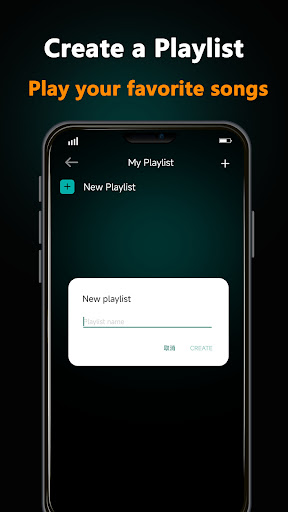
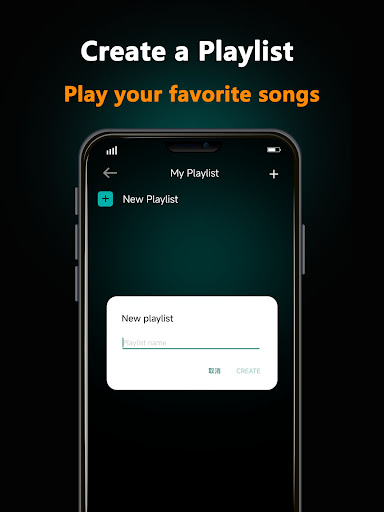
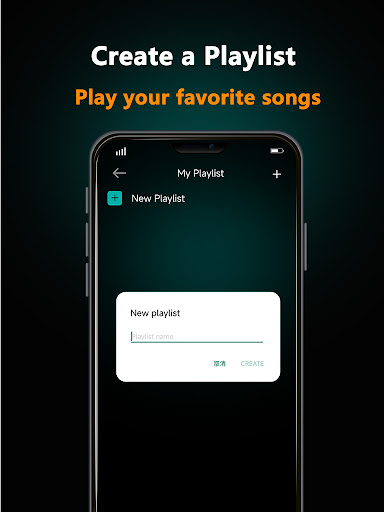
After the download finishes, the app doesn't just dump a pile of untitled MP3s into your library. It attempts to auto‑fill artist, album art, and genre tags using the data from the source page. In my test with a live recording from SoundCloud, it correctly tagged the artist and added a generic “Live” genre—not perfect, but a huge time‑saver compared to manually editing each file. You can still tweak the tags later with the built‑in editor, which is straightforward. The real bonus is the “Smart Playlist” option: the app can group downloads by the source platform (e.g., “YouTube Hits” vs. “SoundCloud Finds”), which is oddly satisfying for organizing chaotic music taste.
How Does It Stack Up Against Competitors?
Most music downloader apps either limit you to one platform (YouTube only) or bombard you with ads for “premium conversion.” Mp3 Music Downloader avoids both traps. Its biggest competitor is probably the well‑known “Tubidy” or “Snaptube,” but those often require extra steps to extract audio. This app keeps everything in one place—search, preview, download, tag, and play. The lack of native streaming (you can't use it as a Spotify replacement) means it's not a YouTube Music killer, but it excels at its intended job: building a permanent offline library. The app also respects fair use: it won't download DRM‑protected content from paid services, which feels ethically sound without being preachy.
Final Verdict: Should You Download It?
Yes—with a small caveat. If you regularly hunt for obscure remixes, live recordings, or podcast episodes that aren't on major streaming platforms, Mp3 Music Downloader will save you hours of tab‑hopping. The multi‑platform search is the star feature, and the auto‑tagging is a welcome bonus. However, if you're a heavy playlist user who needs seamless syncing across devices, you'll still want a subscription service. Think of it as your backup toolbox—not your daily driver, but the one you're glad to have when the main ride breaks down. For the price (free with a one‑time in‑app purchase to remove a small banner ad), it's an easy recommendation for anyone who values ownership over renting their music.