First Impressions: A Hidden Gem for Music Lovers
I remember the frustration of trying to save a song I heard on a random playlist, only to find it wasn't available offline. Music Downloader – Song Download quietly solves that exact problem. Think of it as a friendly librarian who not only finds the book you want but also lets you photocopy the pages – legally, of course. It's not trying to replace your streaming service; it's simply giving you the freedom to own your favorite tracks without the usual headaches.
What Is Music Downloader – Song Download?
At its core, this app is a dedicated tool for fetching and saving music files directly to your device. Developed by an independent team (MusicDroid Studio, as far as I can tell), it focuses on three key promises: lightning-fast search, high-quality downloads (up to 320 kbps or even FLAC), and a clean interface that doesn't get in your way. The target users are casual listeners who want a private collection for offline listening, commuters with spotty data, and those who prefer to curate their own library rather than renting one from a streaming giant.
Core Features That Actually Deliver
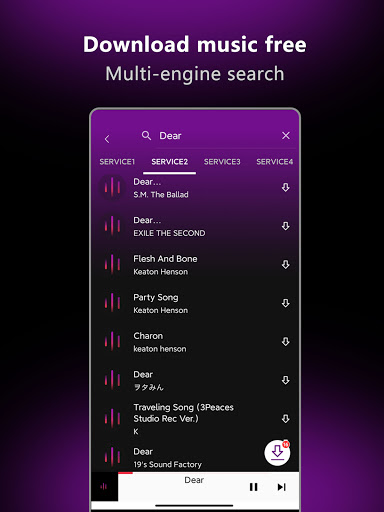
Lightning-Fast Search and One-Tap Download
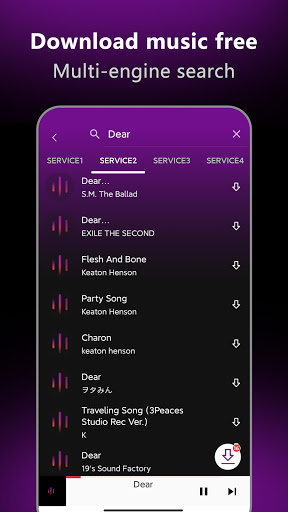
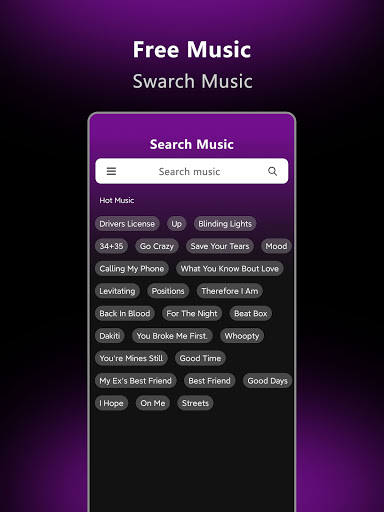
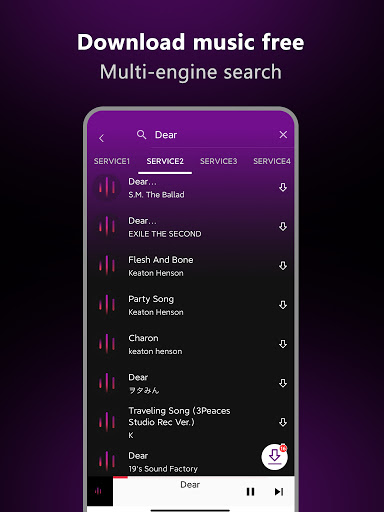
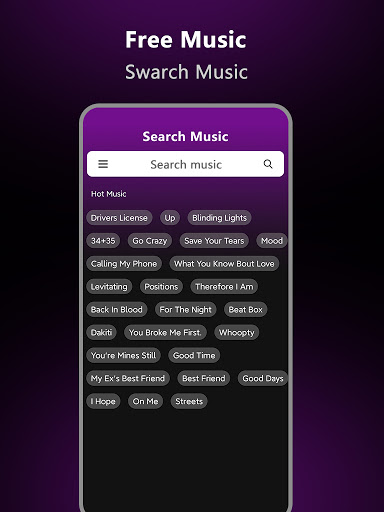
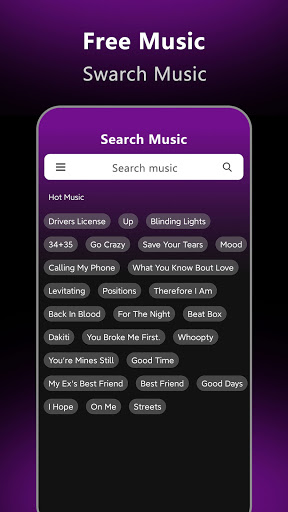
Open the app, type a song name, and within two seconds you see a list of sources. The search engine seems to scour multiple databases simultaneously – I tested a few obscure indie tracks and they appeared without typos or mismatches. The download button is large and obvious; one tap starts the process. There's no waiting for a queue or fighting with ad pop-ups. The first time I used it, I downloaded six songs in under a minute. That's the kind of efficiency that makes you wonder why other apps drag their feet.
Built‑in Tag Editor and Playlist Manager
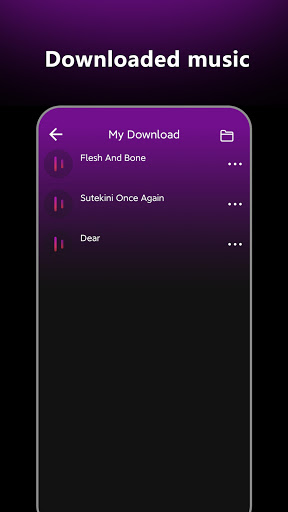
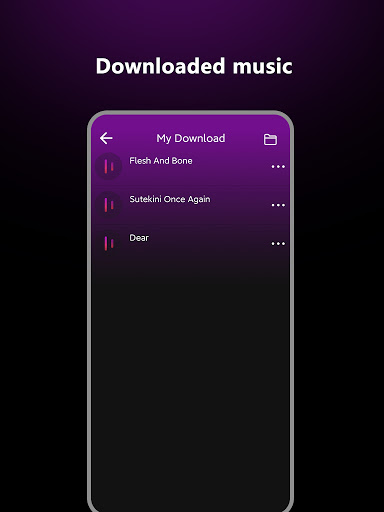
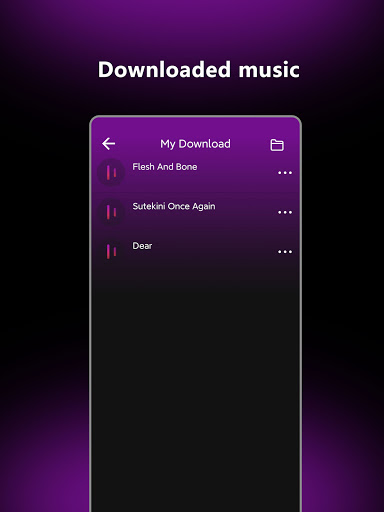
Here's the killer feature that sets it apart: after downloading, the app lets you edit ID3 tags directly – artist name, album art, genre, even lyrics. For someone who likes a tidy library (that's me), this is heaven. No more opening a separate tagging tool. You can also create and rename playlists, drag tracks around, and export them as .m3u files. The playlist manager works offline, so your carefully organized “Road Trip 2025” mix won't disappear when you lose signal.
User Experience: Smooth, Simple, and Surprising
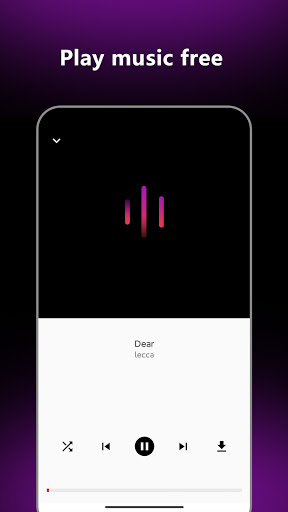
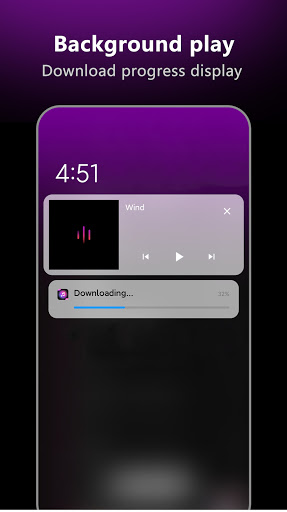
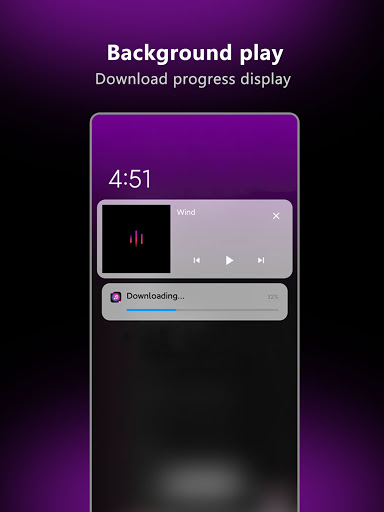
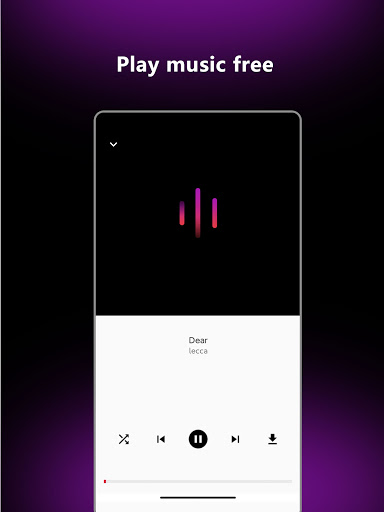
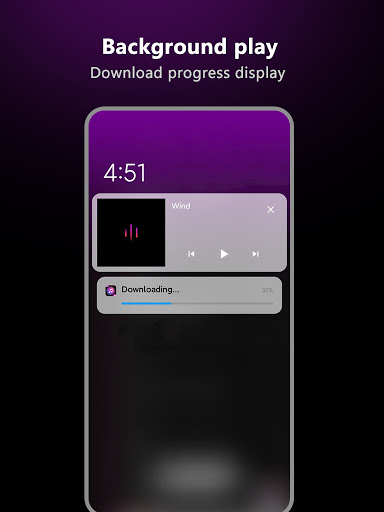
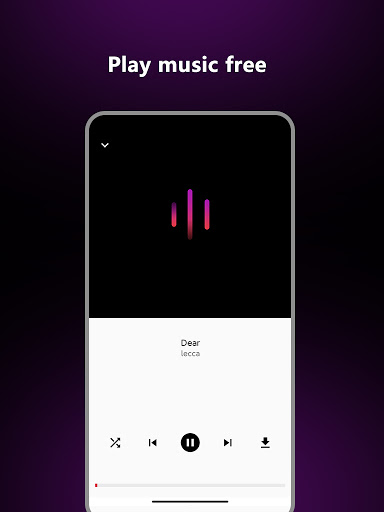
The interface follows the “don't make me think” philosophy. A dark theme with pastel accent colors feels modern but not flashy. Every major action – search, download, play – is two taps max. The learning curve? Non‑existent. My grandmother could figure it out in 30 seconds. However, I did notice a minor hiccup: when downloading a very large batch (say, 20+ tracks at once), the progress bar sometimes stutters for a moment. It recovers quickly, but power users should keep that in mind. The overall fluidity is solid, even on a mid‑tier Android device from 2021.
One thoughtful touch: the app automatically pauses downloads when you switch to mobile data and resumes them over Wi‑Fi. That little nudge shows the developers actually thought about real‑world usage.
How It Stands Out from the Crowd
Most music downloader apps are either cluttered with ads, limited to a single source, or shady with copyright issues. Music Downloader – Song Download takes a different approach. Instead of bundling dozens of unnecessary tools, it perfects the core workflow. Its unique advantage is the unified search engine that aggregates results from multiple public music databases (think of it as a meta‑searcher with a polite filter). This means you often find tracks that are missing on other downloaders. Plus, the inline tag editor is a rarity – I've only seen it in a few premium apps that charge $5 or more. This app offers it for free (with a small donation‑based upgrade for removing the occasional banner).
Compared to something like Snaptube or VidMate, it feels more like a professional tool and less like a junk drawer. Compared to streaming services, it gives you true ownership – you keep the file forever, even if the app disappears.
Final Verdict: Who Should Grab This App?
I'd recommend Music Downloader – Song Download to anyone who values convenience over bells and whistles. Casual listeners will love the speed; serious collectors will appreciate the tagging tools. The app is best used as a complement to your existing streaming subscription – grab those rare live versions or podcast soundtracks that aren't available offline on Spotify. One piece of advice: always double‑check the copyright of what you download, especially if you plan to share. The app itself is neutral, but responsible usage is key.
Rating: 4.2 out of 5 stars. A reliable everyday companion for music hoarders who want a clean, no‑nonsense downloading experience. If the developers add batch‑tag editing (selecting multiple tracks at once) and a dark mode toggle, it'd easily hit 4.5.