
PrinterShare Mobile Print: Your Handy Companion for Wireless Printing
Imagine having a printing assistant that travels with you on your mobile device, making document and photo printing as simple as a tap. PrinterShare Mobile Print is a versatile app designed to bridge the gap between your smartphone or tablet and a variety of printers, streamlining your printing tasks effortlessly. Developed by Certify Global, this application boasts several standout features that cater to users who need quick, reliable, and flexible printing solutions. Whether you're a student, professional, or someone managing a busy household, PrinterShare is tailored to meet your everyday printing needs.
Core Features That Make a Difference
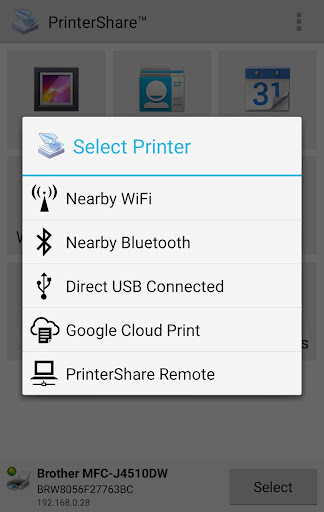
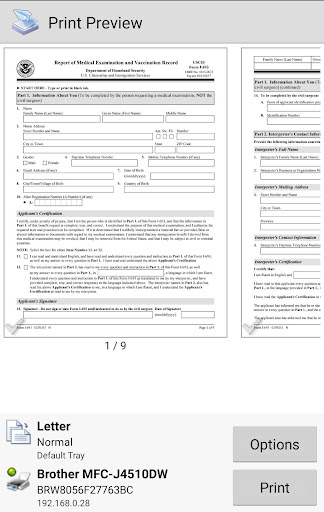
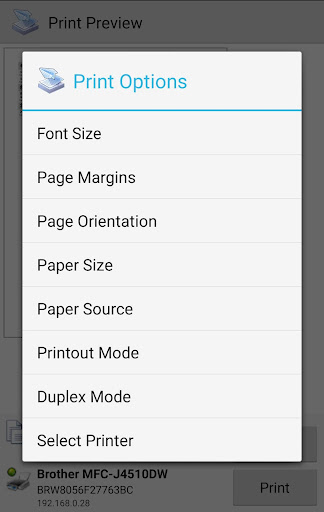
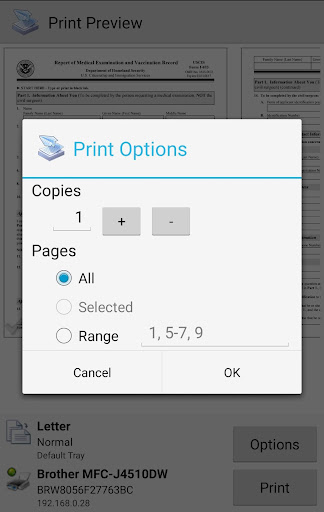
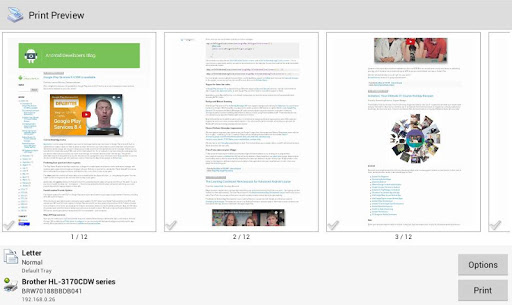
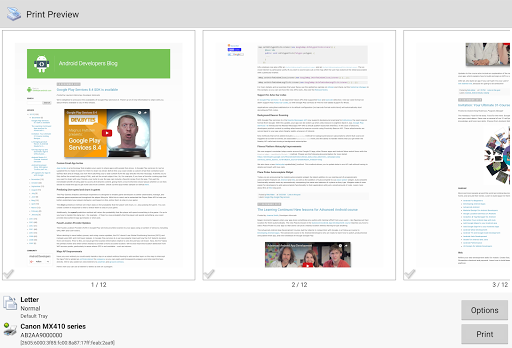
At its core, PrinterShare offers seamless connectivity with multiple printer brands and models, ensuring you're never limited by hardware. It supports printing via Wi-Fi, Bluetooth, and even local network sharing, providing unmatched flexibility. Additionally, the app allows you to print directly from your mobile gallery or cloud storage services like Dropbox and Google Drive, turning your device into a portable printing hub. The third key feature is its ability to handle various document types—including PDFs, Microsoft Office files, and images—making it a comprehensive solution for diverse printing tasks. Lastly, PrinterShare's photo editing capabilities before printing and the option to preview documents ensure your output meets your expectations every time.
Enjoying the User Experience: Intuitive and Efficient
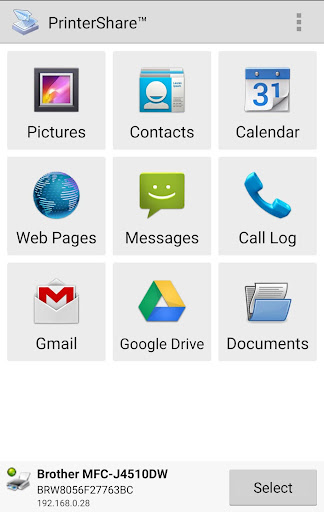
Launching PrinterShare feels akin to opening the door to a well-organized workshop—everything you need is accessible without any overwhelming menus. The interface design strikes a balance between simplicity and functionality, with clean icons and straightforward navigation. Whether you're a tech novice or a seasoned user, the learning curve is gentle; most functions can be mastered within minutes, thanks to clear instructions and guided prompts.
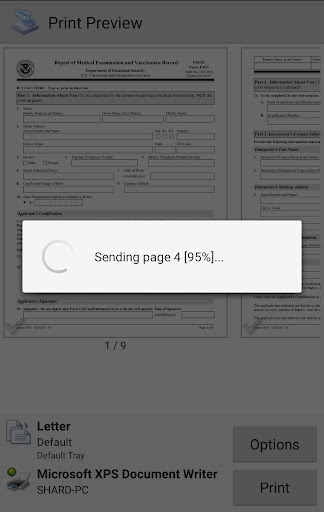
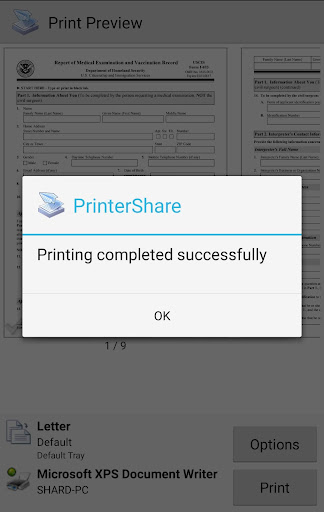
The app operates smoothly with minimal lag, even when handling large files or high-resolution images. Its connection process is quick and reliable, which is especially crucial when you're on the go and need to print a last-minute document. The app's ability to remember previously connected printers and settings simplifies repeated tasks, turning a once-complicated process into a seamless experience.
Unique Selling Points and Differentiation
What really sets PrinterShare apart from many other mobile printing apps is its collaborative work features integrated with task management elements. Unlike standard printing apps that focus purely on sending jobs to a printer, PrinterShare encourages a team-oriented approach—ideal for office or group projects. Users can share printed files directly or coordinate printing tasks among multiple team members, facilitating smoother workflows. Its ability to manage multiple print jobs, queue them, and synchronize with shared cloud folders makes it an excellent tool for collaborative environments.
Furthermore, PrinterShare's versatility in supporting a broad range of printers, including older models not designed for mobile connectivity, gives it an edge. Many competitors either restrict users to newer, compatible printers or require additional hardware. This app bridges that gap, effectively making almost any printer “smart,” and integrating it into your mobile workspace with ease.
Recommendation and Usage Scenarios
Overall, PrinterShare Mobile Print earns a solid recommendation for users seeking a reliable, flexible, and user-friendly printing solution. It's particularly suitable for small offices, students, freelancers, or anyone who frequently needs to print documents away from traditional desktop setups. If your work involves collaborative projects where multiple people need access to shared printers or files, and you value an intuitive interface with robust task management, this app stands out as a smart choice.
To maximize its benefits, keep your mobile device connected to your preferred printer network, and make use of its document preview and editing features to ensure quality output. While it may lack some advanced enterprise features found in full-fledged business printing solutions, for everyday mobile printing needs, PrinterShare moves ahead confidently, making printing less of a chore and more of a streamlined part of your workflow.